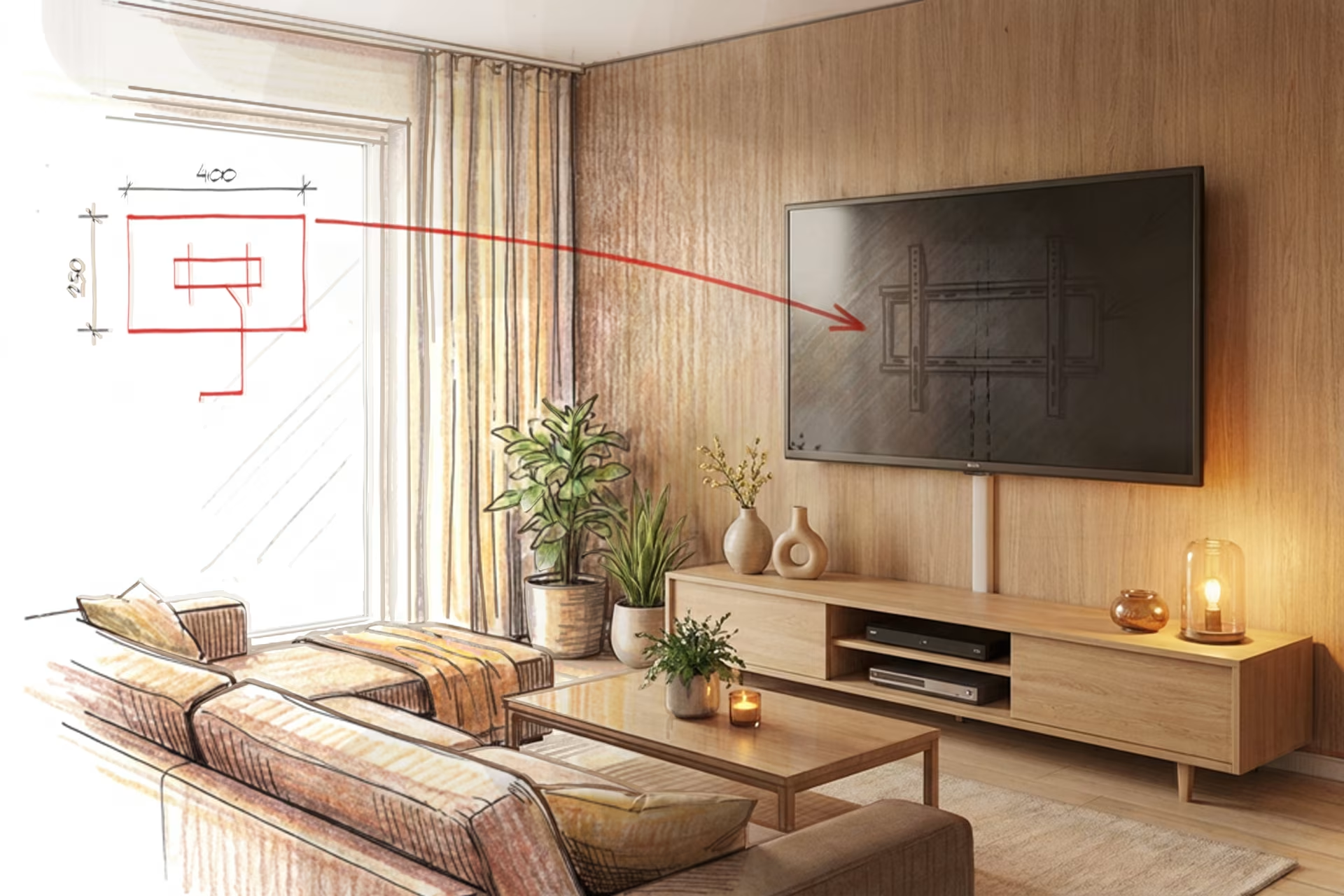
TV wall mount installation – DIY or professional service
Updated 20.04.2026
When mounting a TV on the wall, you can either do it yourself or order a wall mounting service when purchasing your TV. Whether you decide to roll up your sleeves and do it yourself or let the professionals handle it, this article explains how to proceed. Please note that you will need a wall mount even if you order the installation service. When ordering a TV, we offer a compatible wall mount alongside the installation service, but you can also choose one yourself using our wall mount selection guide.
Start by determining the TV's position on the wall
Whether you're installing the TV yourself or ordering an installation service, you should decide on the height and placement beforehand. These factors also influence your choice of TV and wall mount.
When choosing the location, consider the following:
- the viewing experience is optimal from all distances and angles
- there are no water pipes or electrical wires behind the mounting points
- mounting points align with wall studs or support structures when installing on drywall
- the TV's power cord reaches the outlet from the chosen position.
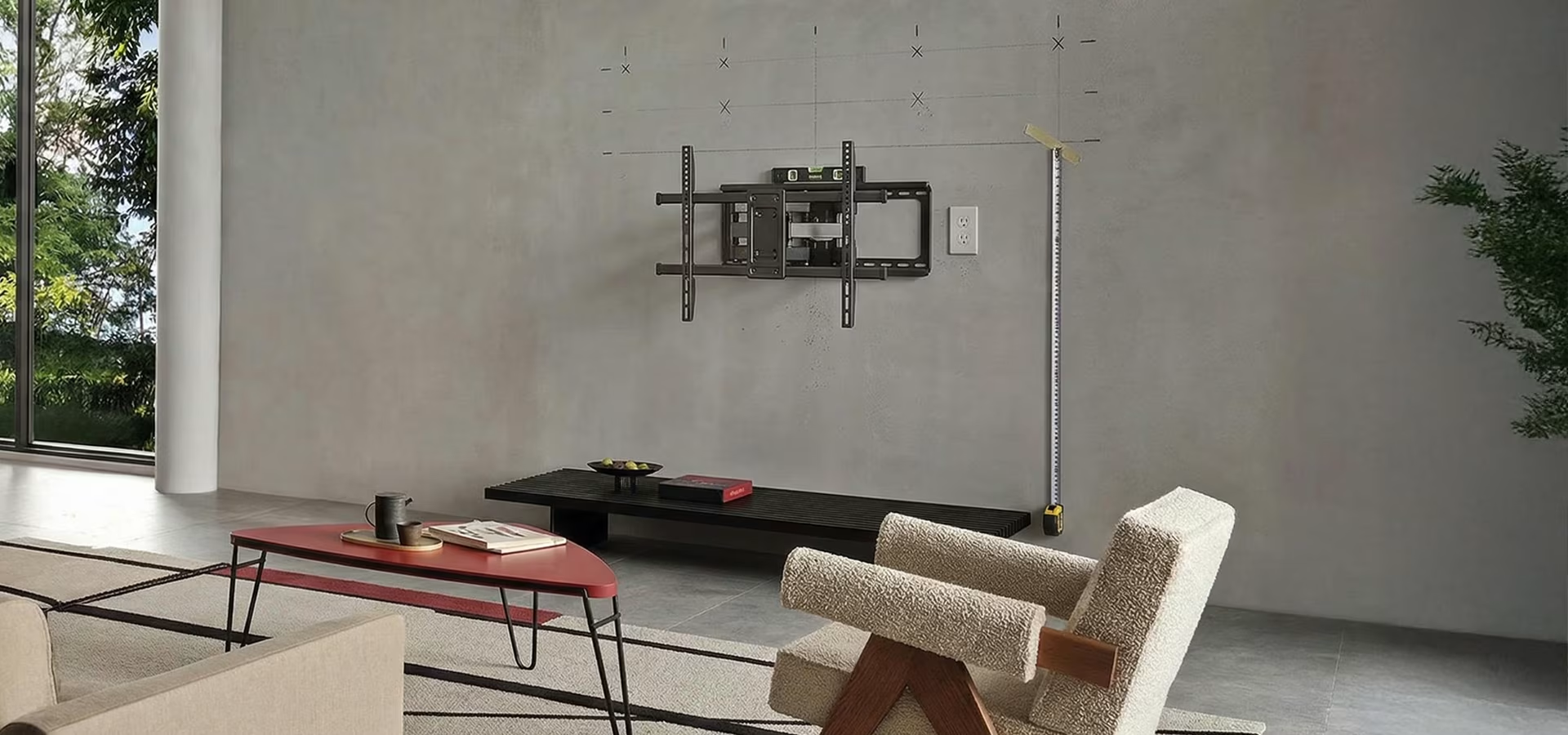
How high should you mount your TV?
In the living room, the center of the TV should be roughly at eye level to prevent neck strain. Test the height by sitting on your sofa and visualizing the placement from different angles. Choose a height that works for various viewing positions and fits your interior design.
In the bedroom, the TV can be mounted slightly higher, as it's often viewed from a reclined or lying position.
In office meeting rooms, ensure the screen is clearly visible over the table. Consider the viewing distance: the closer people sit, the lower the screen should be to reduce neck strain. In larger conference rooms where people sit further away, mount the screen higher so everyone can see the content. For the best results, mark the height with masking tape and check the view from both the closest and furthest seats.
Consider the viewing height when choosing a wall mount – if a fixed position doesn't work for all angles, opt for a height-adjustable or tilting mount.
The easy option – TV wall mount installation for homes and businesses
If you're unsure about your DIY skills or simply want a hassle-free experience, order your TV from Verkkokauppa.com with our professional installation service.
Service includes
- Wall mount installation and mounting the TV to the bracket.
- Connecting the TV and verifying functionality.
- Connection to the antenna or cable network.
- Removal of the old TV if necessary. You can also add recycling to your order, and we'll take your old TV for recycling during the same visit.
The service does not include
- A wall mount. You can choose a model from our selection of wall mounts or add our recommended model to your order when booking the installation service.
- Channel organization, editing channel lists, fine-tuning picture settings, or app setup. Automatic channel search is included in the installation.
- Cable trunking or installation of additional devices (such as soundbars, game consoles, or set-top boxes).
- Furniture modifications.
How much does TV wall mount installation cost?
At the time of writing, the price for a TV wall mount installation is €129.99.
TV wall mount installation for offices and meeting rooms
You can also order wall-mounted TV installation for business premises. If you need a TV mounted in your office or meeting room, Verkkokauppa.com's installation service is a straightforward choice.
Please note that we do not currently offer installation for digital signage, nor does the service include mounting presentation technology or routing and hiding cables.
Can a company order wall mount installation for multiple TVs?
Yes. A company can order multiple TVs and add the corresponding number of installation services to the order.
The budget-friendly option: DIY TV wall mounting
Mounting a wall bracket involves many of the same considerations as fixing anything else to a wall. A concrete wall is always the most secure and sturdy option. Whenever you drill into walls, you must ensure you know where electrical wires and water pipes are located. Tools are available for this, but it may also be wise to contact your building manager or housing association representative just to be safe.
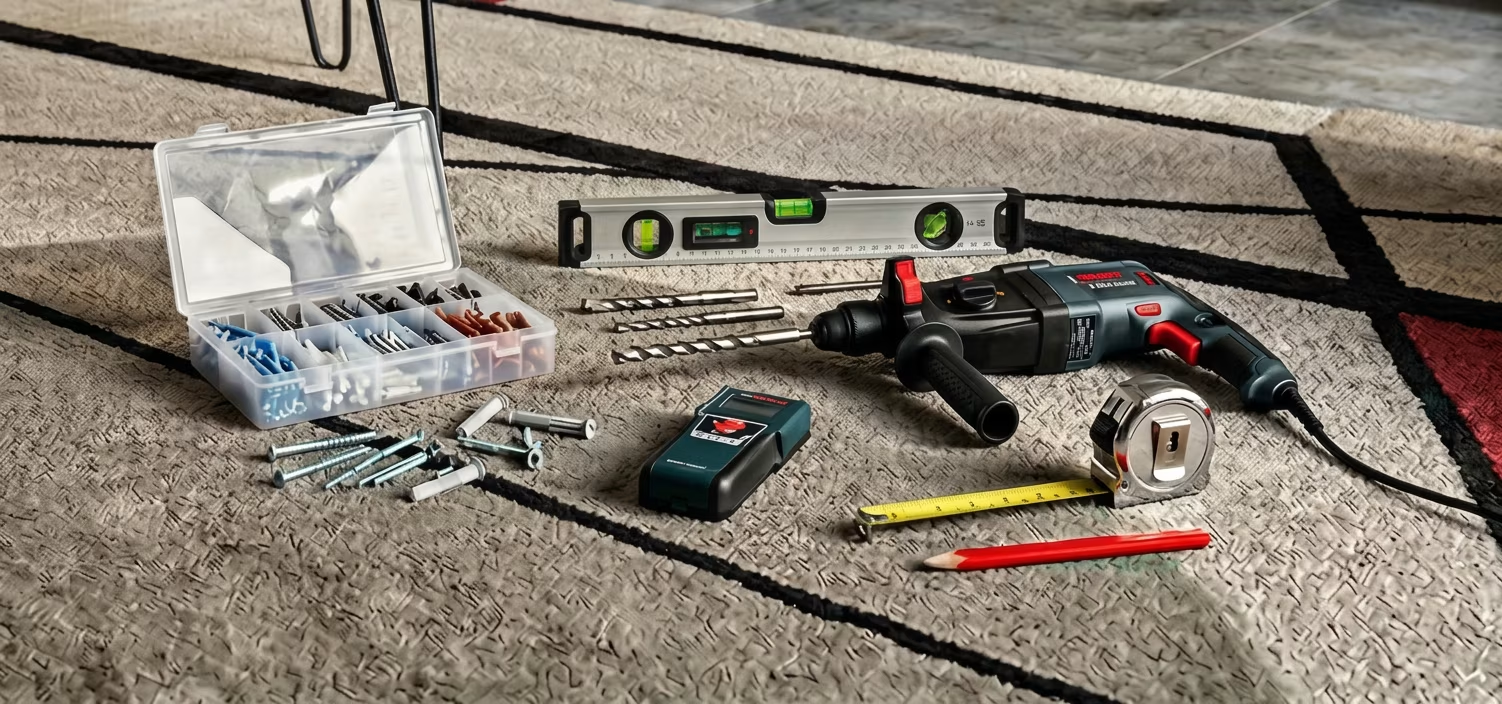
To install a wall mount, you will need at least the following:
- Mounting screws and wall plugs: Wall mounts usually come with screws that are compatible with most newer TVs. However, if they don't happen to fit your specific model, a quick trip to the hardware store should solve the problem.
- Hammer drill and suitable drill bits: Naturally, you'll need a drill. When drilling into concrete, you specifically need a hammer drill rather than a standard cordless drill.
- Spirit level: Some wall mounts have a built-in spirit level, but otherwise, you'll need a separate one to ensure the best possible result.
- Stud finder:When drilling into drywall, for example, a stud finder helps you locate the wall studs. The same tool makes it easy to ensure you don't drill into electrical wires or pipes, making it useful even when drilling into concrete.
- Tape measure and pencil
Wall mounting on drywall – can a TV be installed on any wall?
Yes, a TV can be installed on any wall, but concrete is the most secure option. Mounting on drywall always carries a risk, and it is the resident's responsibility to ensure the installation is done correctly.
If you decide to mount a bracket on drywall, follow these steps:
- Ensure the mounting points hit the wall studs, i.e., the supporting structure.
- It's worth checking the stud locations before buying a mount to see if there's a suitable spot for the TV and a bracket that fits the stud spacing.
For drywall, it's safest to choose a fixed wall mount and a lighter TV to keep the center of gravity as close to the wall as possible. However, if you want a full-motion mount that allows you to turn or tilt the TV, choose one with more mounting points. If necessary, additional support can be achieved using specialized mounting hardware.
Is it possible to mount a TV on the wall without drilling holes?
We have to disappoint you here – wall mounts should not be attached with adhesive or tape, as they cannot be trusted to support the weight of even the smallest TV. If you cannot or do not want to drill holes but want the TV 'on the wall,' we recommend looking into a TV floor stand. Note, however, that some of these still require at least one screw in the wall.
Finishing touches – hide your cables neatly
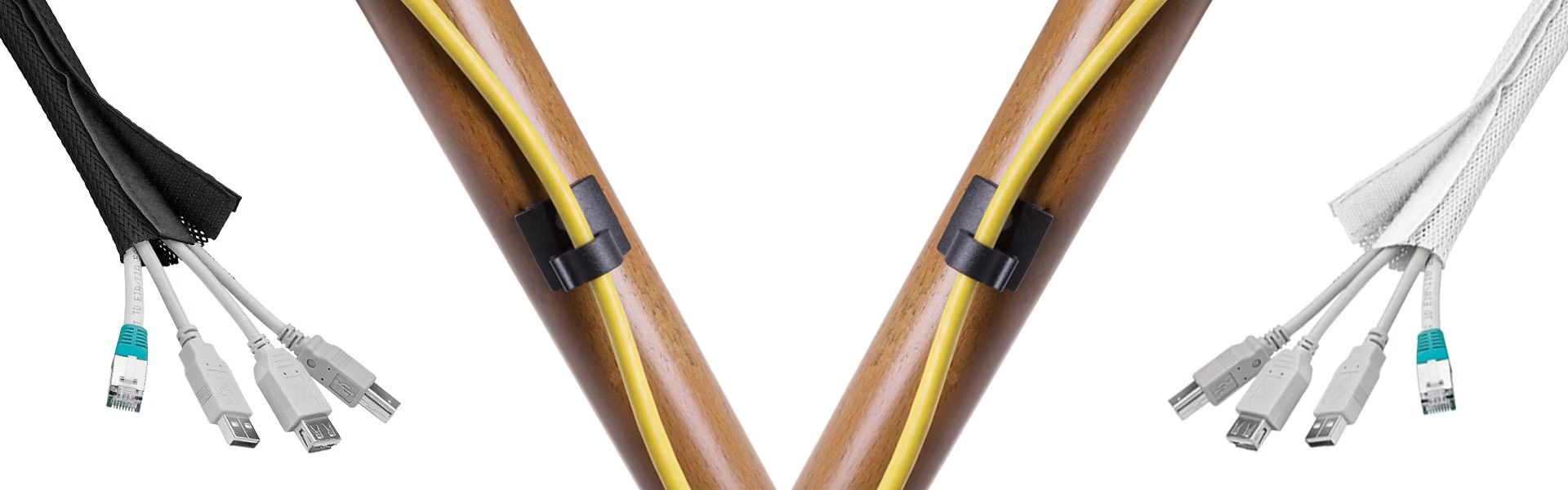
Even if you opt for professional wall mounting, cable management is usually up to you. Once the TV is on the wall, hiding cables isn't as straightforward as it is with a traditional TV stand, and black cables running down a white wall can be an eyesore. Fortunately, there are several ways to achieve a cleaner look—cable wraps, sleeves, and trunking are all excellent options for keeping those wires out of sight.
Give us feedback – was this article helpful?
We’d love to hear from you! Rate this article on a scale of 1–5 and let us know how we could make it even better.
Give feedback (Ulkoinen palvelu) (Avautuu uuteen välilehteen)