Protect what matters most in your digital life
A guide to safer internet use, recognizing scams, protecting personal information, and device security services that protect your internet-connected devices from online threats. In addition to device protection and antivirus, today's comprehensive security services also safeguard your privacy and protect you from increasingly common scams and identity theft.
Digital Security ABC: What Should You Protect Yourself From Online?

Viruses and malware
Viruses and malware like spyware and ransomware damage your devices and steal your data, including your passwords, photos, and even your money.
How to protect yourself from viruses and malware
Don't open suspicious links or download files from questionable sources. Keep your devices up to date. However, viruses can easily be downloaded accidentally by opening seemingly ordinary links, updates, or downloads. Security software like antivirus programs protects against malware by scanning your device and stopping threats before they cause problems.
Antivirus
- Blocks viruses and prevents access to dangerous websites
- Protects against ransomware and secures your online banking

Scams and Counterfeits
Online scammers are after your personal information and money. You may be targeted through fake personal text messages and emails. You can also encounter scams while browsing online in the form of fraudulent websites, fake online stores, and deceptive ads.
How to protect yourself from scams?
Don't open links or respond to requests from suspicious or misspelled sources, especially if they're presented as urgent. Today's scams are professional and difficult to detect, as AI has made them nearly impossible to spot. Scam Protection automatically identifies scams before you can react to them.
Scam Protection
- Identifies scam text messages and checks phishing links before you open them
- Protects against scam websites, fake banking sites, and suspicious online stores
- Protects from unsecured Wi-Fi networks
- Blocks unnecessary ads and reduces exposure to fake advertisements
Identity Theft
Online services are vulnerable to data breaches, which can result in your stored information such as usernames, passwords, credit cards, and phone numbers falling into the wrong hands.
How to protect yourself from identity theft
Use a unique password for every service! Also enable two-factor authentication whenever possible. To help manage multiple passwords, there are secure password managers that store your passwords safely. Identity protection services from security providers also monitor and alert you if your personal information is found in data breaches, so you can react quickly and protect your data.
Password manager
- Password management programs store your passwords securely, work across multiple devices, and automatically fill in your username and password when you log in to services
Identity protection
- Identity protection monitors the web and sends a data breach alert if your information is leaked online in connection with a data breach

Privacy
Service providers, advertisers, and websites you visit collect detailed data about you and your device. When you use public Wi-Fi networks that others can access, your connection is vulnerable to hacking.
How can you protect your privacy and guard against data collection and hacking?
The more private your online traffic, the better protected you are from online threats. Encrypt your traffic with a VPN service and secure your connection with Wi-Fi protection.
VPN and Wi-Fi Protection
- Prevents online tracking by encrypting your traffic and hiding your real IP address from the sites you visit
- Protects your connection from hackers when using unsecured or public Wi-Fi networks
Safe Online Living
TL;DR
Five essential security tips:
- Use a different password for each service
- Enable two-factor authentication
- Update your devices regularly
- Don't open suspicious links
- Use security software
Find the right security solution for you
What protection do different security software solutions offer?
| Need | Security | Total Protection | Identity Protection | Privacy Protection |
| Antivirus | ✔ | ✔ | - | |
| Anti-phishing | ✔ | ✔ | - | |
| Password Manager | - | ✔ | ✔ | |
| Data Breach Monitoring | - | ✔ | ✔ | |
| VPN | - | ✔ | - | ✔ |
- For the best and most comprehensive protection, choose complete security software like F-Secure Total and Norton 360.
- Basic security with antivirus and anti-phishing is available with F-Secure Internet Security.
- To prevent identity theft, there's F-Secure ID Protection, which includes data breach monitoring and a password manager.
- For privacy protection, you can also get just F-Secure VPN.
Cybersecurity Services from Verkkokauppa.com
Finnish cyber security for your new device at a special price
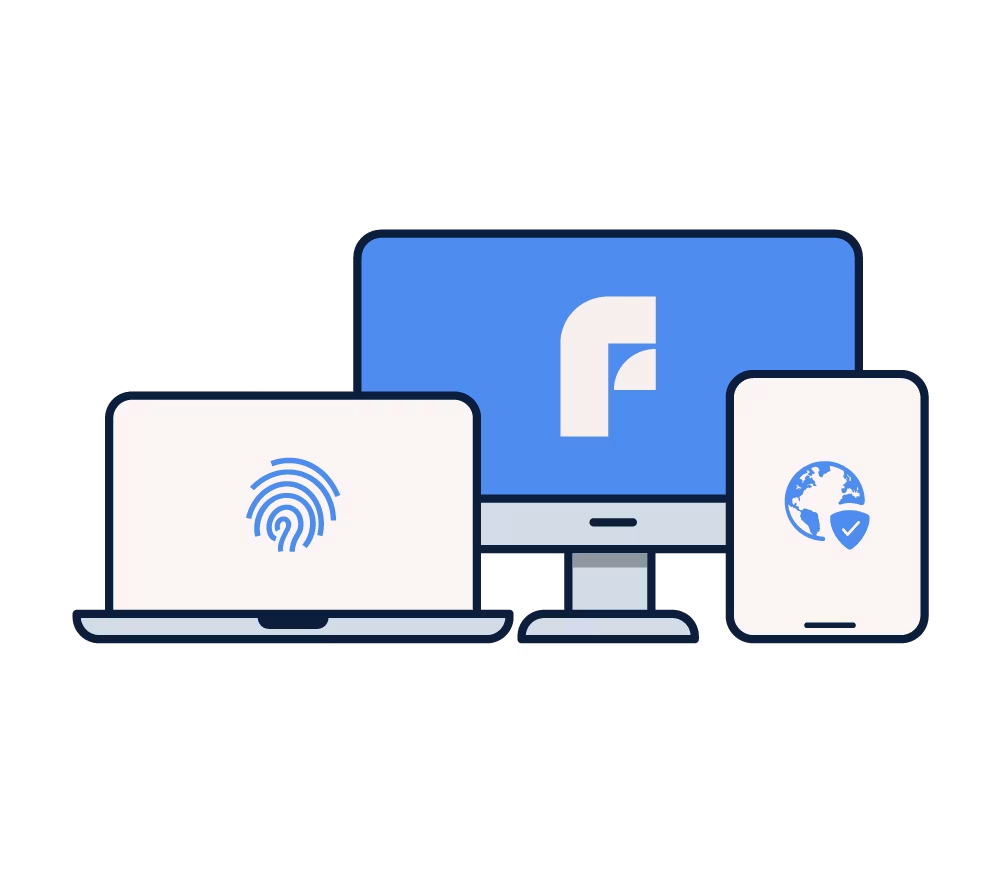
When you buy a device that needs protection from us, like a computer, phone, or tablet, we offer F-Secure Total cyber security service on your device at a special price! You can take advantage of this offer whenever you purchase a new device directly from the product page.
F-Secure Total
Award-winning F-Secure Total makes using your new device safe and worry-free. This comprehensive security solution includes everything you need, from antivirus protection to VPN. F-Secure has been awarded the Finnish Key Flag Symbol.
Security Software and Licenses
Need protection for a device you already own? Our selection includes security software, identity protection, and privacy protection for every need.