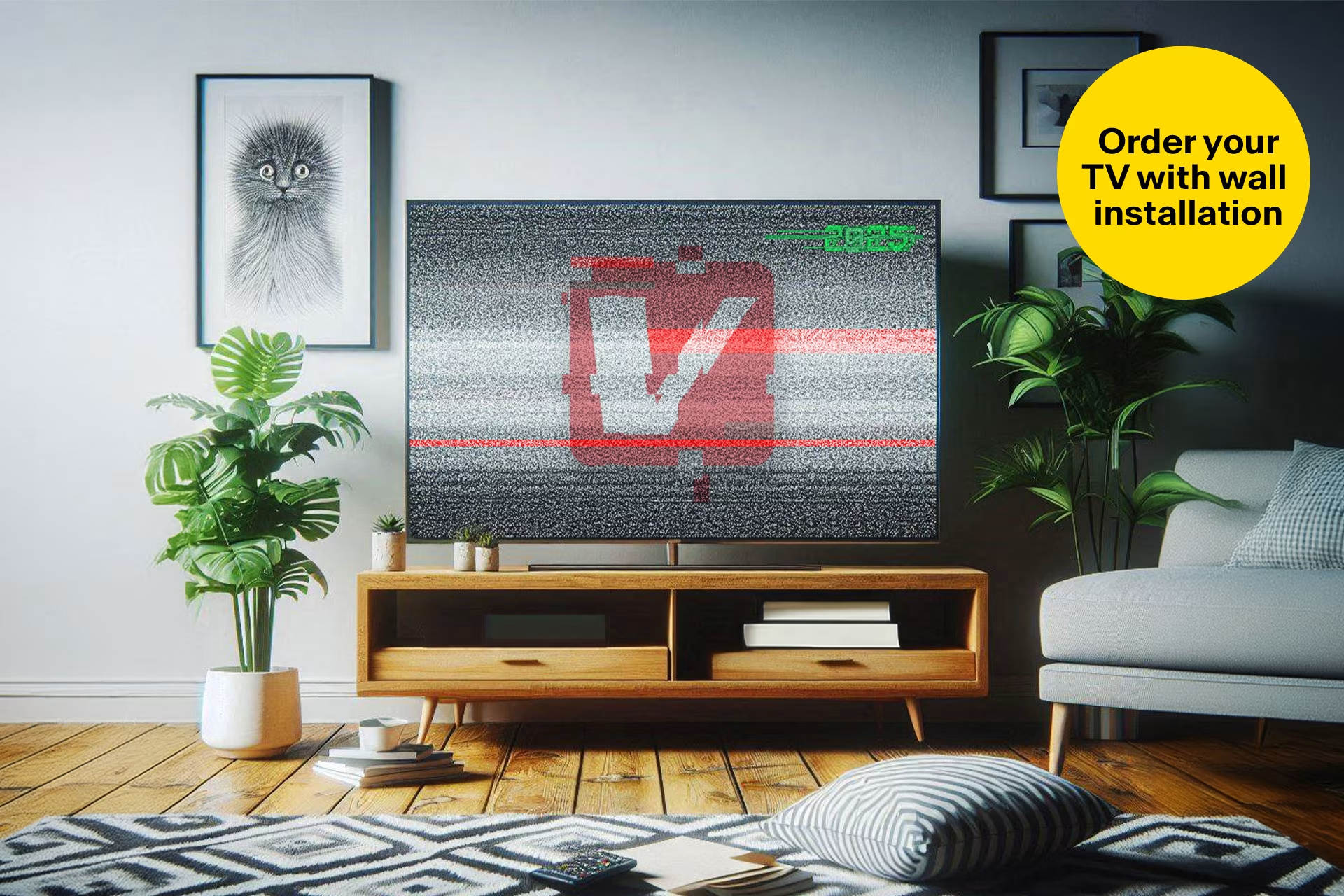
What’s changing for TVs in 2025 – find out if you need an upgrade
Updated March 25, 2026
2025 brings major changes to television, which may mean replacing your old TV or getting an adapter to keep watching. First, the Yle Areena app will stop working on some TVs in April. Second, all TV channels will switch to HD broadcasts by summer. This means that to continue watching TV, you will need an HD TV or HD set-top box.
When will HD broadcasts start and the Yle Areena app stop working? Schedule and key changes
March 31, 2025
Yle will end standard-definition (SD) broadcasts on March 31. After this date, Yle channels will no longer be available on televisions that do not support HD broadcasts.
April 2025
The Yle Areena app will stop working on some TV models in April. After this, you will no longer be able to stream content using the TV's built-in Yle Areena app.
June 30, 2025
Commercial channels will end standard definition (SD) broadcasts on June 30. After this date, you will no longer be able to watch commercial channels on a TV that does not support HD broadcasts.
Yle Areena app to stop working on some TVs – why and what does it mean?
Yle will no longer develop the Yle Areena app for certain TV models. As a result, the app will either stop working or perform poorly, and it will no longer meet accessibility requirements. These older models simply lack the performance needed to run Yle Areena streaming services.
Which TVs are affected?
If your TV is affected, you will receive a notification when you open the Yle Areena app and log in. While the current app will stop working on some models, a completely new version is being developed to replace it for others.
Smart TV models by manufacturer where the Yle Areena app will be discontinued:
- Samsung 2013–2016
- LG 2013–2016
- Sony 2014–2016 (a replacement app will be released for 2017–2020 models, though performance may still be slow on older hardware)
- Panasonic 2015–2017 (a replacement app will be released for 2018 models onwards)
- All Grundig Smart TVs
- All Finlux, JVC, Luxor, Toshiba, ProCaster, and Eletra Smart TVs (a replacement app will be released for 2018 models onwards)
What to do if the Yle Areena app stops working on your TV
- If you're a heavy Yle Areena user and have been considering a new TV, now is the perfect time to upgrade. Televisions →
- If your current TV still meets your needs, simply add a media player like Chromecast or Apple TV to access Yle Areena and other streaming services. Media players →
HD channels 2025: What’s changing and which channels are switching to HD?
All TV channels will switch to High Definition (HD) by summer 2025. Yle channels will transition in the spring, followed by commercial channels later in the year. To continue watching TV broadcasts, your television must be HD-compatible.
Is your TV HD-ready? Here’s how to check
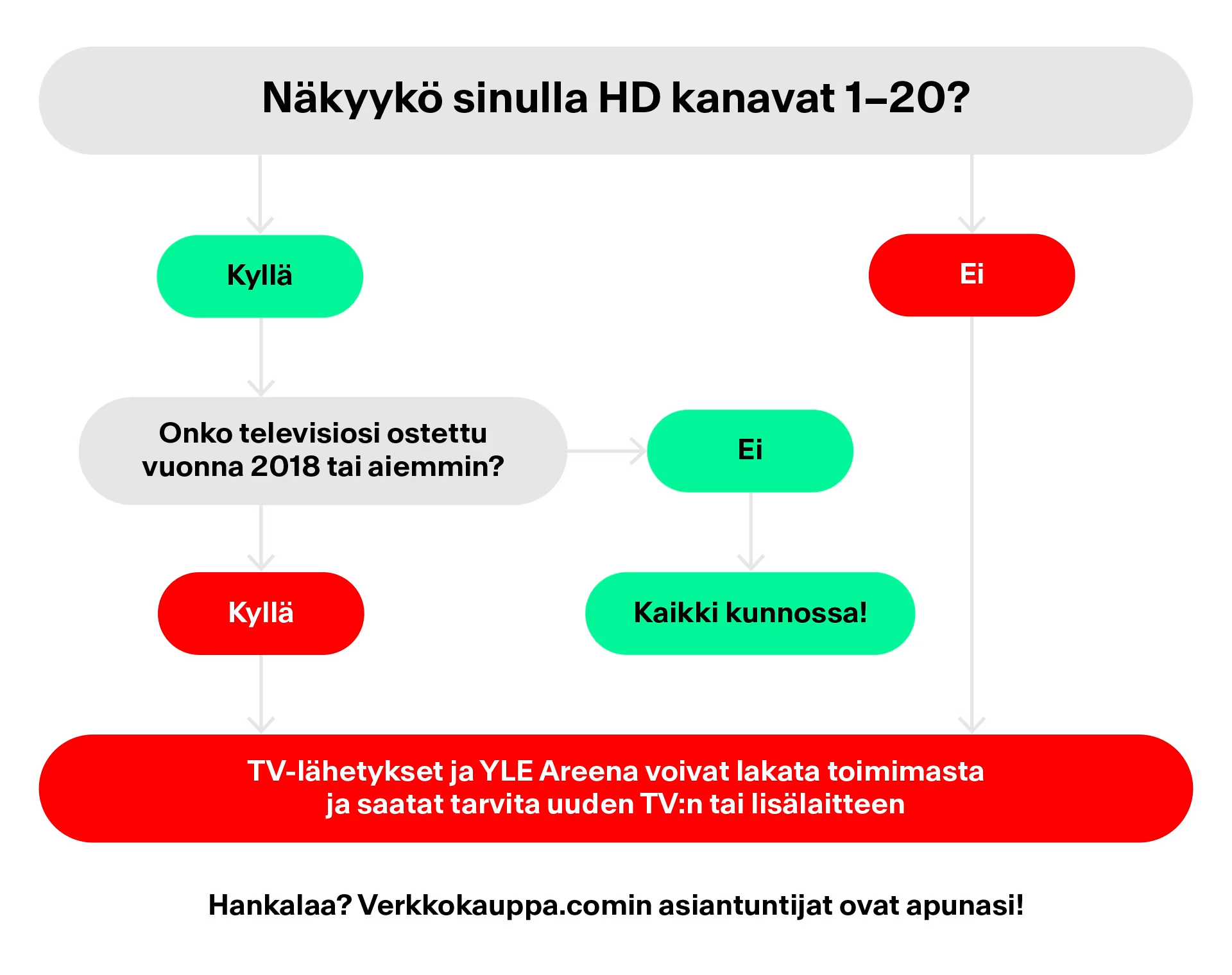
The best way to check if you need a new TV or set-top box is to see if HD channels are visible on your television. In cable households, HD channels are already located on channels 1–20; starting November 19, 2024, they will be found on the same channels in antenna households as well.
Switching to HD broadcasts: what you need to do
Most Finnish households already have at least one high-definition (HD) television. However, older TVs that cannot receive HD broadcasts may still be found in children's rooms, summer cottages, caravans, or the homes of the elderly. If the TV is only used for streaming or gaming, an older model will still work fine. But if you want to watch broadcast TV, the 2025 HD transition will require you to upgrade to an HD television or alternatively get an HD set-top box.
Upgrade to an HD TV to keep watching television broadcasts
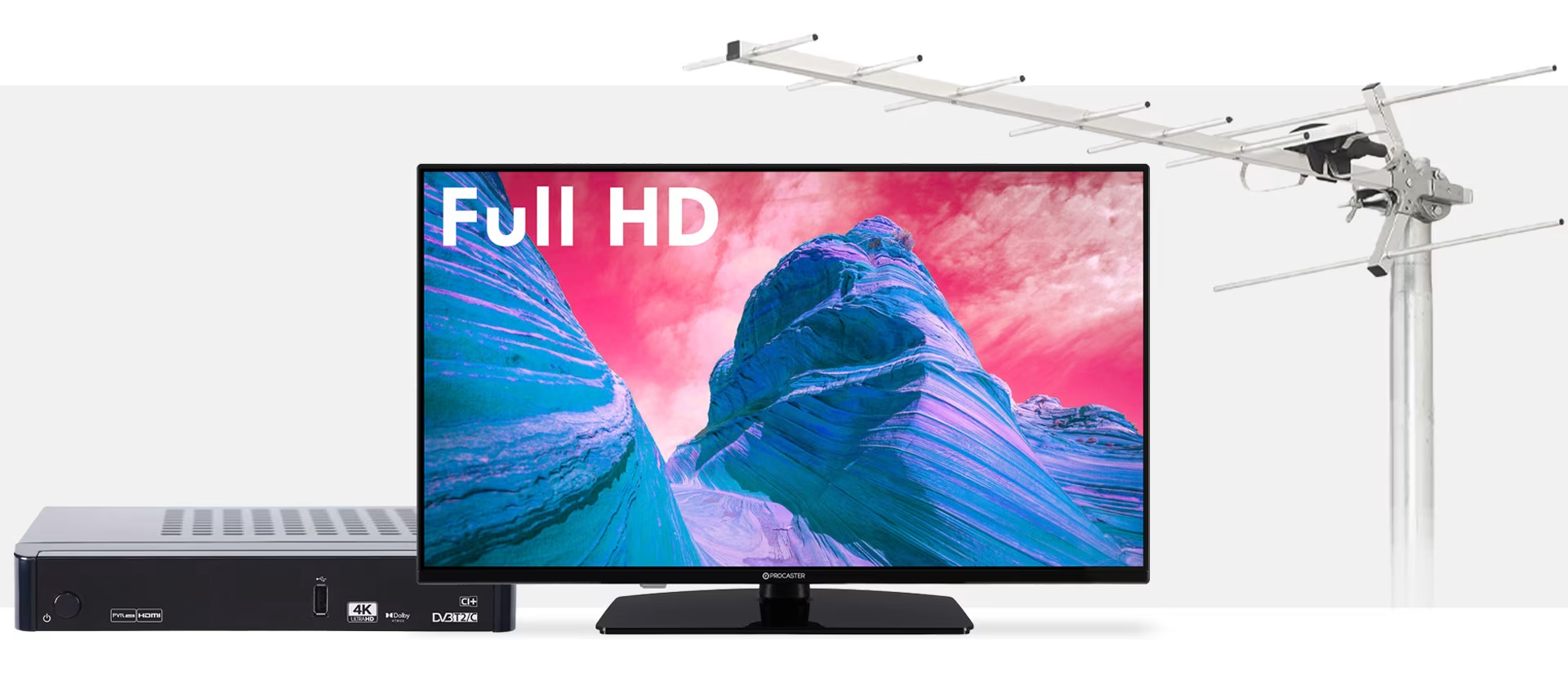
If your current TV doesn't show HD channels and your antenna is working correctly, you'll need a TV or set-top box that supports HD broadcasts. All TVs in our selection feature built-in HD tuners, so you can confidently choose any model that fits your needs.
Stream series and movies with a media player
If your old TV still works perfectly, it can still be put to good use—if not by you, then perhaps by a new owner. Even if you can no longer watch TV broadcasts on an older set, you can still stream content from local and international services via Apple TV, Chromecast, or other media players, or use it as a gaming monitor. Broken TVs can be taken to WEEE recycling free of charge at Verkkokauppa.com or any other electronics retailer.
Get a set-top box for a more affordable HD transition
If your current TV doesn't support HD channels and you're not looking to buy a new one, a set-top box is a budget-friendly alternative. All our set-top boxes support HD broadcasts. Please note that models are available for both antenna and cable networks.
Verkkokauppa.com tip: The legendary Kansalaisboksi is back for the HD transition, now in a mini size—the tiny DigiTikku delivers everything a full-sized antenna HD set-top box does. Kansalaisboksi DigiTikku is the most affordable and perhaps the easiest way to ensure you can keep watching HD broadcasts—and TV in general—on your current television.
How will the HD transition affect cable and antenna households?
The HD transition affects both antenna and cable households. In cable networks, HD channels have occupied the primary channel positions for a long time. Note that for antenna households, the antenna itself must also be HD-compatible.
Ensure antenna compatibility in antenna households
If HD channels are not visible despite having an HD-compatible TV or set-top box, the building's antenna system may not be capable of receiving HD broadcasts. In apartment buildings or housing cooperatives, you can check this with your property manager. In detached houses, it may be necessary to upgrade to an HD-compatible antenna. If you need a new outdoor antenna for the HD transition, all models in our selection are suitable for this purpose.
HD TV broadcasts: What is the difference between SD and HD?
A TV picture is made up of pixels—essentially, the more pixels, the better the image quality. Previously, TV broadcasts were sent in SD quality. SD stands for Standard Definition, referring to standard digital video. As quality standards improved, separate HD channels were introduced alongside standard broadcasts to offer better picture quality for HD TV owners. HD stands for High Definition, which provides a sharper and clearer image than standard SD broadcasts.
When it comes to TVs, 'HD Ready' means that while the screen resolution is high enough for HD content, the device might not be able to receive HD broadcasts over an antenna network without a DVB-T2 tuner. To be considered HD or HD Ready, a TV screen must be able to display at least 1280 horizontal and 720 vertical pixels.
Give us feedback – was this article helpful?
We’d love to hear from you! Rate this article on a scale of 1–5 and let us know how we could make it even better.
Give feedback (Ulkoinen palvelu) (Avautuu uuteen välilehteen)