Computer Buying Guide
Choosing the right computer can be surprisingly difficult when faced with a vast selection and countless options. In business use, a computer's lifespan is typically around three years—a period during which technology advances significantly in usability, security, and performance. This means every new purchase requires a fresh evaluation.
Choose the right computer for the job
Always choose a computer based on your specific needs. Regardless of the task, first consider whether you need portability and what the computer will be used for. Most business computers are laptops. While desktops still have their place, ensure you won't need to take your computer with you before choosing one. If the machine stays at your desk, a desktop is a solid choice.
Tilaa heti työkäyttöön
Jos yritykselläsi ei ole vielä yritystiliä, voit luoda tilin helposti ja nopeasti täällä. Lisätietoja Verkkokauppa.com palveluista yritysasiakkaillemme voit lukea yritysmyyntisivustolla.
Tilin luomiseen menee alle minuutti ja voit aloittaa ostamisen esimerkiksi leasing-rahoituksella suoraan verkkosivujemme kautta.
A wide range of options for office work
In today's hybrid work environment, a laptop serves two purposes: it must be portable and function as a workstation at the office or home. If you need to carry your laptop, pay close attention to its weight. Even a one-kilogram difference is noticeable, and choosing a heavier model might lead to regret later. Keyboard feel is also essential for hybrid work; few people want to carry an external keyboard, and there's rarely space to use one on a train or other public transport.
When choosing a laptop, adding a separate monitor to your workstation improves both ergonomics and usability. For the same reason, an external keyboard is an excellent choice to use alongside your monitor and laptop.
We offer office laptops across various price points and performance levels, featuring Windows, macOS, or ChromeOS. Our range includes models from leading manufacturers such as Lenovo, Apple, HP, and Dell.
Mobile work requires a portable laptop
Choosing a computer for the road involves different requirements. When traveling, pay special attention to durability. For example, a sturdy aluminum chassis lasts significantly longer than a plastic one. Durable materials also improve user comfort. If the laptop is in heavy use, ensure the chassis has passed quality tests and can withstand wear and tear. When investing in quality, remember to consider the warranty as well—accidents are more likely to happen on the go.
Since using a separate keyboard isn't practical while traveling, make sure the laptop's own keyboard feels right and offers good ergonomics.
Battery life varies. Charging opportunities are often limited on the road compared to the office, where laptops are usually plugged in. Modern laptop batteries perform well, often lasting over 10 hours.
A powerful mobile workstation can replace a desktop, but it also weighs significantly more than the lightest laptops. Additionally, a large screen makes a workstation harder to carry. A laptop that is even half a kilogram lighter is much more practical and perfect for mobile remote work.
Versatility is key for mobile work, as you need to adapt to various situations. Touchscreens and 2-in-1 convertible displays are popular choices. With many options available, you can also find a style that suits your taste.
Advantages of desktop computers
A desktop computer is typically more affordable than a laptop with equivalent performance and features. Desktops are also easier to customize and offer more connectivity options than laptops. Modern desktops are no longer bulky, as compact cases can be hidden behind a monitor or under a desk. Many manufacturers offer compact workstations, such as Lenovo's popular Tiny and SFF models. Lenovo also offers monitors specifically designed for Tiny PCs. A Lenovo Tiny-in-One monitor combined with a compatible Tiny computer creates a space-saving All-in-One setup.
For demanding power users, a desktop is the preferred choice when seeking uncompromising performance, expandability, and reliability.
In All-in-One computers, the entire unit is integrated into the monitor, eliminating the need for a separate case. These models are ideal for cafes, reception areas, self-service kiosks, and meeting rooms. All-in-One models are available from Apple, Lenovo, and HP.

Software developers need a powerful processor
Software developers require high-performance machines with powerful multi-core processors. Both desktops and laptops are excellent choices. For example, Verkkokauppa.com’s own Blackstorm brand has become highly popular among gaming companies.
Mobile workstations are also ideal for developers, combining desktop-level performance with a compact form factor. These workstations feature high-end processors, ample RAM, and powerful graphics cards. They are also perfect for other demanding tasks like CAD design or Adobe Photoshop, where raw computing power and 3D rendering are essential. Their longer lifespan and superior performance ensure a great return on investment.
Since developers, engineers, and architects put their hardware through heavy use, usability and a solid warranty are essential factors to consider.
Editing and image processing demand significant CPU power
Graphic design professionals working with images or video editing should prioritize CPU performance, RAM, SSD storage, and GPU power.
A laptop's processor (CPU) significantly impacts overall performance and determines how quickly the computer handles complex tasks and calculations.
Beyond clock speed, the number of cores also affects performance by allowing multiple tasks to run simultaneously. Some modern processors can even split resources within a single core. The best choice is often a balance between speed and core count. High-performance processing is essential for demanding editing tasks.
Custom-built Macs also available
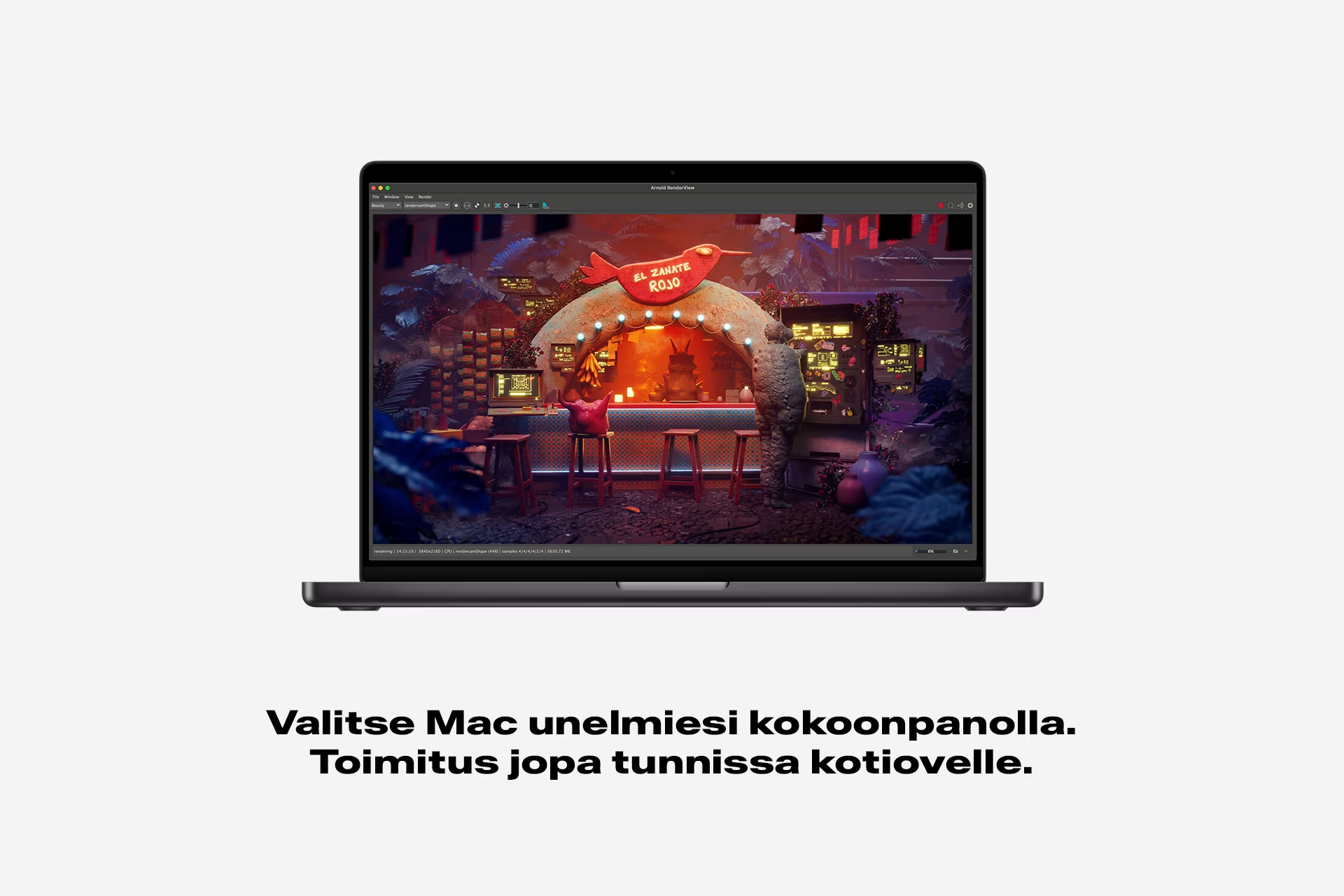
If you can't find the perfect iMac or MacBook in our standard selection, you can order a custom-built model. Many Macs are customizable, allowing you to upgrade the processor, add more RAM, choose a larger SSD, or opt for an English keyboard layout.
We offer pre-configured custom models that you can order directly from our website. If you can't find the specific configuration you need, please contact us. To see if a model is customizable, look for the mention "Custom configurations available" on the product page, where you will also find a list of available upgrades and their prices. Custom components replace the corresponding standard parts.
Ensure your computer's maintenance and warranty are in order
Once you've chosen your computer, it's vital to ensure its maintenance and warranty coverage are sorted. This can save you a significant amount in the long run while providing long-term peace of mind. While every computer comes with a standard warranty, you can extend this coverage for up to five years.
When considering warranty options, it's also worth upgrading the service level. Standard warranties for entry-level business computers typically include pick-up and return service. For Lenovo users, an Onsite service extension is also available. You can easily upgrade your service level or extend the warranty period at the time of purchase.
Prepare for almost anything
Lenovo Premier Support offers enhanced on-call support. With faster response times, you get a higher service level when issues arise. The SBTY (Sealed Battery) warranty covers battery issues, which can be costly to fix out of pocket. While standard battery warranties usually last one year, this option extends coverage up to three years. With the KYD (Keep Your Drive) service package, you can keep your faulty hard drive, enhancing data security and reducing risks. We’ve all spilled a drink or dropped a laptop—ADP (Accidental Damage Protection) covers these types of accidental damage. Finally, the TiCRU (Tech Install CRU) extension is ideal if you prefer a technician to handle all repairs. While some parts are designated as CRU (Customer Replaceable Units) for users to swap themselves, this service ensures a professional is always on-site to perform the replacement.
Also consider these:
- Ensure the computer has enough ports for your needs.
- Is your mouse comfortable? Consider a RollerMouse or a Bluetooth model for better ergonomics and freedom.
- What screen size do you prefer? An external monitor and keyboard can significantly improve ergonomics and productivity.
- Do you need a stand or mount?
- Check your headphones and microphone. A dedicated headset is often the best choice for clear audio.
- Choose a suitable bag or backpack to transport your laptop safely and ergonomically.
- Would a dock simplify your setup? You can also choose a monitor with built-in USB-C docking to save space and money by replacing separate docking stations.
- Choose the operating system that suits you best (Windows, macOS, or ChromeOS).
- For creative professionals: check the resolution and ensure top-tier graphics performance. If you edit video, don't forget a high-quality speaker system.
- Always check the warranty and available maintenance services for peace of mind.
Find a wide range of computers for every budget and purpose at Verkkokauppa.com—likely at the best prices! If you have any questions or can't find the right model, contact our customer service online or visit us in-store. We're here to help you choose.
Give Us Feedback – Was this article helpful?
We want your feedback! Rate this article on a scale of 1–5 and let us know how we could improve.
Give feedback → (Ulkoinen palvelu) (Avautuu uuteen välilehteen)