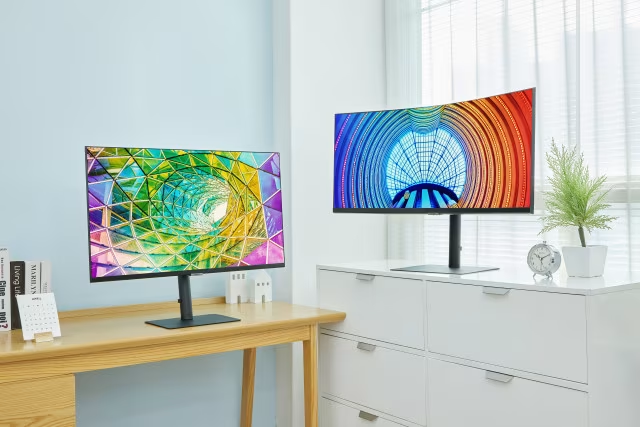
The best monitor for work
Published June 12, 2025
A high-quality monitor makes your workday smoother, more efficient, and more comfortable. When you spend hours at your computer every day, your monitor should support every task—from detailed design work and report writing to attending meetings. Verkkokauppa.com offers a wide selection of monitors designed specifically for professional needs.
Modern office monitors provide sharp visuals, a comfortable viewing experience, and ergonomic features to make your daily life easier. Our range includes options for both home offices and demanding professional workstations.
What features should you look for in a work monitor?
A good work monitor is much more than just a large screen. It supports your work holistically by improving focus, increasing comfort, and simplifying your daily routine.
One of the most important features is high image quality. A sharp, natural image makes work visually pleasant and helps you focus on what matters. Balanced colors and clear details, combined with blue light filters, flicker-free backlighting, and low reflectivity, help reduce eye strain.
IPS panels are a popular choice for professional use—they offer wide viewing angles and balanced color reproduction, making them ideal for both office work and visual tasks.
A smooth workday also depends on connectivity. HDMI, DisplayPort, and USB-C ports make it easy to connect peripherals and keep your workspace tidy. Many models also feature built-in speakers or docking station support for added flexibility.
Ergonomic features are essential for comfort. Adjustable height, tilt, and swivel help you find the perfect working position—a small adjustment that significantly impacts your well-being.
In remote and hybrid work, the monitor's role is even more critical—built-in webcams, high-quality speakers, and easy-to-use connections ensure smoother remote meetings.
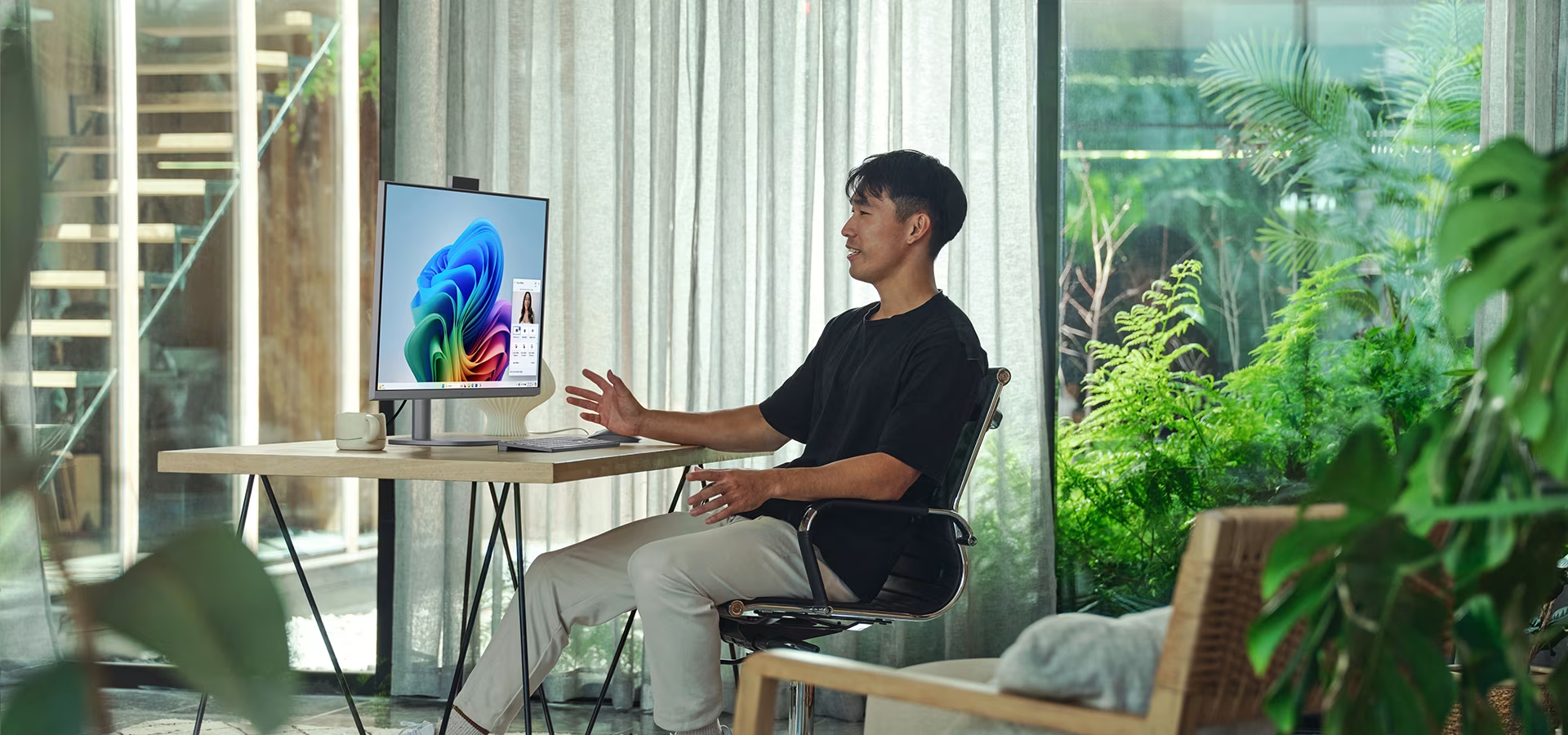
Screen size, resolution, and ergonomics
Size matters when it comes to workflow efficiency. While 24–34 inch monitors are common for work, the best choice depends on your space and needs. A larger screen provides more room for windows and files, and many users prefer ultrawide monitors for seamless multitasking without the need for multiple displays.
Resolution directly impacts image clarity—QHD and 4K monitors, for example, offer high levels of detail, making them ideal for graphic design and precision-oriented tasks.
Ergonomically designed monitors allow for height, tilt, and swivel adjustments. Many models also include eye-care features like blue light filters and flicker-free technology to reduce eye strain.
In a nutshell: How to choose the right monitor for work:
- The right size and resolution for your needs
- Ergonomic adjustments and eye-care features
- Versatile connectivity (USB-C, HDMI, DisplayPort…)
- High-quality panel technology (e.g., IPS)
- Supports remote work requirements – with optional built-in camera and speakers
Many office monitors are eco-friendly and meet strict energy efficiency standards, making them an excellent choice for environmentally conscious consumers. Whether for a home office or professional use, we offer the perfect solution to make your workday more comfortable and productive. Explore our selection and find the monitor that best supports your way of working.