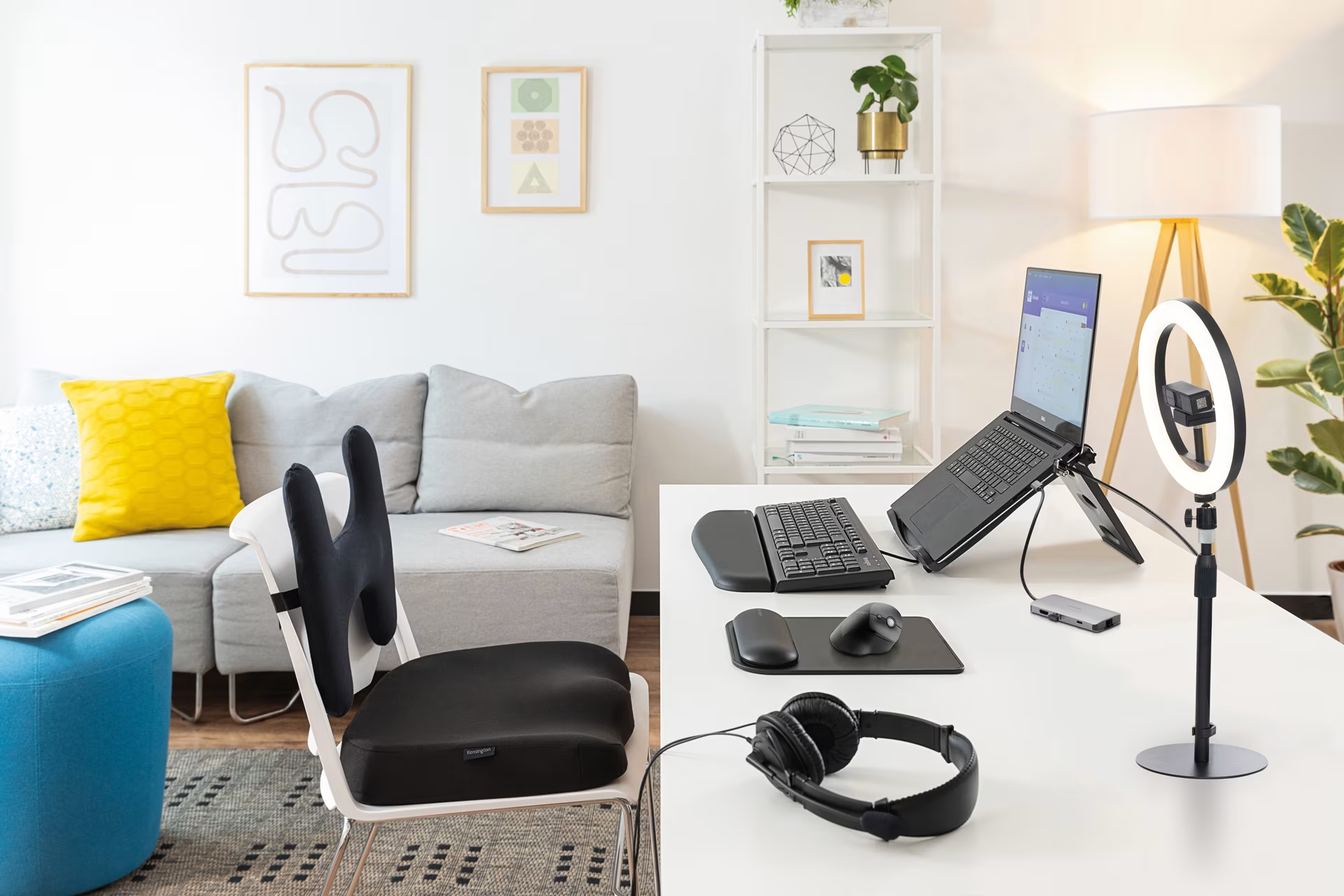
Home Office and Remote Work
Remote work has become a permanent fixture in Finnish professional life, with many valuing the flexibility of a hybrid model. Companies have also discovered that productivity at home can often surpass that of a traditional office environment.
To maximize remote work efficiency, companies must ensure employees have high-quality equipment and the necessary support. Effective remote work practices boost productivity, improve well-being, and drive business success.
Order now for business use
If your company doesn't have a business account yet, you can quickly and easily create one below. Learn more about Verkkokauppa.com services and benefits for business customers on our business sales page.
Creating an account takes less than a minute, and you can start shopping directly on our website.
How to set up a functional home office
Prioritize workplace ergonomics
Employers can maintain productivity in remote settings through small, impactful choices. With the right tools, remote work and meetings run seamlessly.
Home office conditions often differ from professional office setups. If space permits, explore our home office ergonomic products.
Consider upgrading to an adjustable standing desk or a versatile office chair. Proper workstation lighting is also essential.
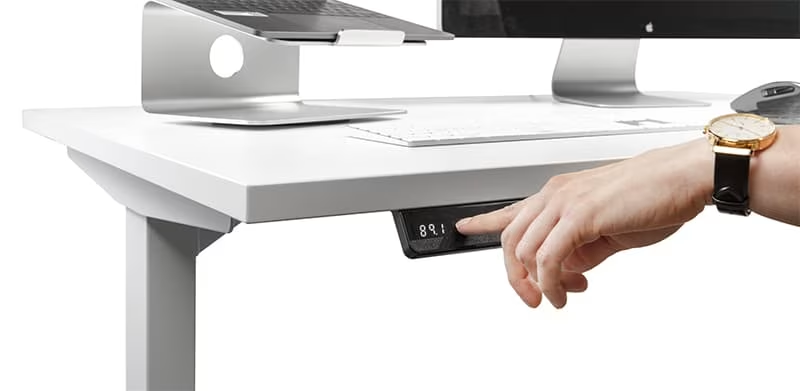
Standing work
Most of us spend the majority of our day sitting. To make the transition to standing work easier, our selection includes plenty of standing workstations, electric desks, workplace mats and balance boards to improve ergonomics.
Standing improves and increases work efficiency, and it's worth spending part of the workday on your feet. However, you should also sit during the day, as research shows that standing for too long isn't good either. We offer a wide range of adjustable desks, and even small spaces aren't an obstacle. For example, the Selka Electro is a compact option for small home offices.
You can place a standing mat on the floor, which shifts weight away from your heels and provides cushioning underfoot. The mat also reduces strain on your legs.
Working while seated
Office chairs should be comfortable, and many swear by saddle chairs. A saddle chair is an ergonomic choice because it opens the angle of the hips and thighs, keeping the spine in a natural curve while sitting. Saddle chairs are also height-adjustable, and the seat angle can be adjusted to ensure a perfect fit for everyone.
"A good office chair supports the natural curve of the back and provides the spine with the support it needs. The seat height should be adjusted so that your feet are firmly on the floor and your knees are at approximately a 90-degree angle," says physiotherapist Julia Kauppinen.
You should alternate between sitting and standing throughout the day to prevent the body from becoming strained by staying in one position. Kauppinen advises changing your posture every hour.
Our selection also includes balance cushions and seats as well as more traditional office chairs.
Choose your keyboard and mouse with care
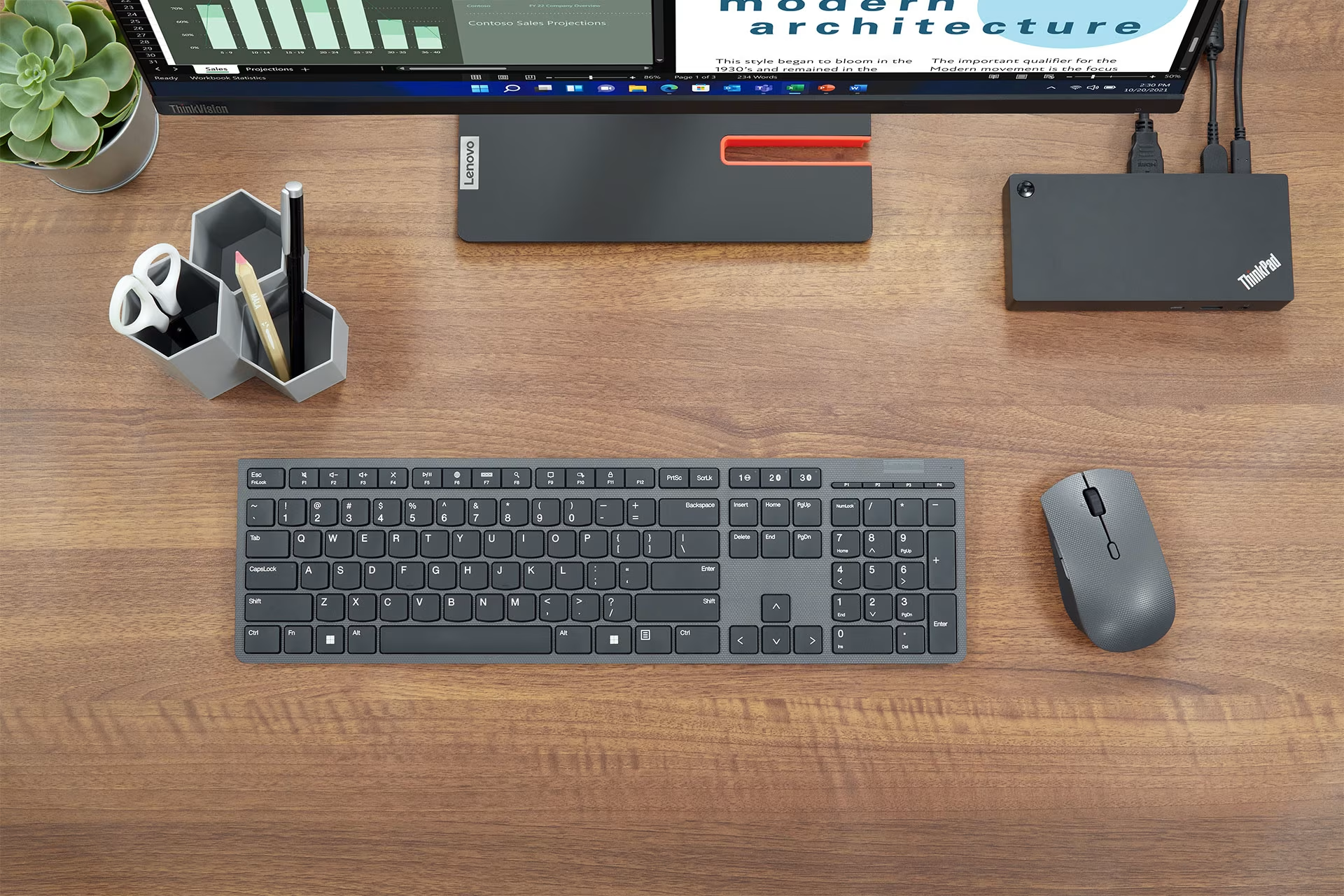
Keyboards come in a vast range, and there is no single right solution. You should choose a keyboard based on its intended use, ensuring the model and size fit the user's dimensions, working style, and job requirements. Make sure there is enough space in front of the keyboard to support your wrists. It should also be possible to move the keyboard around.
A mouse is one of our closest coworkers, so its comfort is paramount. The mouse should fit the user's hand and the task at hand. There should also be enough space to use it. Ensure there is sufficient support for the hand in front of the mouse, and keep your wrist straight while using it.
If you use a mouse for work, we recommend exploring our range of ergonomic pointing devices. Rollerbar mice, touchpad mice, and ergonomic mice effectively help prevent muscle and tendon issues. An ergonomic mouse is the most effective way to prevent repetitive strain injuries and is definitely a good investment in your health.
"The benefit of a vertical mouse is that the wrist and forearm remain in a neutral position, which can be particularly important if there are mobility limitations in the arm joints or if using a traditional mouse feels uncomfortable in the wrist," says Kauppinen.
Alternatively, a centered mouse placed in front of the keyboard allows for the use of both hands, providing better support for the forearms and reducing strain on the shoulders.
Physiotherapist Kauppinen emphasizes that the right tools can reduce the strain caused by repetitive motions and increase comfort, making them a worthwhile investment for your well-being at work.
Added comfort with an external monitor
Can you get by with just a laptop at home, or would an external monitor help? A separate computer monitor makes work more ergonomic and efficient. Before choosing, explore our diverse range, which includes curved monitors and large 4K monitors for productive work.
Take care of your eyes
Workdays are spent more or less in front of a screen, so it's no wonder eyes get strained. Close-up work and screen time put a heavy load on your eyes. You can protect them by ensuring adequate lighting. It's also important to make sure there are no distracting reflections in your line of sight. Always adjust the monitor according to the lighting and ensure the brightness and contrast are appropriate.
Good ergonomics also essentially involves the placement of tools on your desk. The monitor should be at the correct distance and the viewing angle adjusted to your height. To help you get the most out of your equipment, we offer a comprehensive range of accessories, such as monitor arms, monitor stands and laptop stands, so you can lift your laptop off the desk to a better height.
"The top edge of the monitor should be at eye level or slightly below. This allows the neck to remain in a neutral position, preventing the head from tilting too far forward or backward," Kauppinen advises.
Additionally, Kauppinen recommends that if an external monitor is not in use, you should at least use a laptop stand to raise the screen to eye level. Without a stand, your gaze naturally falls too low, which can cause strain in the neck and shoulder area.
Headsets for conference calls and remote meetings
High-quality headphones that stay in place and keep your hands free make daily life easier. With meetings and training sessions moving online, headphones with superior sound quality compared to computer speakers have become an essential purchase. Wireless headphones work seamlessly with both phones and computers. If multiple people are working from home, noise-canceling is a must-have feature.
Reliable connectivity is essential for remote work
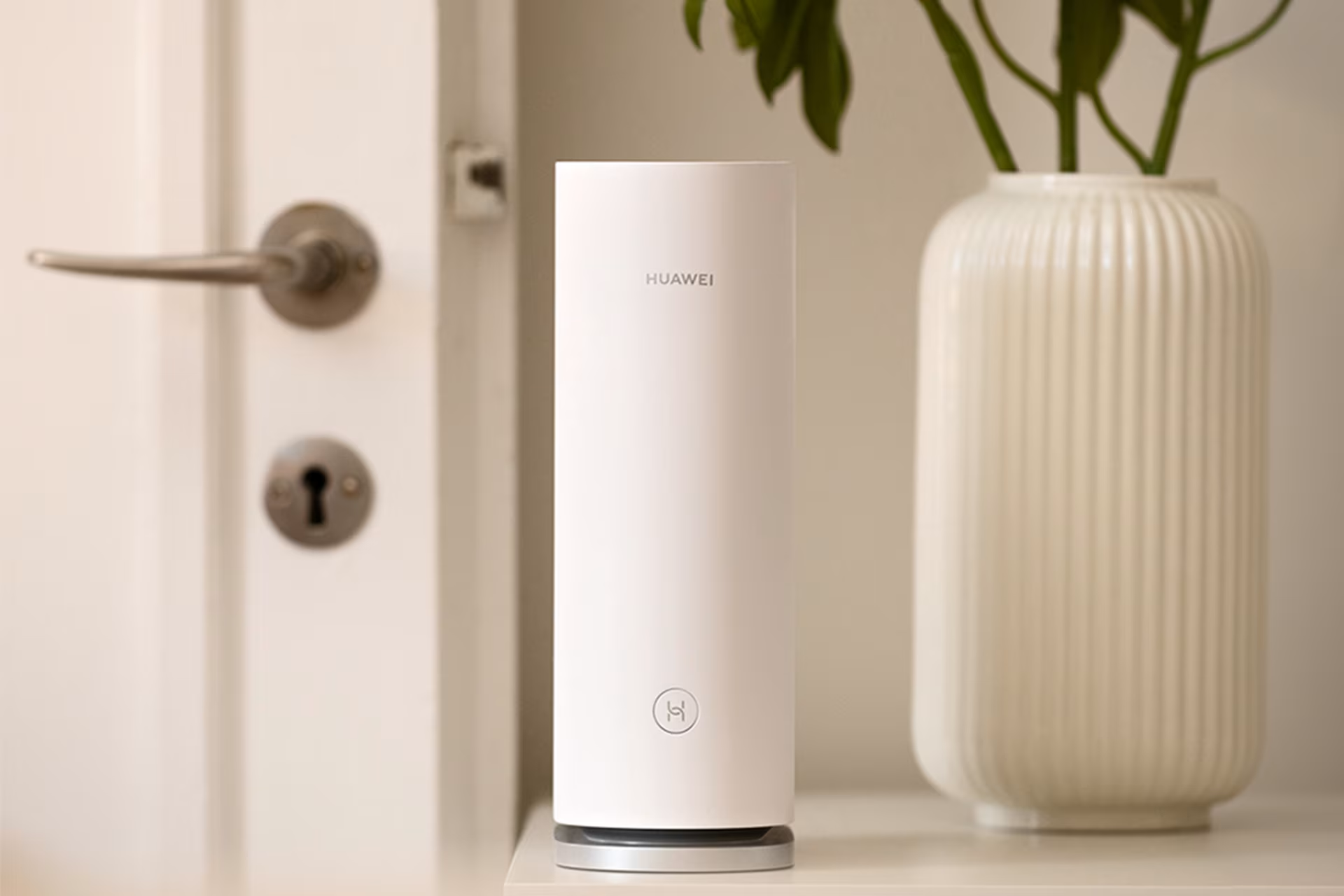
Reliable internet is crucial when everything from meetings to webinars happens online. First, determine the most suitable network connection – fixed, mobile 4G, or 5G. A mobile connection works well for remote work in most locations and offers the most flexibility. If needed, remote workers can also use a portable device (Wi-Fi router or 4G) for working from places like a summer cottage. If the connection remains unstable, consider whether an access point or a more powerful and faster modem is necessary.
Cybersecurity keeps viruses at bay
Cybersecurity is just as important in a home office. We offer a comprehensive range of security solutions to protect data and identity effectively and easily from home. It's also worth reminding employees of the company's security policies, which should be updated to include remote work guidelines.
Movement is medicine for recovery
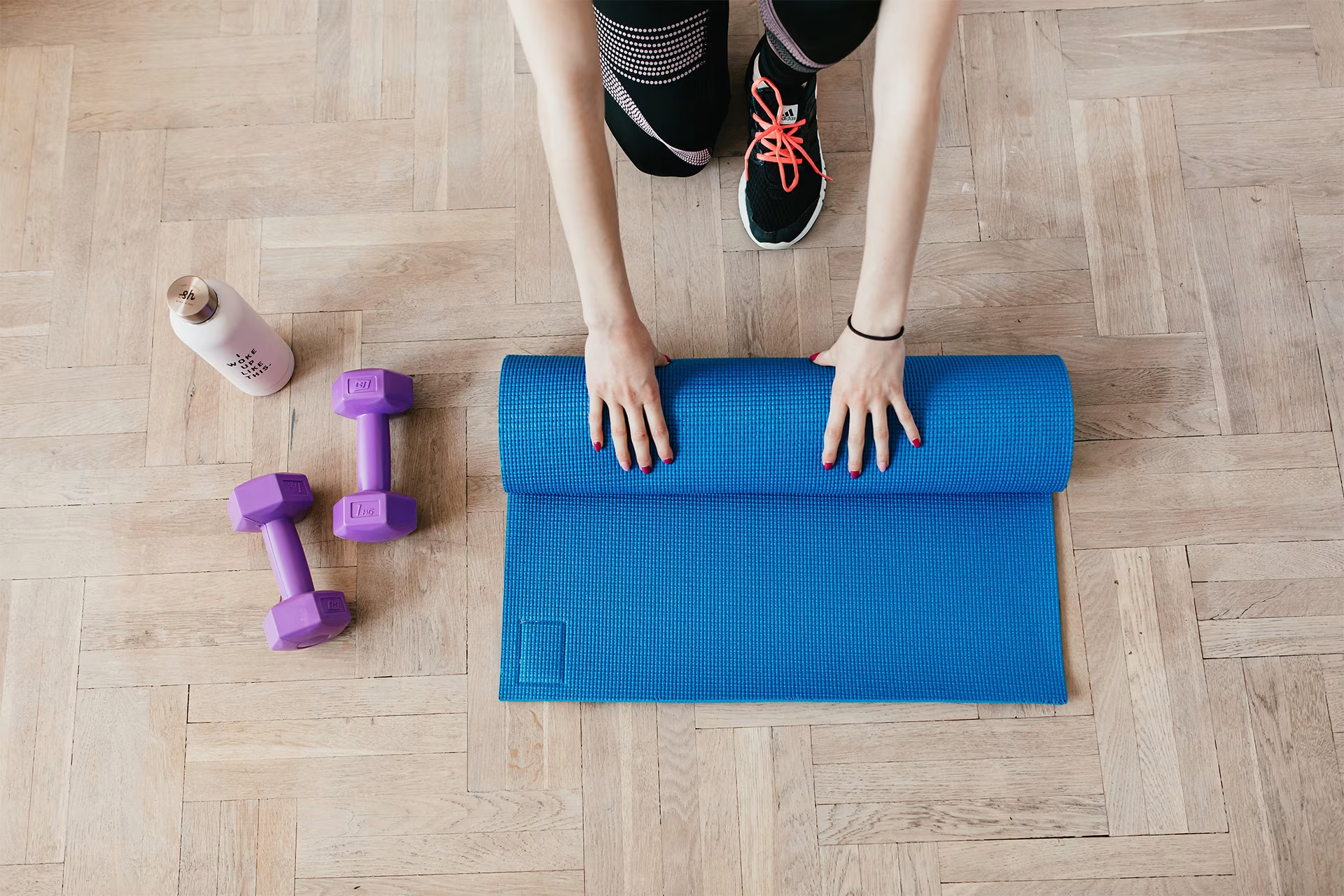
Exercise and movement play a vital role in preventing illnesses that affect your ability to work. Beyond physical health, staying active also boosts mental well-being. Recovery requires both sleep and movement to help your mind and body disconnect from work. You can boost your recovery by taking short breaks and doing desk exercises throughout the day. Employers can also support remote teams by encouraging active breaks or providing equipment like balance boards that keep you moving almost without noticing.
Our wide selection includes versatile fitness and strength training equipment for home workouts to help you recover from the strain of sitting. Whether you need a quick stretch during the day or a full workout after hours, we have the high-quality gear you need to stay fit at your home office!
Verkkokauppa.com offers everything a remote worker needs, likely at a lower price. Whether you're looking for ICT equipment, phones, or ergonomic office furniture, we've got you covered. We provide fast shipping across Finland and a business account to help you manage your company's purchases effortlessly.
Give Us Feedback – Was this article helpful?
We want your feedback! Rate this article on a scale of 1–5 and let us know how we could improve.
Give feedback → (Ulkoinen palvelu) (Avautuu uuteen välilehteen)