
Gaming mouse buyer's guide – find the best mouse for your hand and playstyle
Published 8 April 2026.
A gaming mouse plays a crucial role in PC gaming, especially in certain genres. With the variety of options and technical features growing every year, it can be hard for beginners to know what to look for. This guide covers the essentials to consider when choosing your next gaming mouse.
Wired or wireless gaming mouse
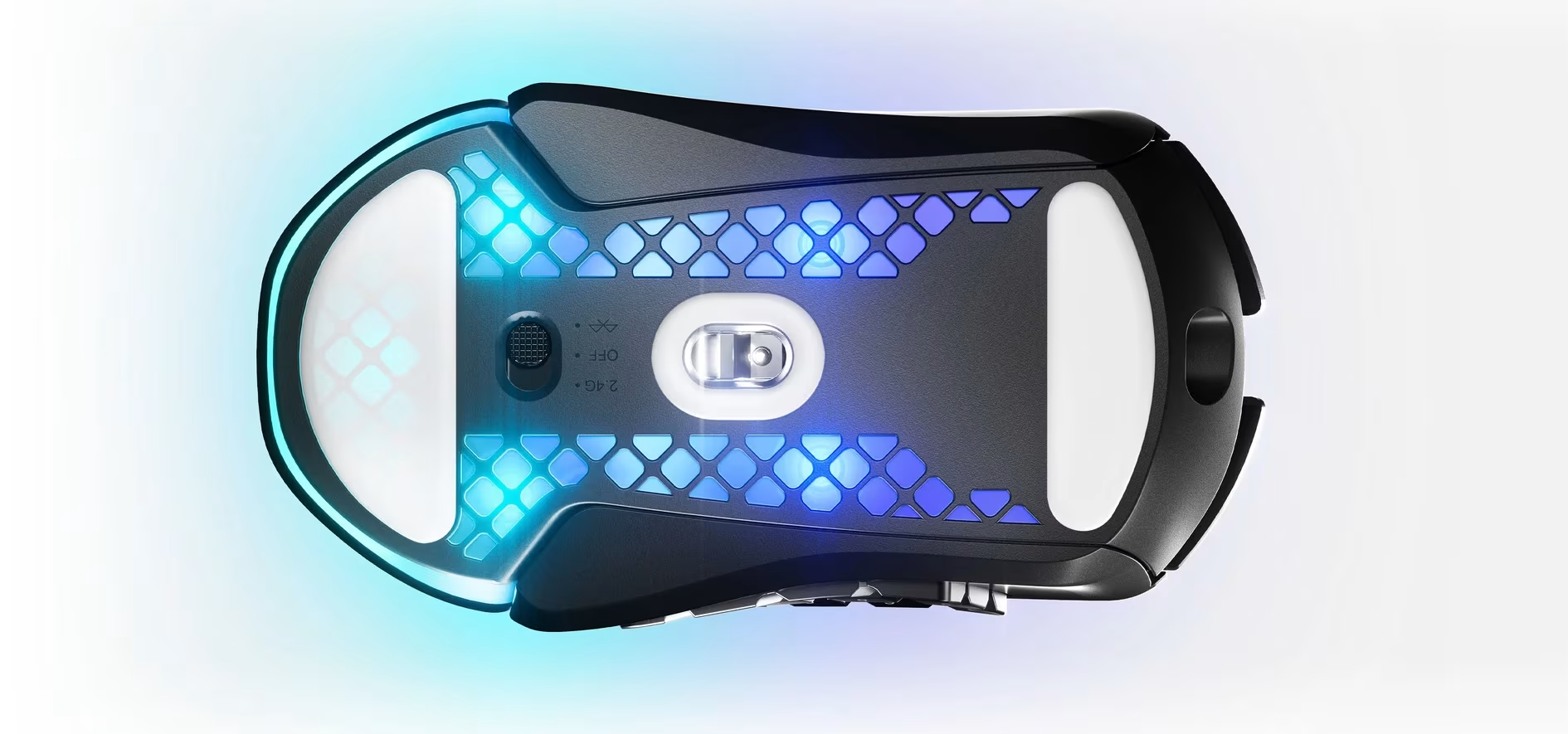
Gaming mice are available in wired, wireless, and hybrid models. A wireless gaming mouse can connect via Bluetooth or a USB receiver. Hybrid models offer the best of both worlds, allowing for wireless use via Bluetooth or a USB receiver, while still providing a wired option when needed.
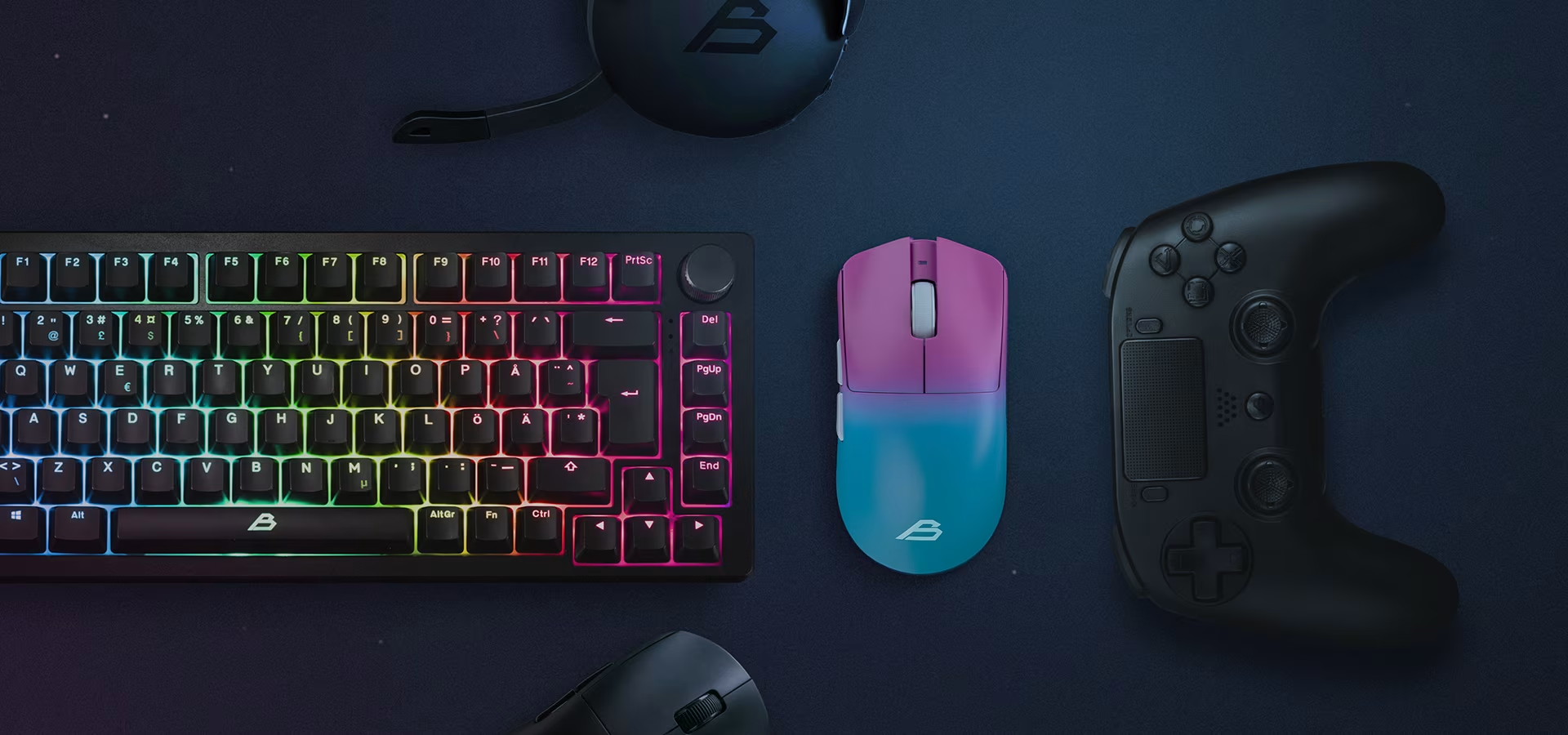
While wireless mice are increasingly popular, competitive PvP (Player vs. Player) gamers often prefer wired models to avoid potential latency. However, many players find that a 2.4 GHz wireless connection is virtually lag-free. A wired gaming mouse has the advantage of never needing a charge, while a wireless mouse offers freedom of movement without a cable getting caught on your desk.
Gaming mouse sensitivity
Ensure the mouse sensor matches your needs. Sensor sensitivity is measured in DPI (Dots Per Inch). A higher DPI means the cursor moves further across the screen with less physical movement. Many gaming mice include a dedicated button for adjusting DPI on the fly.
Gaming mouse DPI can range from hundreds to tens of thousands, but most players actually use 400–1,600 DPI, even if the mouse supports 30,000. This is a matter of preference, as some find that excessive speed can hinder precision.
Another key factor is polling rate, which determines how many times per second the mouse reports its position to the computer. For example, 1,000 Hz means the mouse reports its position 1,000 times per second—once every millisecond. A higher polling rate can reduce latency and provide a more responsive feel. However, the difference between 1,000 Hz and 8,000 Hz is often imperceptible. Rates above 8,000 Hz demand significant resources from the game and computer, offering no benefit without proper support.
Gaming mouse weight – ultralight, heavy, or adjustable?
Gaming mouse weight is a matter of personal preference. Some prefer the lightest possible mouse for speed, while others favor a heavier feel for added stability. Some models offer adjustable weights, allowing you to customize the feel for different games.
Manufacturers typically classify mice weighing between 45 and 77 grams as ultralight.
Choose a mouse based on the games you play
Mice are also designed for specific game genres, such as FPS (First Person Shooter), MOBA (Multiplayer Online Battle Arena) or MMO (Massively Multiplayer Online). If you primarily play a certain genre, a specialized mouse can be a great investment.
Is it even a gaming mouse without RGB?
Many mice feature extensive RGB lighting, offering a wide range of colors and themes. Some models allow you to synchronize the lighting with other peripherals and components. For example, ASUS Aura Sync lets you sync the RGB lighting of your keyboard, headset, graphics card, motherboard, RAM, case, coolers, and monitor.
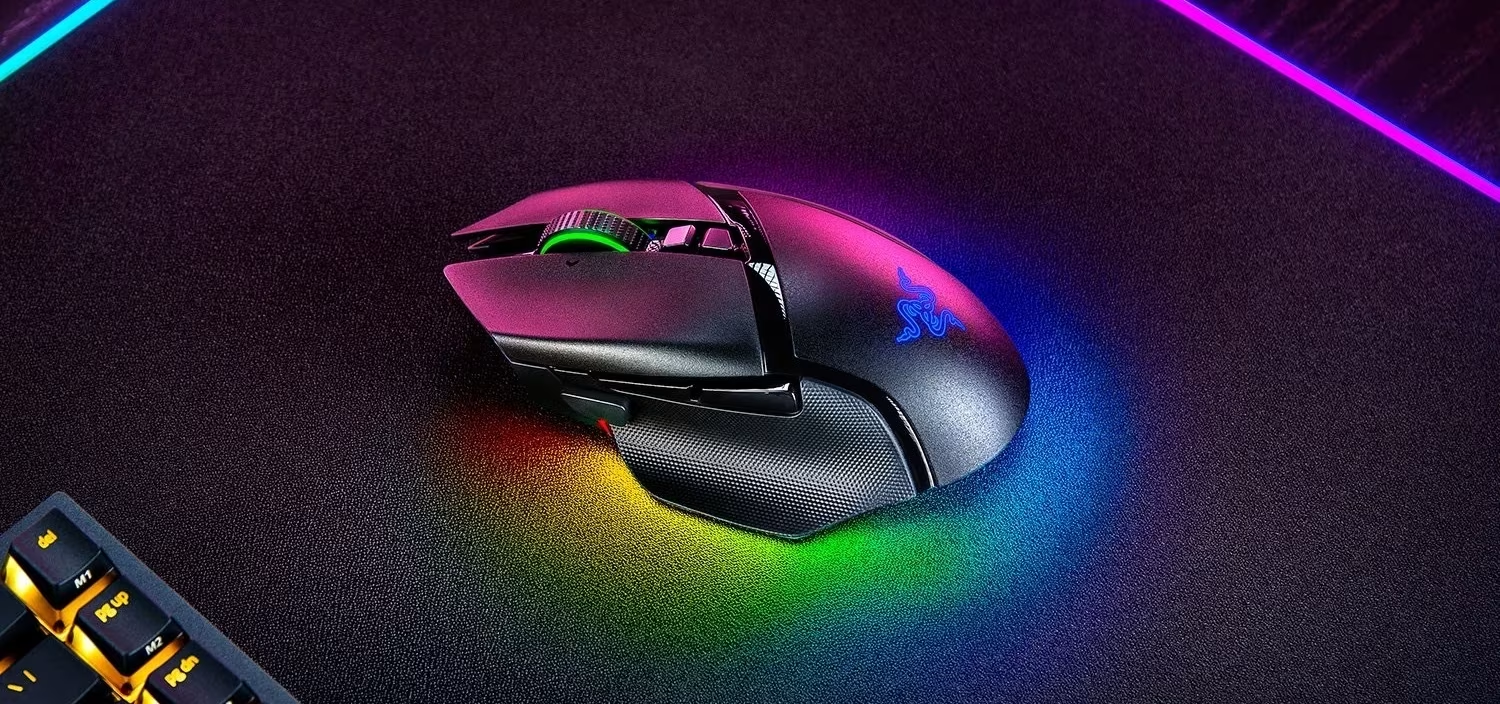
In addition to a gaming mouse, you also need a mouse pad that not only improves your performance but also completes the look of your setup. At Verkkokauppa.com, you'll find all kinds of gaming mouse pads in various sizes and styles, so you're sure to find the perfect match for your gaming den.
Give us feedback – was this article helpful?
We’d love to hear from you! Rate this article on a scale of 1–5 and let us know how we could make it even better.
Give feedback (Ulkoinen palvelu) (Avautuu uuteen välilehteen)