Master TV terms and technology – TV buying guide
Updated October 5th, 2026
Buying a new TV can be surprisingly complex with so many factors to consider. As technology evolves rapidly, even tech-savvy buyers can feel overwhelmed by the jargon and features used in modern TV marketing. We want to make your purchase as easy as possible, so this guide is designed to answer your most common questions.
TV screen size and viewing distance
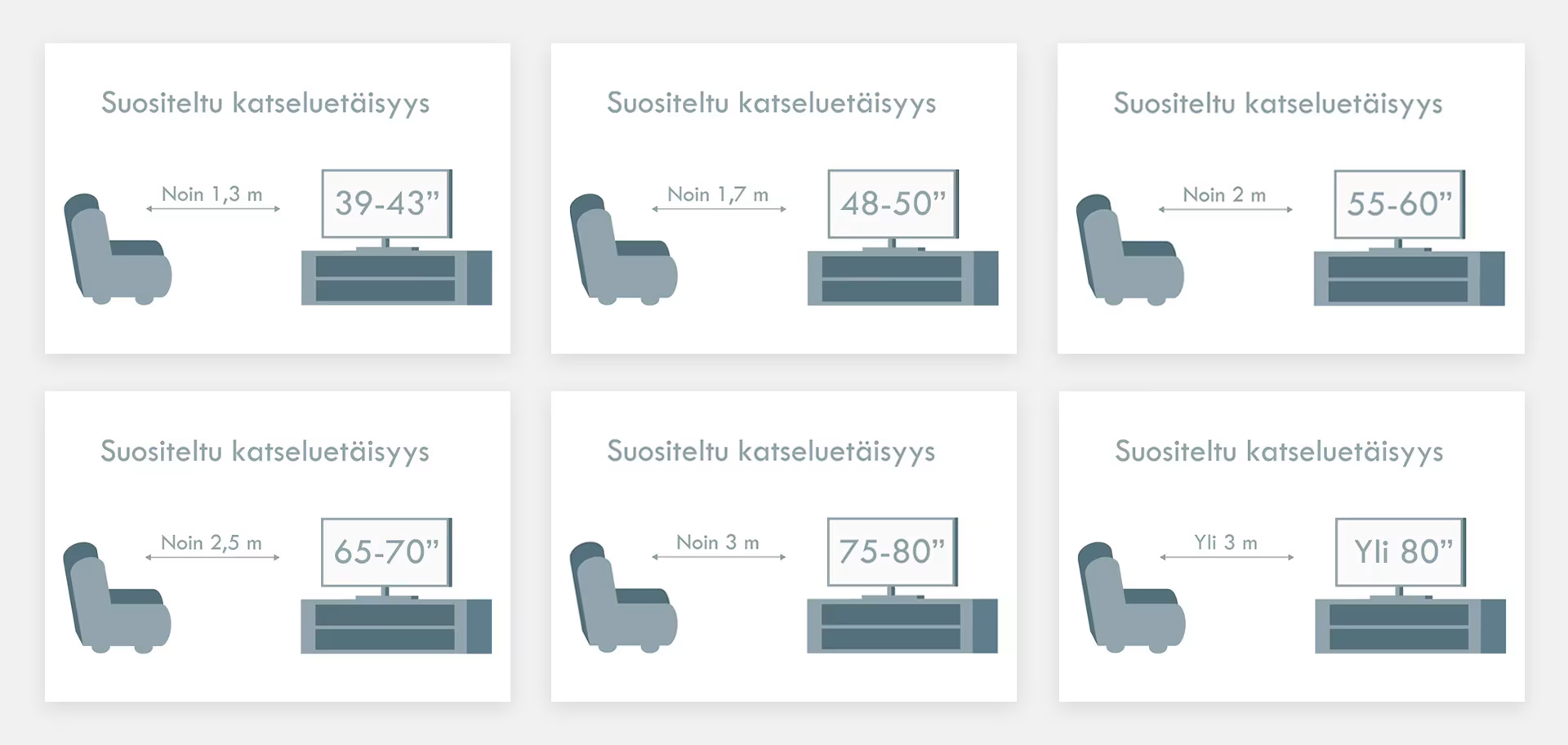
Choosing a TV usually starts with determining the screen size. The size depends on the space and the viewing distance.
- For example, for a medium-sized living room, a 55–75-inch screen is ideal.
- A larger living room or a dedicated home cinema benefits from a larger screen up to 98 inches, while home theater projectors can reach even larger sizes, up to 150 inches.
- For bedrooms, children's rooms, or summer cottages, a smaller 20–50-inch TV is usually sufficient, depending on the distance.
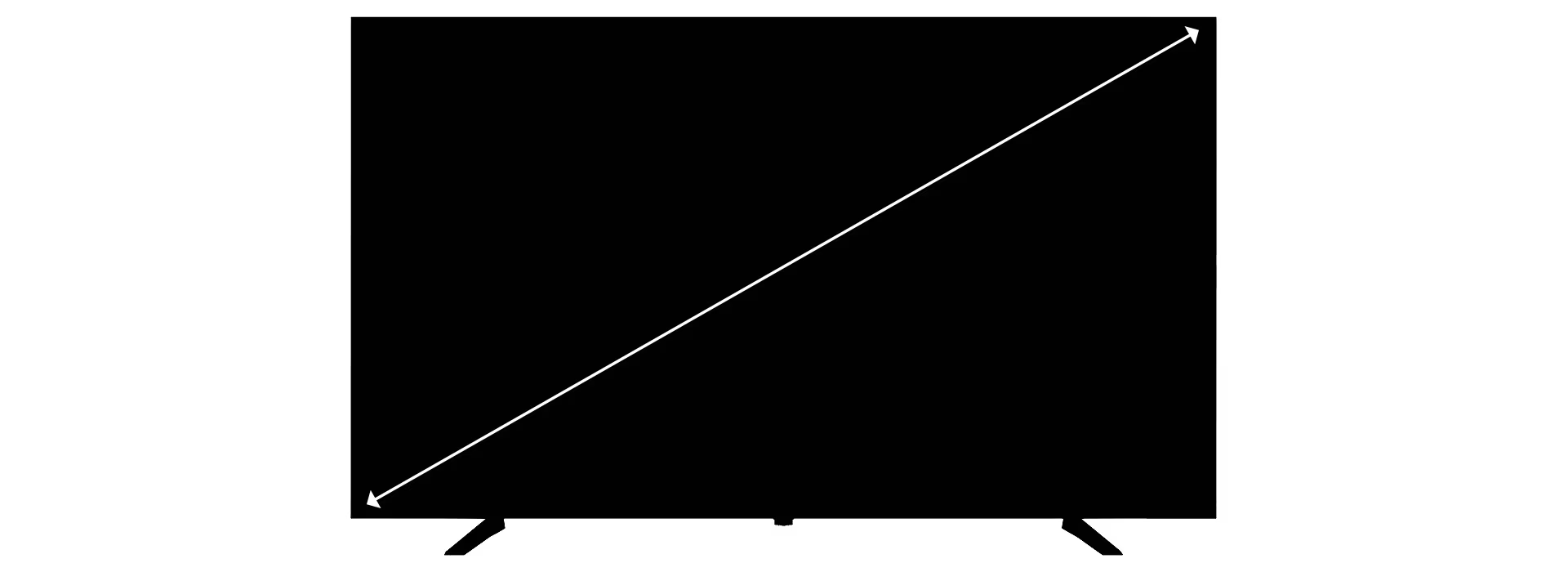
Screen size is measured diagonally from corner to corner, excluding the bezels, and is expressed in inches.
Verkkokauppa.com recommends
Measure your viewing distance and visit the TV department at a Verkkokauppa.com store to see demo models from the same distance and ensure the screen size is right for you.
TV picture quality
Picture quality is a key factor for many when choosing a new TV. Manufacturers are constantly developing sharper and brighter technologies to meet consumer demand and enhance the viewing experience. Factors such as resolution, backlighting technology, and panel type all play a crucial role in overall picture quality.
Resolution
Resolution determines how many pixels make up the TV's picture. More pixels create a sharper image, provided the source material is also high quality. The most common resolution in our TV selection today is 4K Ultra HD, and with streaming content in this format becoming increasingly available, you'll get a sharp picture even when viewing up close.
Most Common TV Resolutions
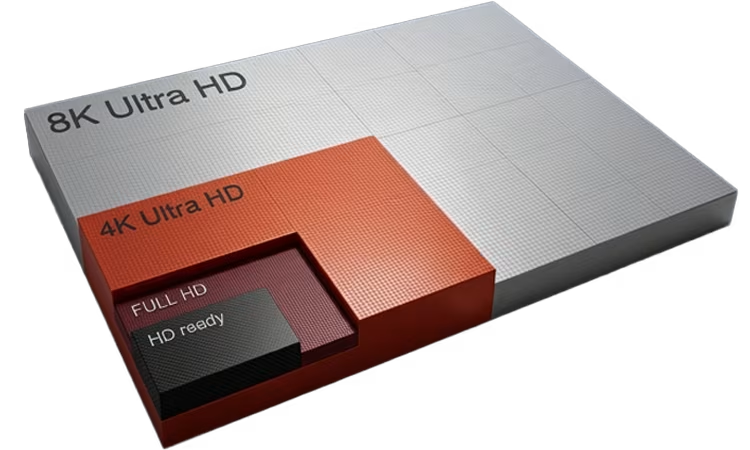
- HD Ready = 1366 x 768 pixels
- Full HD = 1920 x 1080 pixels
- 4K Ultra HD = 3840 x 2160 pixels
- 8K Ultra HD = 7680 x 4320 pixels
Panel
The TV panel is the actual display surface that produces the image and affects picture quality, colors, contrast, brightness, and motion handling. Different panel technologies include LED, MiniLED, and OLED.
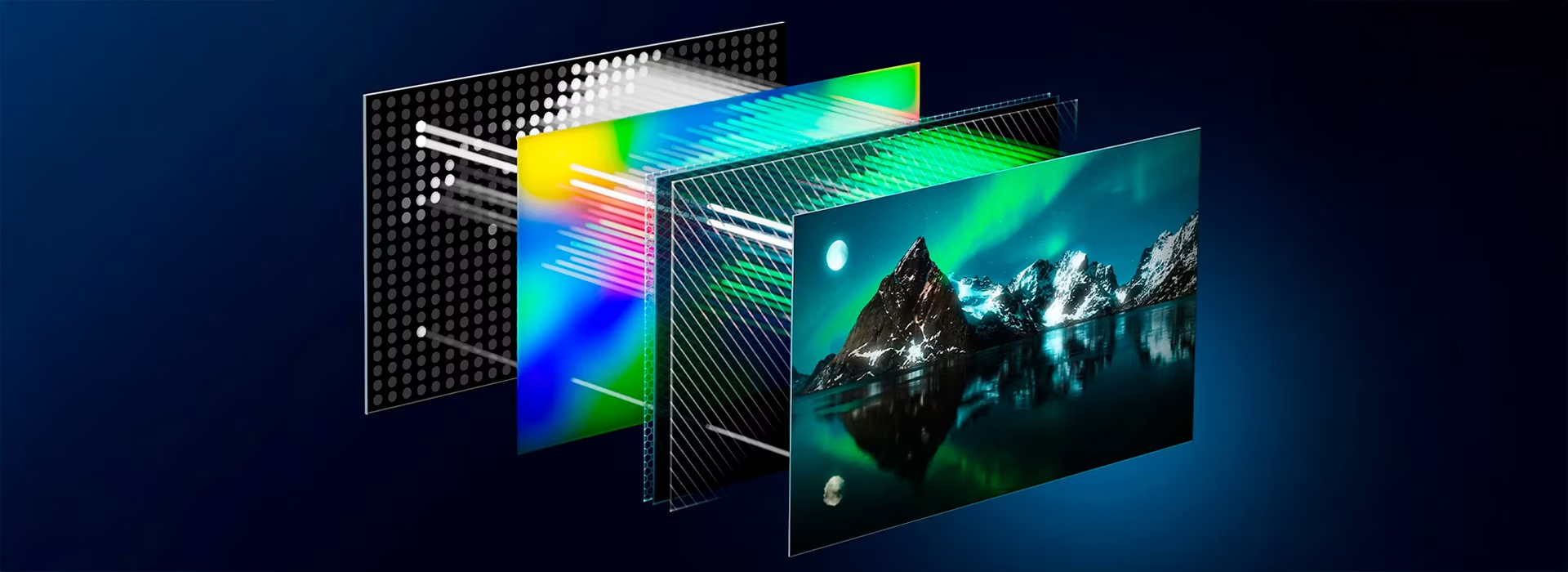
- LED is the traditional backlighting technology that produces images by illuminating pixels from behind the panel with lights. LED TVs offer a wider selection, and the best LED TVs can produce very bright images and colors thanks to their more powerful backlights. Manufacturer designations like QLED and NanoCell are LED TVs with image enhancement technologies.
- MiniLED TVs contain many times more LED lights compared to standard LED TVs, and these lights are smaller in size. These tiny lights enable deep black areas while simultaneously displaying bright details.
- OLED represents the newest panel technology, delivering significantly higher contrast and deeper black levels compared to traditional backlit screens. OLED illuminates each pixel individually, so adjacent pixels don't affect each other's colors.
LED TV Backlighting Technology
Backlighting technology determines how a TV screen is illuminated, which directly affects picture brightness, contrast, black levels, and HDR performance.

LED TVs use several different backlighting implementations:
- Direct-LED is the thickest design, illuminating the panel directly from behind. It produces deep blacks and vibrant colors.
- Edge-LED is slightly thinner, illuminating the panel from the edges. Light is precisely directed where needed, improving color accuracy.
- Full-Array LED combines the brightness and darkness of Direct-LED while maintaining the precision of Edge-LED. Full-Array TVs can turn off individual LED zones to create superior contrast and better color accuracy.
TV energy consumption
A TV's energy class is determined by its power consumption over 1,000 hours of Standard Dynamic Range (SDR) playback. The energy label also specifies the energy class and consumption for High Dynamic Range (HDR) content. Due to the recent rescaling of energy labels, current TVs are rated D at best, as classes A–C are reserved for future, even more energy-efficient models.
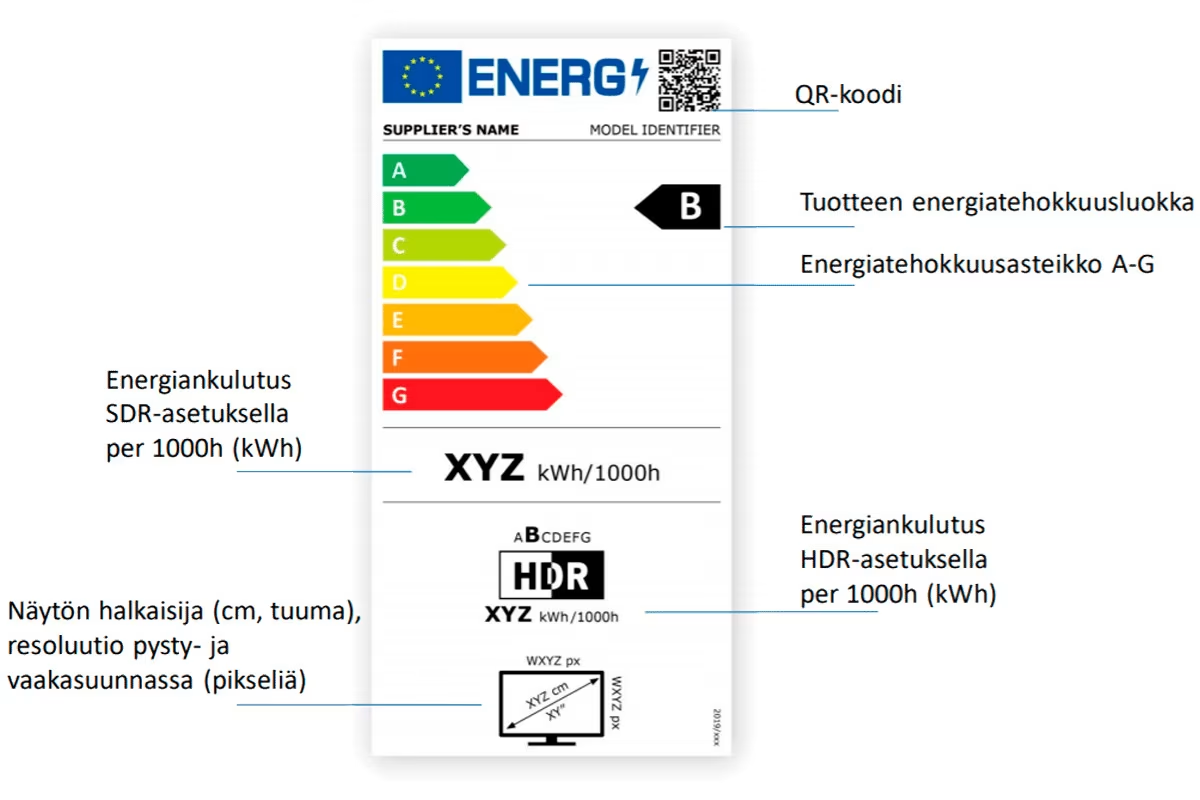
Although TV energy ratings are currently at the lower end of the scale, they don't actually consume a massive amount of electricity compared to other household appliances. However, if you want the most energy-efficient TV possible, you may have to compromise on picture quality—the brighter and more luminous the screen, the more energy it uses.
Smartphones provide a simple way to understand the link between brightness and energy consumption. In power-saving mode, screen brightness is reduced because a bright display uses more power. However, increasing the brightness makes content easier to see, especially in well-lit rooms. A brighter TV picture produces purer colors and combats glare from daylight. If the peak brightness is insufficient, you might see your own reflection during dark scenes instead of the actual content.
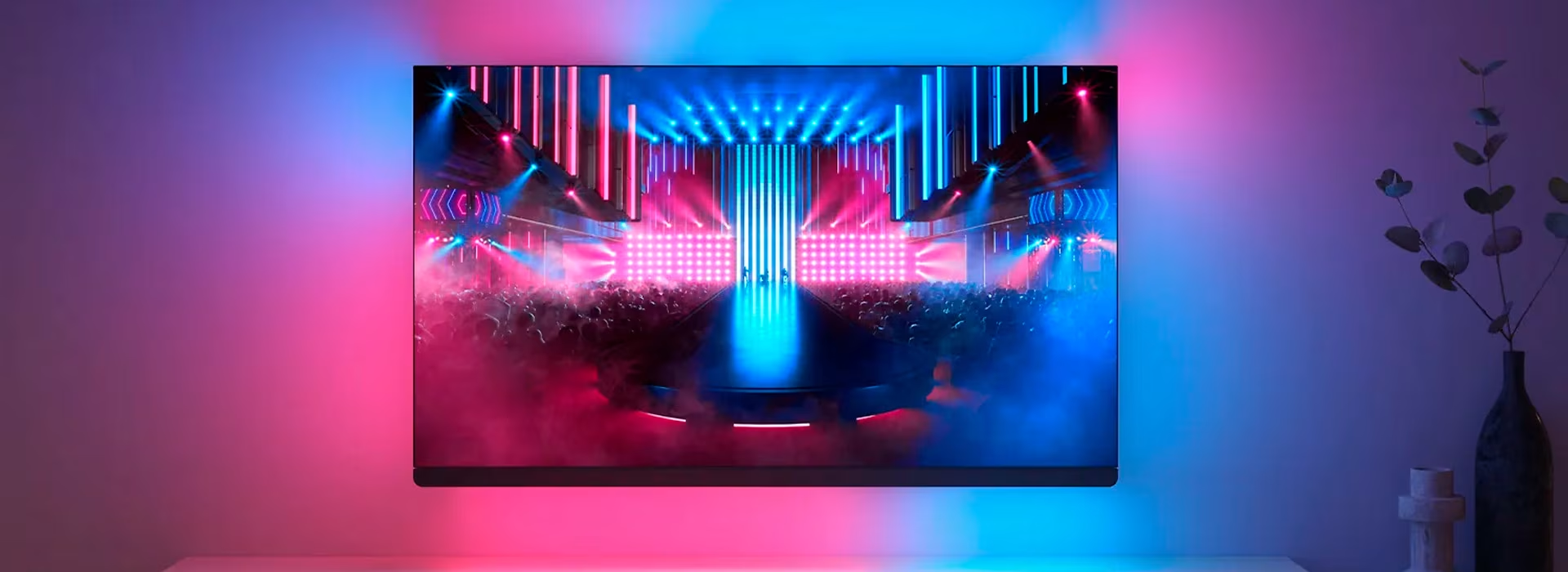
If you enjoy movies and high-quality series and want to invest in the viewing experience, you can choose a high-performance, high-brightness TV and manage energy consumption based on what you watch. Standard picture mode is perfectly fine for everyday viewing like the news, while bright and vivid HDR content is best saved for movie nights. Simply turning off the TV when it's not in use will keep your electricity bill in check, even if you've opted for superior picture quality.
Read more about energy labels for TVs and other home electronics!
TV tuners
TVs can receive broadcasts via antenna, cable, satellite, or IPTV. The most common methods are antenna (DVB-T2) or cable (DVB-C). To watch premium HD channels, you'll also need a CI+ card reader and a pay-TV card. Some TV models feature twin tuners, allowing you to record two channels simultaneously to an external hard drive.
Since 2017, antenna network broadcasts have been transitioning to DVB-T2 technology, which enables HD viewing. Every TV in our selection includes a DVB-T2 tuner, ensuring your new TV is HD-ready.
Cable networks have offered high-definition channels for a long time. You can watch cable channels with a DVB-C tuner. For HD content, your TV must have either a DVB-C HD tuner or a Cable Ready HD certification. Find more information at the HDTV Guide (Ulkoinen palvelu) (Avautuu uuteen välilehteen).
In 2025, standard-definition broadcasts will end as all channels switch to HD. All TVs sold at Verkkokauppa.com support HD broadcasts, but you can also get an HD set-top box to continue watching TV. Read more here!
Smart TVs and entertainment services
Smart TVs function much like smartphones with their own apps. They support both wireless and wired internet connections, allowing you to use various apps and streaming services like Netflix and YouTube.
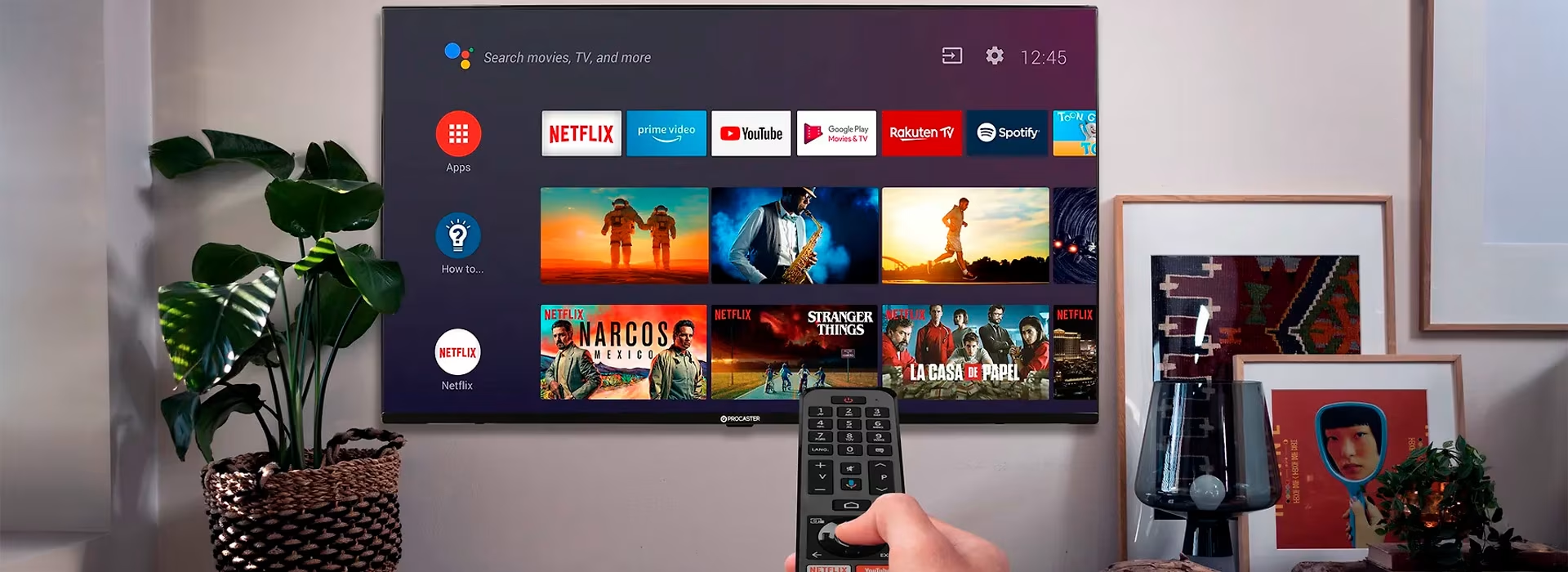
App availability varies between different smart TVs, but most popular streaming services are available on operating systems like webOS, Google TV, Android, and Tizen. The availability and updates of streaming services depend on the service provider, not the TV manufacturer. You can always check specific compatibility on the service provider's website, such as Disney+ (Ulkoinen palvelu) (Avautuu uuteen välilehteen) or Katsomo (Ulkoinen palvelu) (Avautuu uuteen välilehteen).
Generally, service providers support newer models for longer, so buying a new TV ensures you'll enjoy smart features for years to come. However, the TV will still work even if app updates stop—you can extend its lifespan by getting an external media player, such as Apple TV.
TV connectivity
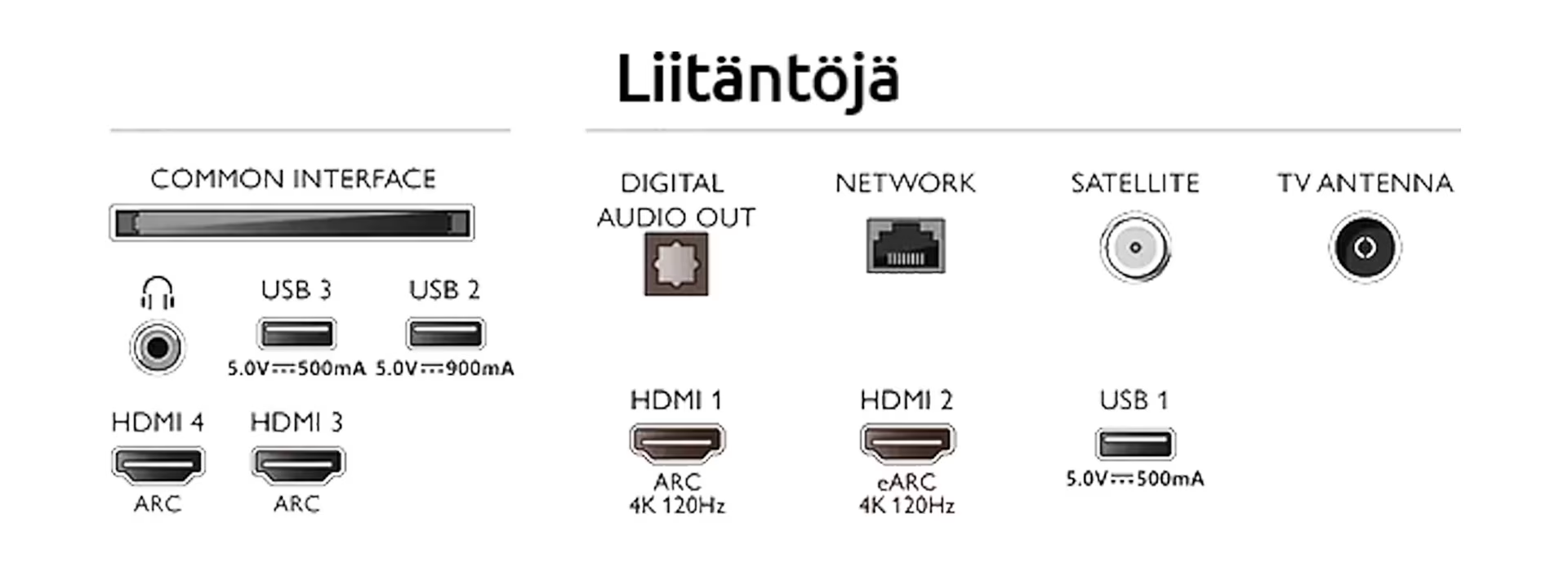
If you plan to connect other devices to your TV, such as game consoles, USB drives or external speakers, check the number and type of ports before buying. It's also wise to future-proof your purchase by choosing a TV that won't need replacing due to insufficient connectivity. TVs typically feature a variety of HDMI and USB ports, a LAN port for a wired internet connection, and various audio connections.
Gaming and Television
Gaming-related TV features include GSYNC, FreeSync, VRR, HGiG, ALLM, HDMI 2.1, and 120 Hz refresh rate. Generally, games will run on any television, but these features are especially useful if you have a PS5 or Xbox Series X/S console, a powerful gaming PC, or another device that supports high refresh rates and advanced gaming features. Gaming on a proper gaming TV is smoother, the screen responds faster, and the game simply looks better.
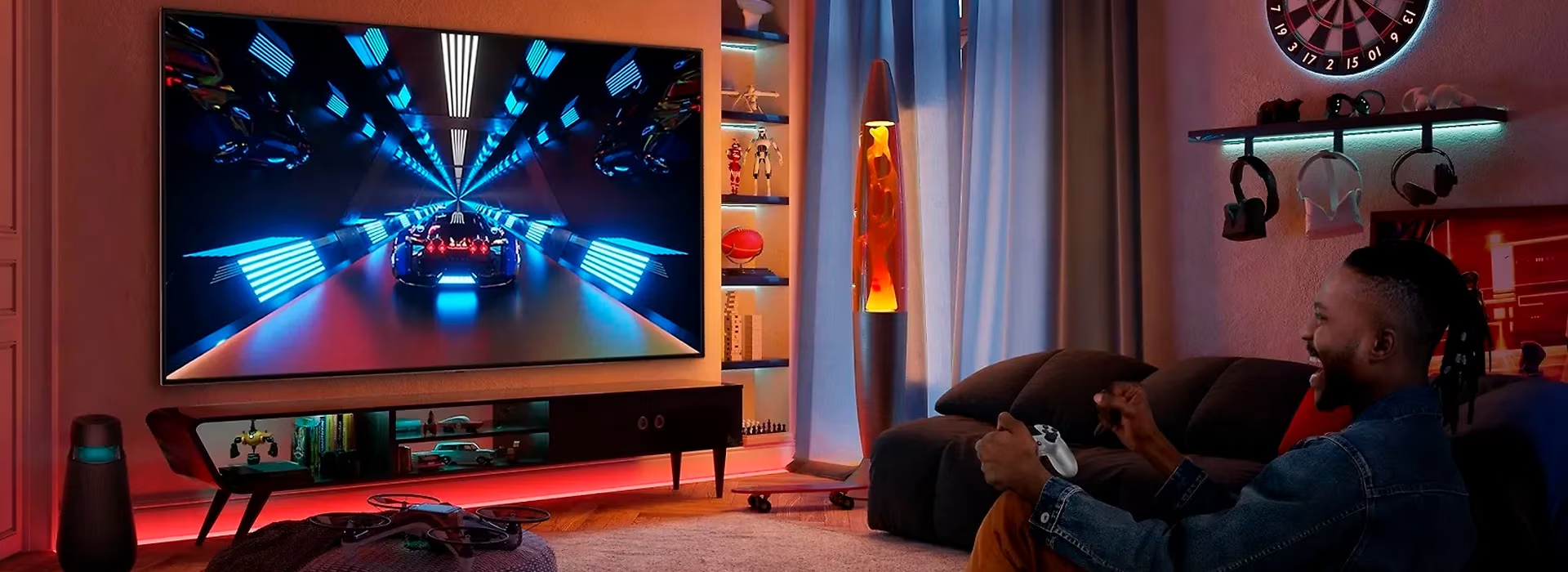
- GSYNC, FreeSync, and VRR: GSYNC and FreeSync are technologies that support variable refresh rate, or VRR (Variable Refresh Rate) functionality. VRR prevents screen tearing and stuttering during motion by synchronizing the TV's refresh rate with the frame rate produced by the gaming device. GSYNC is designed for NVIDIA graphics cards. Many TVs now support VRR functionality even without separate G-SYNC or FreeSync certification.
- HGiG (HDR Gaming Interest Group) is a feature that helps ensure HDR games display as accurately as possible to the game developers' original intent. When HGiG is enabled, the TV doesn't apply additional HDR tone mapping—instead, HDR adjustment is handled through the game or gaming console. HGiG functionality is available on PS4, PS5, Xbox One, and Xbox Series S/X consoles.
- ALLM (Auto Low Latency Mode) detects when the source device is a gaming console and automatically switches to low-latency game mode. This can improve responsiveness, especially in fast-paced games.
- HDMI 2.1 and 120 Hz: HDMI 2.1 enables features like 4K resolution at 120 Hz refresh rate. Powerful gaming consoles can send up to 120 frames per second in some PS5, PS5 Pro, and Xbox Series X|S games, supporting frame rates up to 120 fps. This requires an HDMI connection capable of receiving high-quality video at 120 times per second and a panel capable of displaying it just as frequently.
TV audio
Audio is an essential part of the TV experience, especially when watching movies and series and gaming. While TVs usually have built-in speakers, external sound systems significantly improve the audio quality.
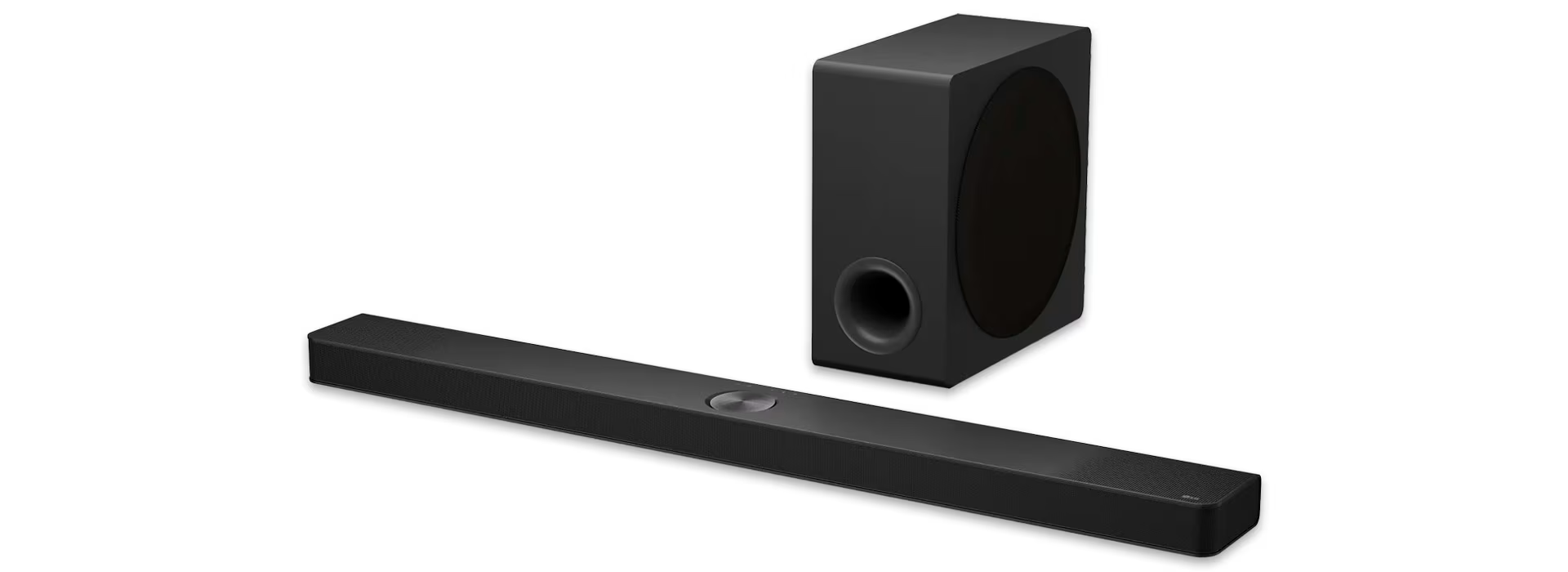
You can enhance your TV with a multi-channel home theater system, a slim Soundbar system, or connect active speakers or passive stereo speakers that require a separate amplifier. Common connection types include HDMI, optical Toslink (S/PDIF), or analog RCA. Ensure that your TV and chosen audio solution have compatible connections.
TV stand, floor stand, or wall mount?
TV placement depends primarily on the available space, but interior design and wall limitations also play a role. It's worth considering placement before buying, as it can influence which TV model is right for you.
A TV stand is an easy and effortless choice
Many people are hesitant to use a drill or simply don't want holes in their walls, making a TV stand the standard choice using the legs included with the TV. A TV stand can also be a key element for interior design and storage, and it's definitely the most practical solution for console gamers. If you already have a stand, make sure the TV's base fits. You can find the stand dimensions in all our product descriptions to ensure a perfect fit.
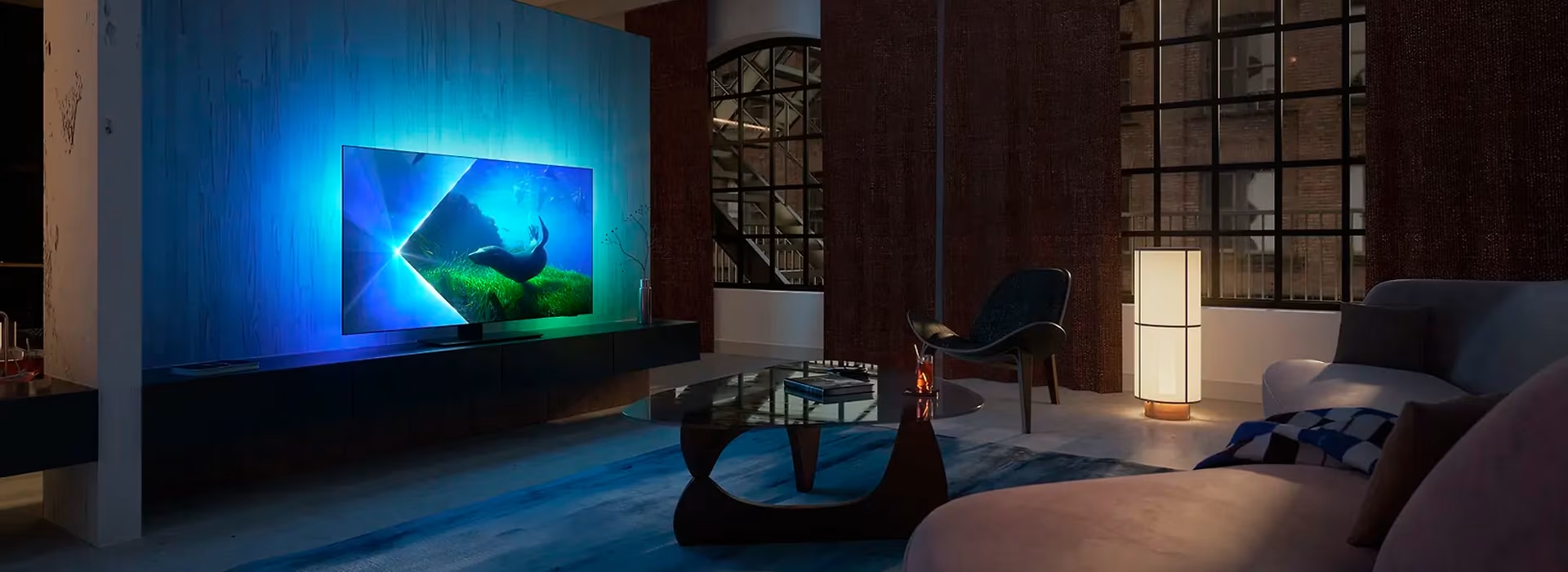
Floor stands are a trendy and modern choice
Like a TV stand, a floor stand doesn't require drilling holes into walls, making it an equally effortless choice. Compared to a TV stand, a floor stand takes up less space and offers more flexible placement options. A TV on a floor stand doesn't have to be placed against a wall—your imagination (and the location of power outlets) is the only limit. A floor stand can also serve as a stylish interior design element. The TV is attached to the floor stand using a VESA mount, just like a wall mount, so ensure the stand and TV have compatible VESA dimensions. You can find the information needed to choose the right floor stand by checking the product specifications for both the stand and the TV.

Wall mounting saves space
Mounting your TV on the wall is a smart solution, especially when space is limited. To hang your TV, you'll need a compatible wall mount. Our TV wall mount buying guide will help you choose the right one.
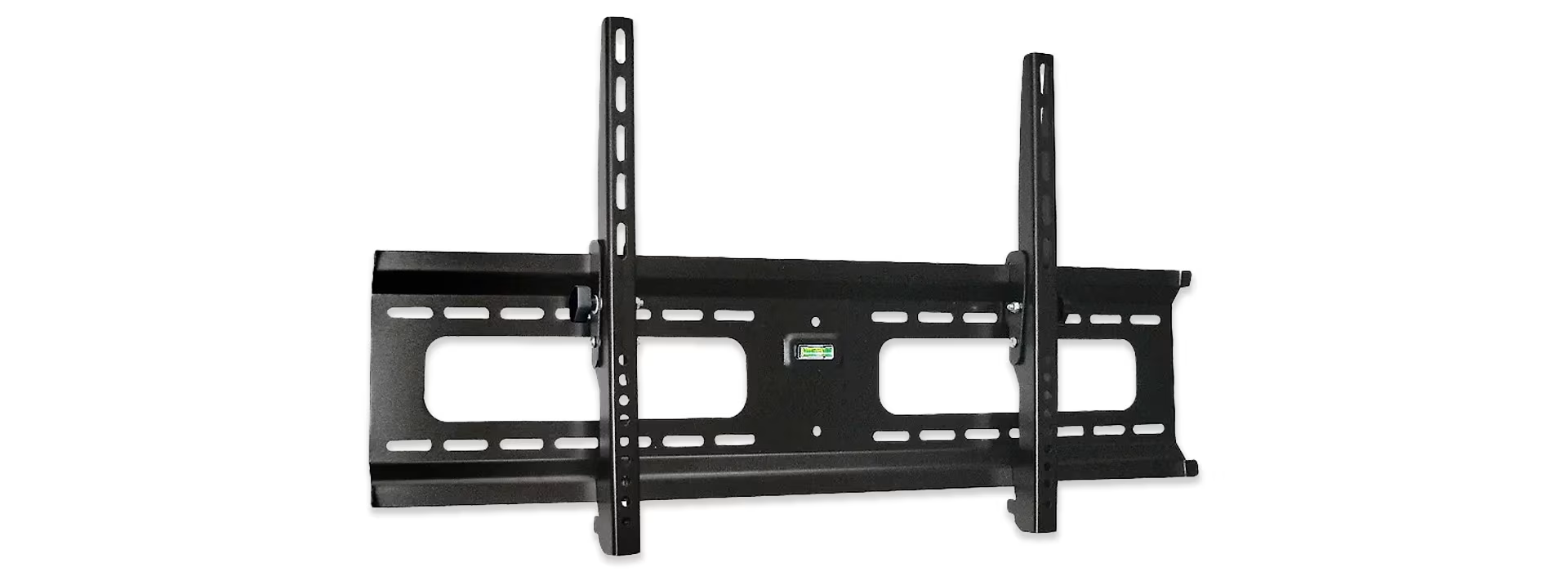
By the way, if installing a wall mount sounds like too much work, you can order wall installation from us when you buy your TV. Whether you choose to do it yourself or hire a professional, you can find more information in our TV wall mount installation guide.
Give us feedback – was this article helpful?
We’d love to hear from you! Rate this article on a scale of 1–5 and let us know how we could make it even better.
Give feedback (Ulkoinen palvelu) (Avautuu uuteen välilehteen)