
Computers for Students
Updated April 16, 2026
What makes a good student laptop? Forget desktops—focus on portable options that are easy to carry between classes. Read this guide to find the perfect laptop for yourself or your child, whether for high school or university studies.
The best laptop for students? Performance to match your needs
The level of study doesn't usually dictate the type of laptop you need, as most students primarily use their computers for research and writing, whether in high school or university.
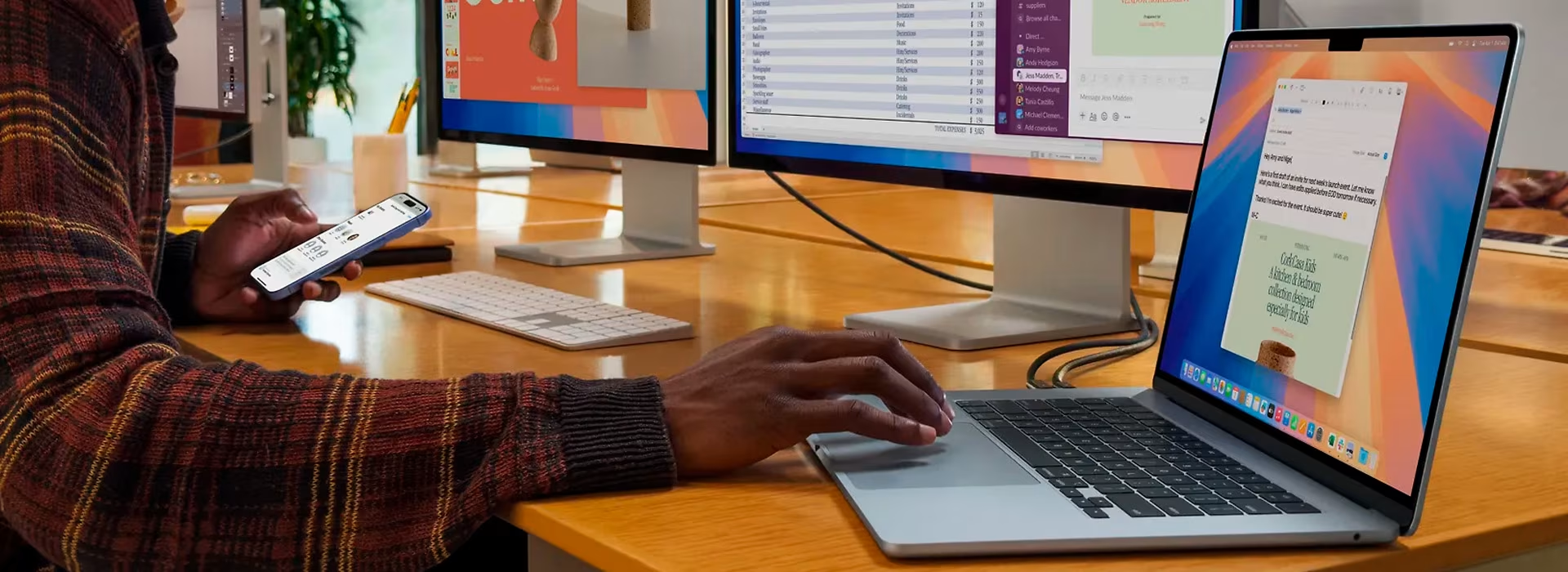
However, some fields of study demand more from a computer. If your studies involve graphic design or video editing, your laptop needs to handle demanding software like Photoshop or AutoCAD. Choose a device with enough power for your coursework and personal needs—for example, gamers should consider a gaming laptop that handles both gaming and lecture notes with ease.
Choose a laptop with long battery life for your studies
Battery life is arguably the most important feature when choosing a laptop for school. Classrooms and lecture halls often lack enough power outlets, so your battery should last at least a full day—ideally longer. Since batteries degrade over time, it’s smart to choose a model with the best possible battery life from the start to ensure it still lasts through a full day even as you approach graduation.
PC or MacBook for your studies?
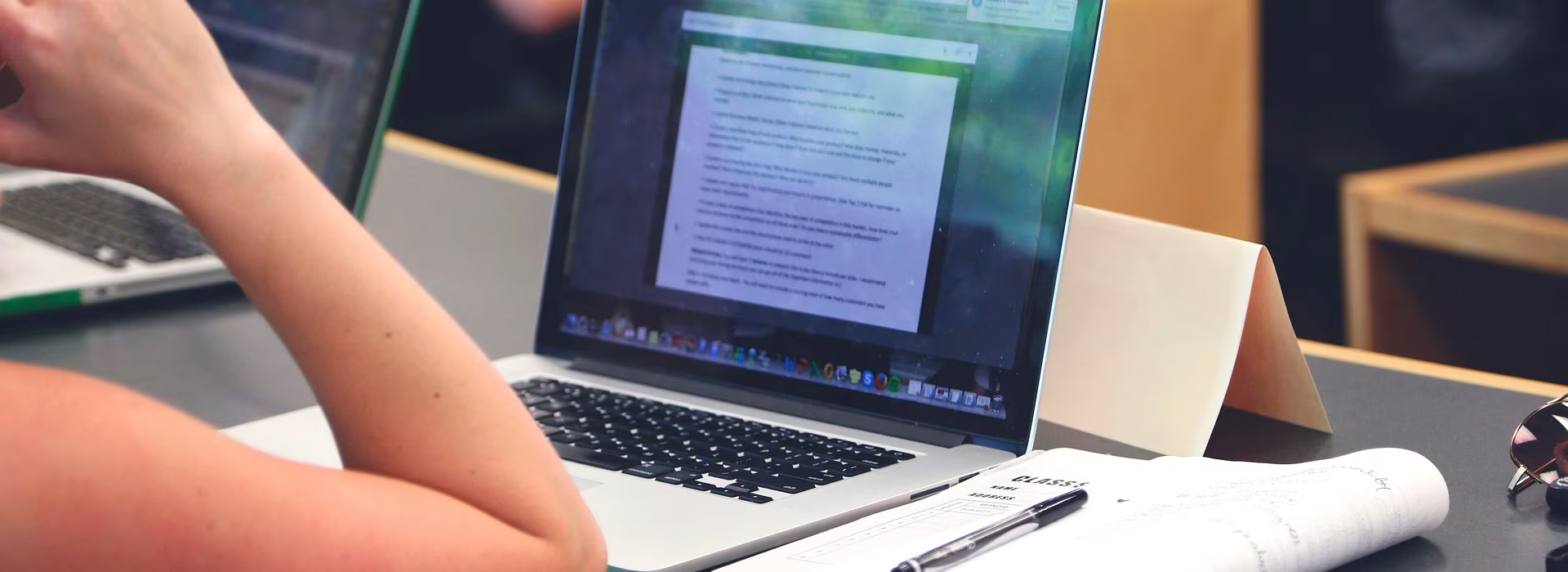
It really comes down to the operating system: macOS or Windows. It’s mostly a matter of preference and what you’re used to, as neither is objectively better than the other. Choose the one that feels most natural so you can focus on your studies instead of fiddling with settings.
Other useful features for a student laptop
Beyond performance, battery life, and the operating system, consider the laptop's weight. Your neck and shoulders will thank you for choosing a lightweight model to carry in your backpack.

To unlock the full potential of your laptop for studying, opt for a touchscreen model. A stylus allows you to take notes, sketch, and create mind maps directly on the screen, replacing messy notebooks. Check whether a stylus is included or needs to be purchased separately.
Tips from Verkkokauppa.com
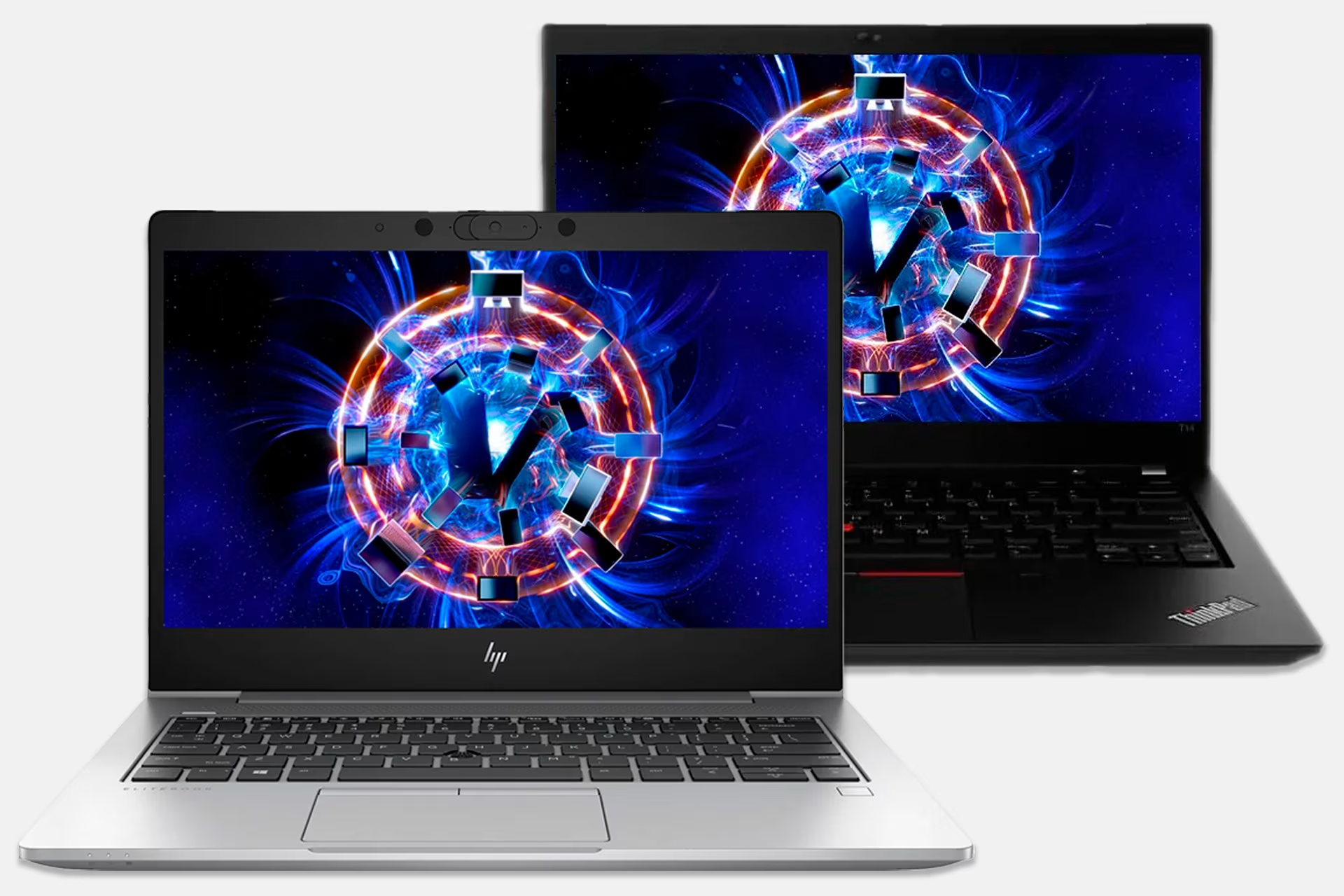
Used computers are an excellent choice for almost any purpose. They are a smart option for students, as high-performance ex-corporate laptops typically offer great battery life at a very student-friendly price. All used computers at Verkkokauppa.com are professionally wiped and refurbished to like-new condition.
High school students – consider matriculation exams when buying a laptop and accessories
While the extension of compulsory education means high schools now provide laptops for studying, some prefer to get their own. The system requirements for digital matriculation exams largely determine what kind of study laptop you should get. It's also worth considering any additional accessories you might need and ensuring they're compatible with the matriculation exams.

Abitti 2 compatibility
Abitti is a free exam system that allows students to practice the environment used in matriculation exams beforehand. Starting in fall 2026, matriculation exams will be conducted using the new Abitti 2 exam system. While previously the computer was booted from a USB stick, Abitti 2 primarily uses an exam application installed on the computer to log in. However, the USB stick (exam stick) can still be used with Linux devices or in situations where the exam application isn't available. You can find detailed Abitti instructions here. (Ulkoinen palvelu) (Avautuu uuteen välilehteen)
Today, nearly all new computer models are Abitti 2 compatible, including Apple MacBooks, which weren't previously compatible. Check out our selection of Abitti-compatible laptops.
Mandatory and permitted equipment for matriculation exams
Make sure you bring all the mandatory items for your matriculation exams, as well as any permitted equipment that might be useful.
Mandatory:
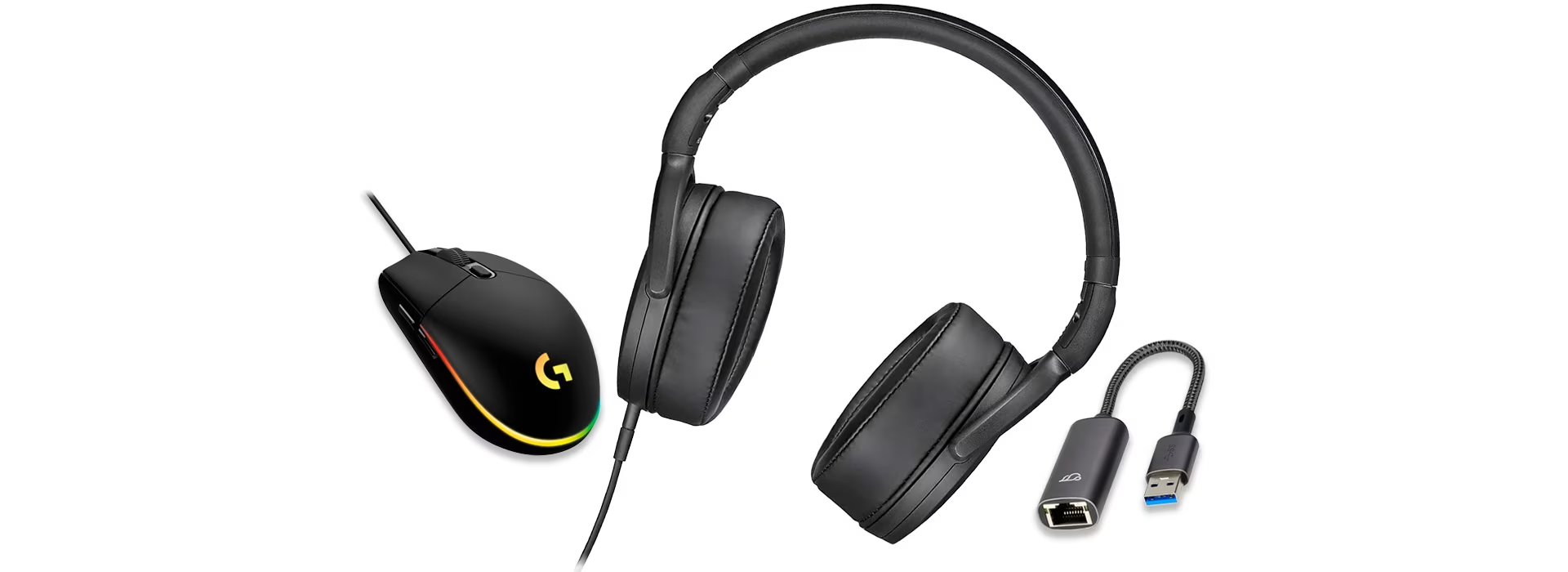
- Wired headphones – headphones must be wired, as devices using radio frequencies (Bluetooth, etc.) are prohibited during the exam.
- Power cord
Permitted:
- A wired mouse makes navigating the exam system faster and easier, though it is not mandatory. The mouse must be wired, as devices using radio frequencies (Bluetooth, etc.) are prohibited during the exam.
- Adapters. Many schools conduct matriculation exams via a wired internet connection. If your laptop doesn't have a built-in Ethernet port, you will need an Ethernet adapter. The DigabiOS operating system runs from a USB flash drive, so your computer must have at least one USB-A port. If you also use a wired mouse, you'll need a second port. Modern laptops often have fewer ports, but these can be expanded with various adapters. Our selection includes, for example, adapters that provide both Ethernet and USB-A ports simultaneously.
Give us feedback – was this article helpful?
We’d love to hear from you! Rate this article on a scale of 1–5 and let us know how we could make it even better.
Give feedback (Ulkoinen palvelu) (Avautuu uuteen välilehteen)