
Buying Guide: Computers for Kids
Even the youngest children are now familiar with digital devices through tablets, but by school age, it’s often time for their first computer. In addition to entertainment, computers offer educational games and content that supports a child's development. Is the cheapest model enough, or should you invest more? Our expert from the Verkkokauppa.com Helsinki store shares key tips for choosing your child's first computer.
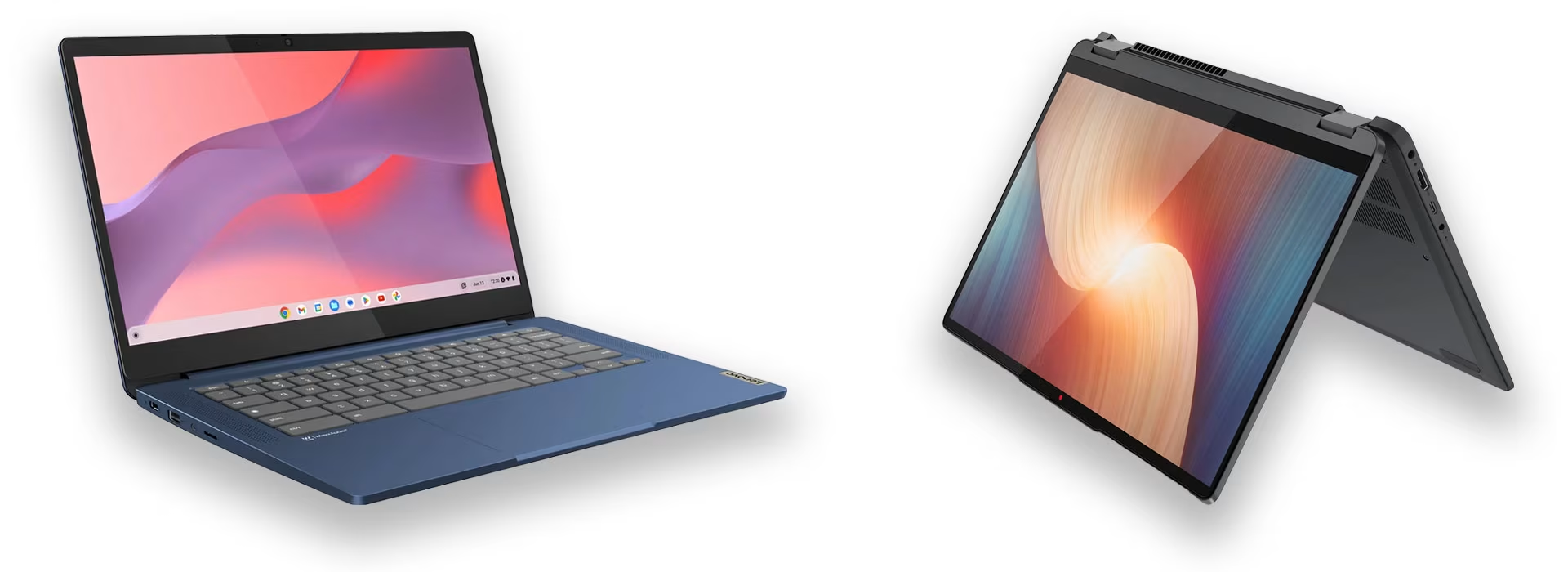
What features should a child's computer have?
For basic use, such as browsing, schoolwork, and streaming, our experts recommend a laptop in the €500–€600 price range. You can find even more affordable options by choosing a used computer, as Verkkokauppa.com's used computers are powerful devices at a lower price. A touchscreen can be a nice feature for a child used to tablets, but touchscreen laptops typically cost a few hundred euros more.
What do you need to know about technical specifications?
- Processor: A standard processor, such as an Intel i3, i5, or AMD Ryzen 5, is sufficient for basic use.
- RAM (Memory): Our experts recommend at least 8 GB of RAM even for light use, as memory is also needed for system updates. Having enough RAM extends the computer's lifespan by ensuring it remains updatable for longer.
- Storage: Storage is used for all saved content, such as photos, videos, files, and music, but the operating system also consumes space. For this reason, our experts recommend a computer with at least 256 GB of storage. However, storage can easily be expanded with an external hard drive if you run out of space.
Got a mini-gamer at home? Choosing the right gaming PC for your child
If your child plays demanding games, they will need a more powerful machine. A gaming PC's price and performance are primarily determined by the graphics card. While standard computers use integrated graphics, gaming PCs feature a dedicated graphics card to handle demanding visuals. Prices vary depending on whether you choose a pre-built PC or a custom build. While pre-built options might seem cheaper initially, a custom build often lasts longer and offers better value, as high-quality components allow for future upgrades.
- Pre-built PC: Entry-level pre-built PCs priced around €900–1,000 run Fortnite and other popular titles smoothly. More demanding games are also playable by lowering the graphics settings. While pre-built PCs are affordable and convenient, their main drawback is that components are often difficult to upgrade as they age. Gaming PCs →
- Custom-built gaming PC: The price of a custom build depends on the components chosen, with entry-level setups starting around €1,200–1,300. Parts can be easily upgraded or replaced as needed. While building a PC might seem daunting, our experts are happy to help you select the right components, and we also offer an assembly service. PC components →
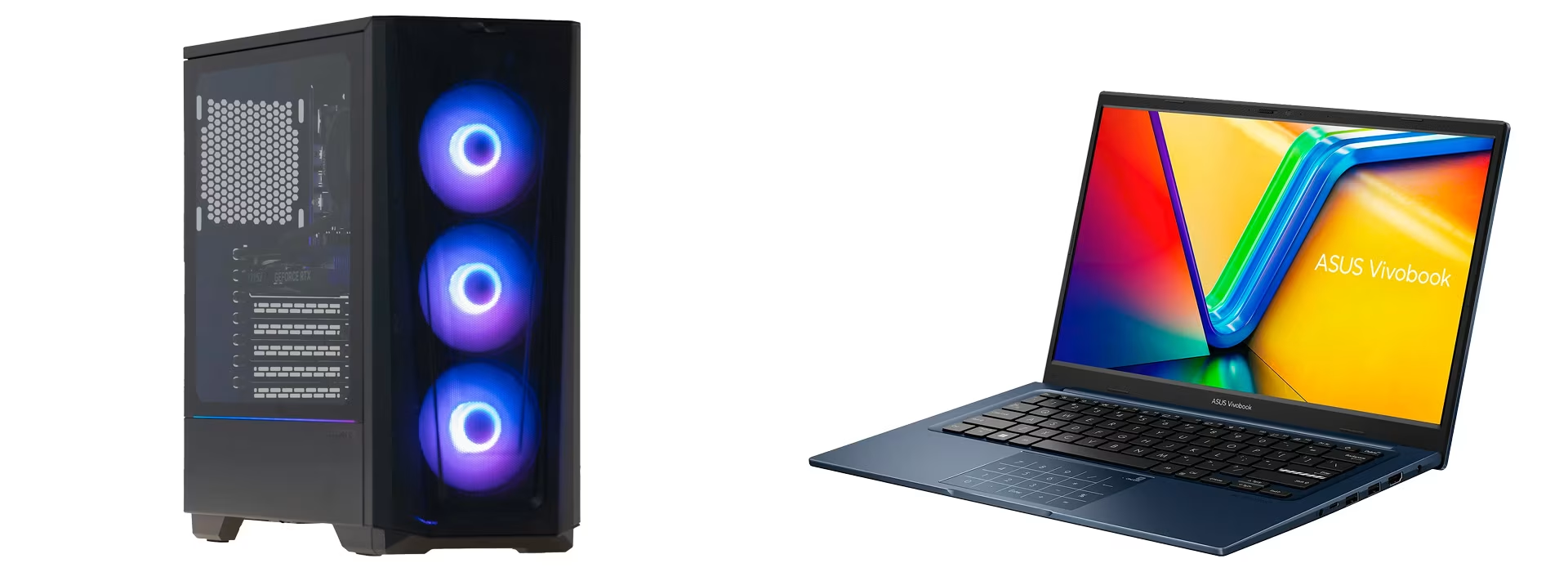
Laptop or desktop: which is better for your child?
Our expert doesn't favor one over the other, as the choice depends on several factors.
Desktop computers for children
Desktops are a great choice since children rarely need to carry their computers around. Because they stay in one place, they’re also less likely to get damaged. However, desktops can be more expensive as they require peripherals like a monitor, keyboard, and mouse.
Laptops for children
A laptop is a practical choice if multiple family members share the device or if it needs to be moved from room to room.
Children can be accident-prone, so durability is a key factor when choosing a laptop. Our experts suggest that while laptops in the €400–€500 range have sufficient performance for kids, they often feature flimsy plastic chassis that may not survive a single drop.
A gaming laptop for your child?
Gaming no longer requires a bulky desktop. Today’s market features highly capable gaming laptops that offer performance on par with desktop PCs. Keep in mind, however, that powerful components drain batteries quickly, so gaming laptops perform best when connected to a power source.

Mac or PC for your child?
The Mac vs. PC debate is eternal, but is it worth arguing over personal preference? Generally, our experts recommend a PC for children. It often better meets a child's needs, and you won't pay for extra features they don't need. However, Macs have their own advantages, so neither is objectively better than the other.
Why choose a PC for your child?
- Price: A PC suitable for a child can cost up to half as much as a Mac, which typically starts at around €1,000.
- Educational content: There are more educational platforms available for PCs, and the vast majority of primary and secondary school learning materials are designed for PC users.
- Safety and parental controls: Through Microsoft Family, the Windows operating system offers extensive safety and parental control settings. These help ensure your child stays safe online and doesn't download harmful software.
Choose a PC with either a Windows or Chrome operating system.
Why choose a Mac for your child?
- Parent familiarity: If you are already comfortable using a Mac, it’s easier to help your child when they need support.
- Ecosystem: If your child has an iPhone, it integrates seamlessly with a Mac.
- Longevity: Macs generally have a longer lifespan than PCs.
- User-friendly interface: macOS is often more intuitive and simpler to use than Windows, though this is also a matter of preference.
- Security and parental controls: Macs are inherently more secure as most malware is targeted at Windows. macOS also offers robust parental controls and security settings to keep your child safe online.
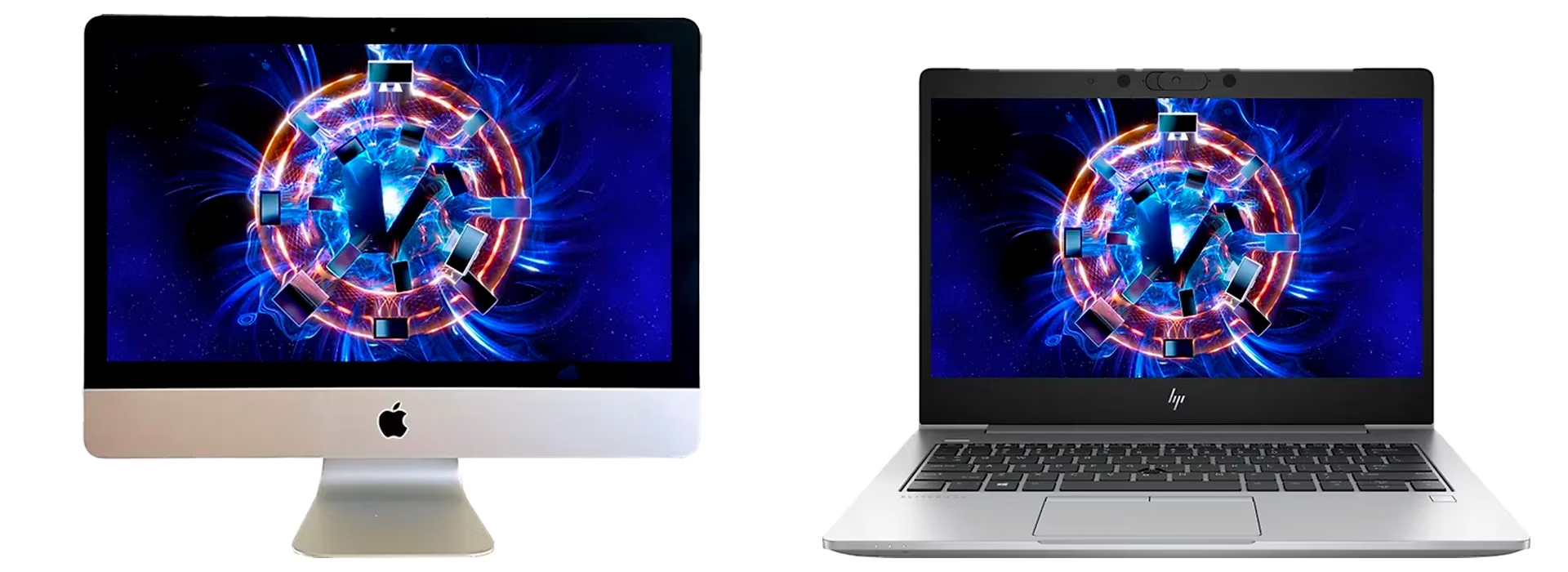
Get premium features for less with a refurbished computer
You can find powerful computers at low prices, but costs typically rise with more durable builds and better displays. Higher-quality components and a sturdier chassis mean a longer lifespan for your device. That’s why our refurbished computers are a smart choice—even for kids. These are high-quality, ex-corporate machines built to last through their next life with a new owner. Best of all, you get premium features at a budget-friendly price. A total life hack, if you ask us!
Give us feedback – was this article helpful?
We’d love to hear from you! Rate this article on a scale of 1–5 and let us know how we could make it even better.
Give feedback (Ulkoinen palvelu) (Avautuu uuteen välilehteen)