
Laptop Buying Guide – Find the right laptop for you
When it's time to buy a new laptop, you're faced with a massive selection of devices at various price points, all packed with complex technical jargon. It’s no wonder if you feel frustrated and turn to tech-savvy friends or relatives for help. We hope this guide gives them a well-deserved break and empowers you to find the perfect laptop for your needs on your own!
If you already know the basics and are looking for a laptop for gaming or high-performance use, check out our gaming laptop buying guide.
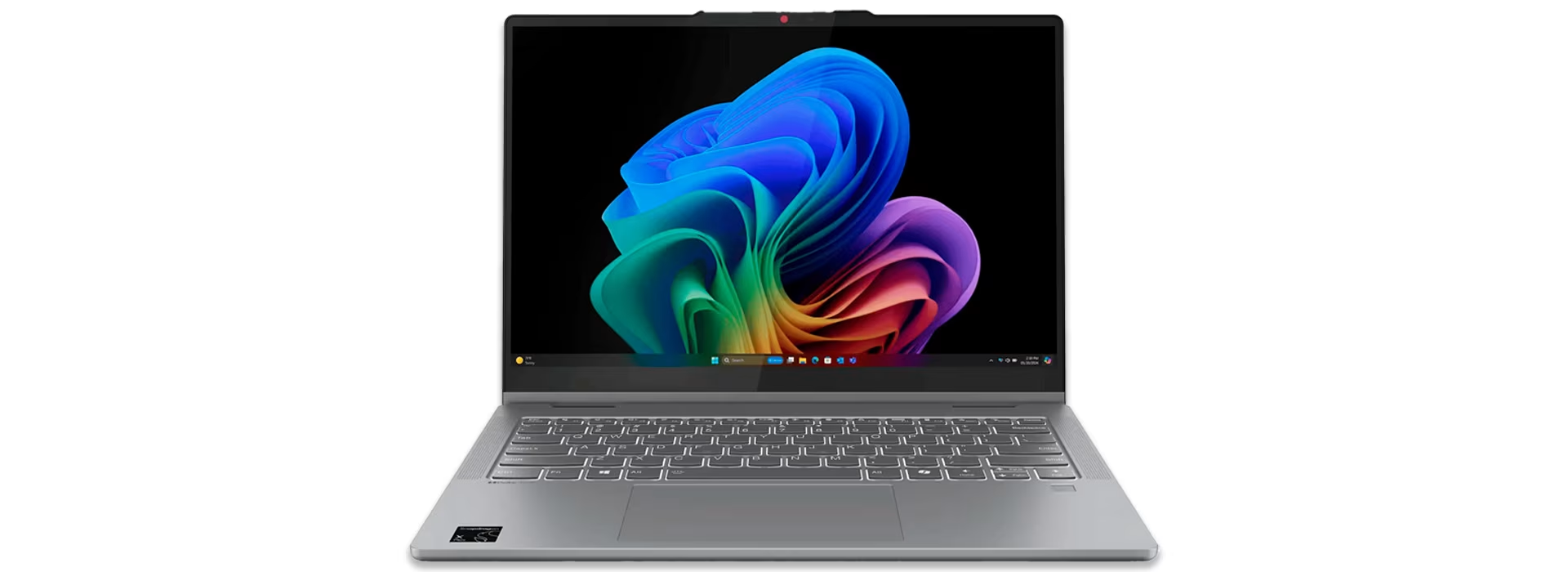
Laptop screen size
Screen size is one of the most important factors when choosing a laptop. The most common sizes, from smallest to largest, are 13.3”, 14”, 15.6” and 17.3”. When deciding on a screen size, consider whether the laptop will be used at home or if it will travel with you. Naturally, the larger the laptop, the heavier it will be.
- Choose a larger screen if the laptop will stay mostly at home or in the office.
- Choose a smaller screen if you carry it often or use it for things like lectures.

Laptop battery life
Our laptop product descriptions include the manufacturer's battery life estimates for easy comparison. Please note that actual battery life varies based on usage, screen brightness, and other factors. These estimates should be considered indicative.
Battery life is significantly influenced by factors like screen size and cooling technology. Laptops with passive cooling, for instance, offer excellent battery life as they dissipate heat without power-hungry mechanical fans. Passive cooling also enhances user comfort: without fans or vents, the device remains silent and avoids accumulating dust or lint that could impact performance.
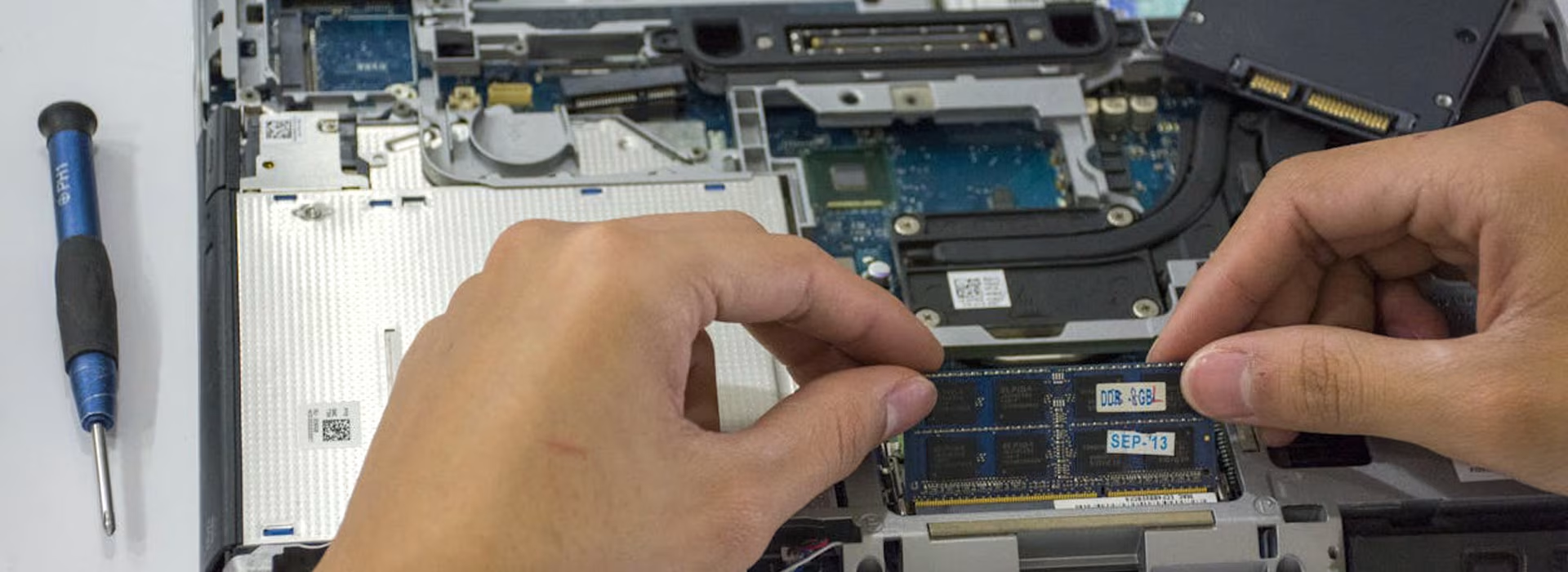
Core laptop components: processor, memory, and storage
When buying a laptop, ensure the processor, memory, and storage meet your specific needs. Below, we explain how these components impact performance to help you choose the right configuration.
Processor (CPU)
The processor (CPU) is the brain of your laptop. It consists of cores and threads; generally, the more it has, the more powerful the processor. Demanding tasks require a more powerful CPU. While basic tasks like web browsing run smoothly on entry-level processors, keep in mind that budget CPUs may struggle with future operating system updates, which can shorten the computer's lifespan.
- Determines the computer's speed and overall performance.
- PCs use either Intel or AMD processors, while Apple uses its own proprietary chips.
- The number in the processor's name indicates performance—higher numbers typically mean more cores and better performance. Intel series include i3, i5, i7, and i9, while AMD uses Ryzen 3, 5, 7, and 9.
- The name also indicates the generation—for example, the i7-13700K is an older model than the i7-14700K.
- A more powerful processor increases the price of the computer.
Memory (RAM)
RAM is short-term memory used by every running application and process. For example, your browser, Excel, Minesweeper, and antivirus software all consume a portion of it. The more RAM your computer has, the smoother it runs when multitasking. We recommend at least 8 GB even for light use, as it's also needed for system updates. Power users and gamers should opt for at least 16 GB.
- RAM provides your computer with short-term memory.
- The amount of RAM determines how many applications or demanding tasks you can run simultaneously.
- If you run out of memory, applications may freeze or crash.
- Computers typically come with 4, 8, 16, 32, or 64 GB of RAM.
- Generally, more RAM increases the price of the computer.
Hard drive or SSD – storage space
The hard drive is your computer's long-term memory, storing apps, photos, videos, and other data. We recommend at least 256 GB of storage, as the operating system also requires space. You can always expand your storage with an external hard drive if needed.
- Storage capacity determines how many files, programs, videos, and photos your computer can hold.
- While you can expand storage with external drives, internal storage is typically faster.
- Common storage capacities include 128 GB, 256 GB, 512 GB, 1 TB, and 2 TB.
- More storage generally increases the price of the computer.
Verkkokauppa.com recommends
If your computer has a traditional fan, avoid using it on fabrics. Modern high-performance fans can pull in lint and dust, which may significantly slow down the device or even cause hardware failure.

Operating systems – Windows, macOS, or ChromeOS?
An operating system is the primary software installed on a computer. It determines which applications you can install, the file system used, and the peripherals supported. Most computers come pre-installed with Microsoft Windows, Apple macOS, or Google ChromeOS. Microsoft Windows is by far the most popular and is often synonymous with the term PC . Below is a quick overview of the features and differences between these three operating systems.
Microsoft Windows
Microsoft Windows has been the dominant PC operating system since the launch of Windows 95 in the mid-90s. Today, most new computers come with Windows 11. Windows features the built-in Microsoft Store for direct app downloads and purchases, though you can still install software traditionally via external media or the web.
The greatest advantage of Windows is its extensive software compatibility. Due to its market dominance, virtually all major applications are built for Windows. For gamers, a Windows PC is essential, as nearly all PC games are developed specifically for Windows—many without any support for other operating systems.
Apple macOS
Apple macOS comes pre-installed on all Apple Mac and MacBook computers. It exclusively supports Apple hardware and is not compatible with PCs. macOS is the second most popular operating system after Microsoft Windows. It features a built-in App Store for direct downloads and purchases, though you can also install applications from external media or the web.
macOS is not compatible with Windows applications; it only runs software designed specifically for macOS or cross-platform applications. Powerful Apple MacBooks are particularly popular among writers, journalists, graphic designers, and programmers.
Choosing a Mac desktop or MacBook laptop is an excellent option for users of other Apple products, such as iPhone, iPad, or Apple TV, as macOS is designed to work seamlessly within the Apple ecosystem.
Google Chrome OS
Google's Chrome OS stands out by being entirely browser-based. You can't install traditional software on Chromebooks; instead, everything runs through cloud-based apps in the browser.
Streamlined Chromebooks are affordable and typically offer excellent battery life, lasting up to 24 hours on a single charge. A Chromebook is an ideal choice if you want a budget-friendly yet high-performance laptop for browsing the web, streaming movies (via services like Netflix, HBO, and other streaming platforms), and listening to music. It's also perfect for writing, as web-based tools like Google Docs run seamlessly.
Laptop buying checklist
- Intended use: Consider your needs carefully. Ensure the processor, RAM, and storage meet your requirements. For daily use, features like battery life and portability are just as important as technical performance.
- Design: Aesthetics matter. A metal chassis, stylish color, or premium finish can be just as important as technical specs.
- Connectivity: Check that the laptop has all the ports you need. If a specific port is missing, you can always use an adapter.
- Security: Remember to get security software for your laptop to ensure safe browsing.
Pssst! When you buy a computer from us, we offer a free three-year warranty (excluding Samsung products). To get the warranty, simply add this product to your cart. Read more about our three-year warranty here.
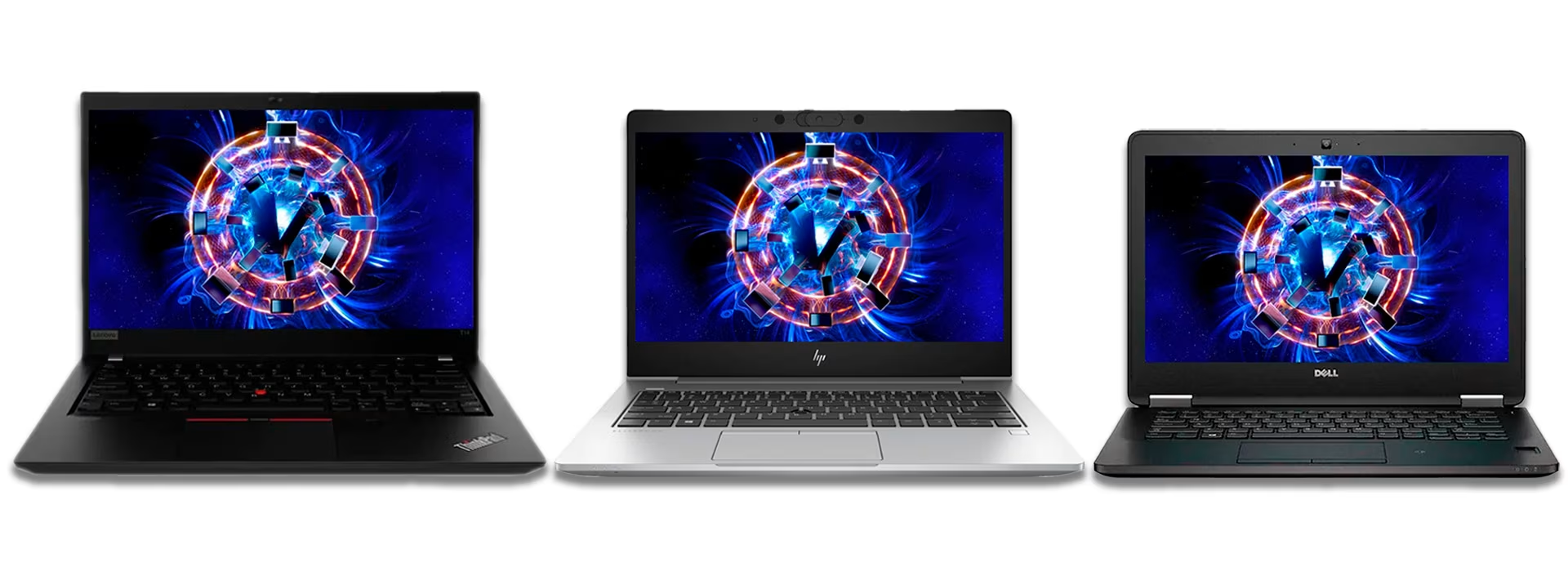
Get premium features for less with a refurbished laptop
You can find a powerful laptop at a low price, but costs typically rise with more durable builds and better displays. The more durable the chassis and higher the quality of the components, the longer the laptop's lifespan. This makes our refurbished computers a smart choice. These are high-quality, ex-corporate machines built to last through their next life in personal use. Best of all, you get premium features at an entry-level price. A true life hack, if you ask us!
Give us feedback – was this article helpful?
We’d love to hear from you! Rate this article on a scale of 1–5 and let us know how we could make it even better.
Give feedback (Ulkoinen palvelu) (Avautuu uuteen välilehteen)