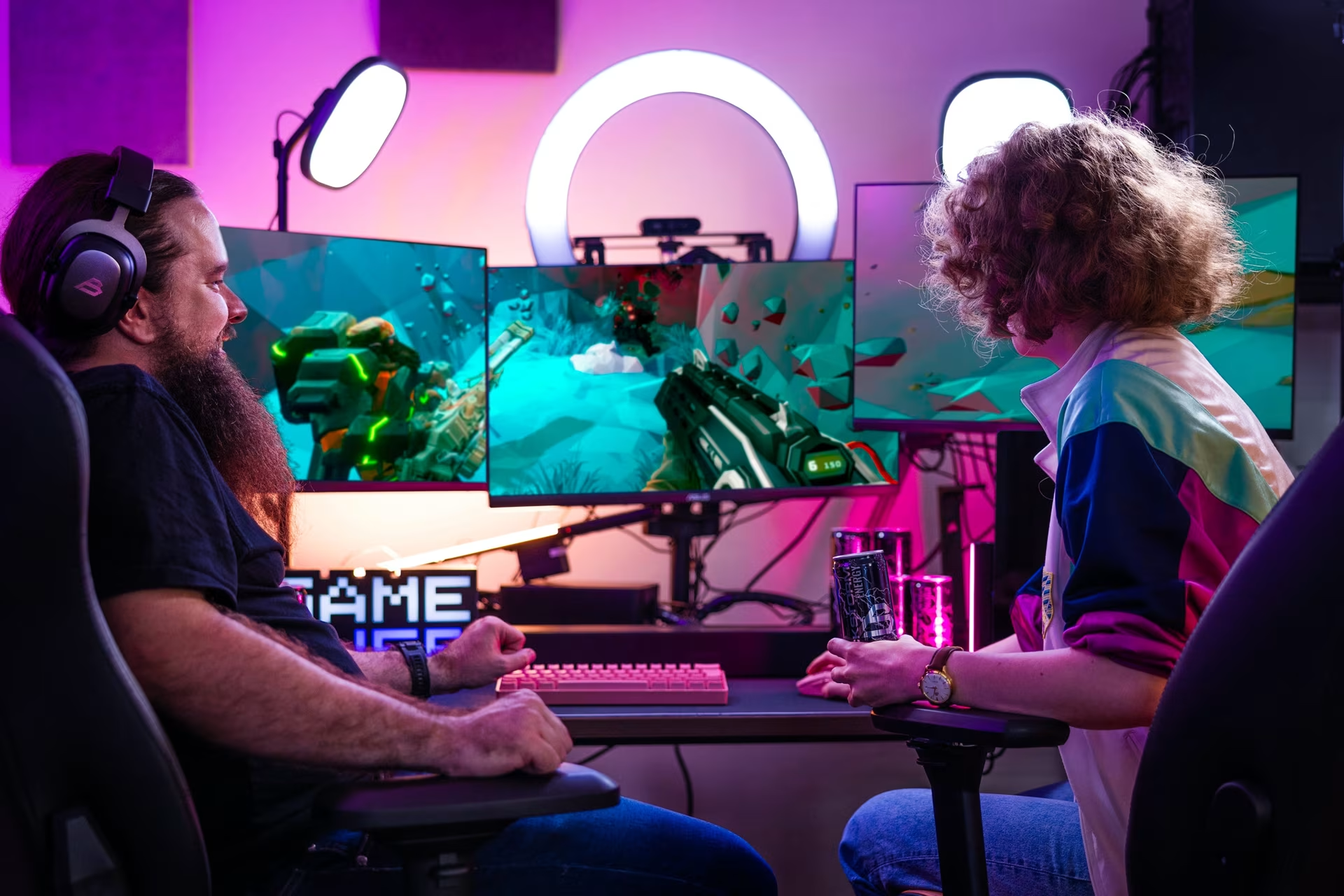
Streaming Guide – Essential Gear for Game Streaming
Article updated September 2, 2025
Game streaming gear for beginners, enthusiasts, and pros
Dreaming of starting your streaming journey but not sure what gear you need? Or maybe it’s time for an upgrade? In this article, we’ll guide you through streaming equipment and showcase the best options for every level!
What equipment do you need for game streaming?
Hardware, software, and games
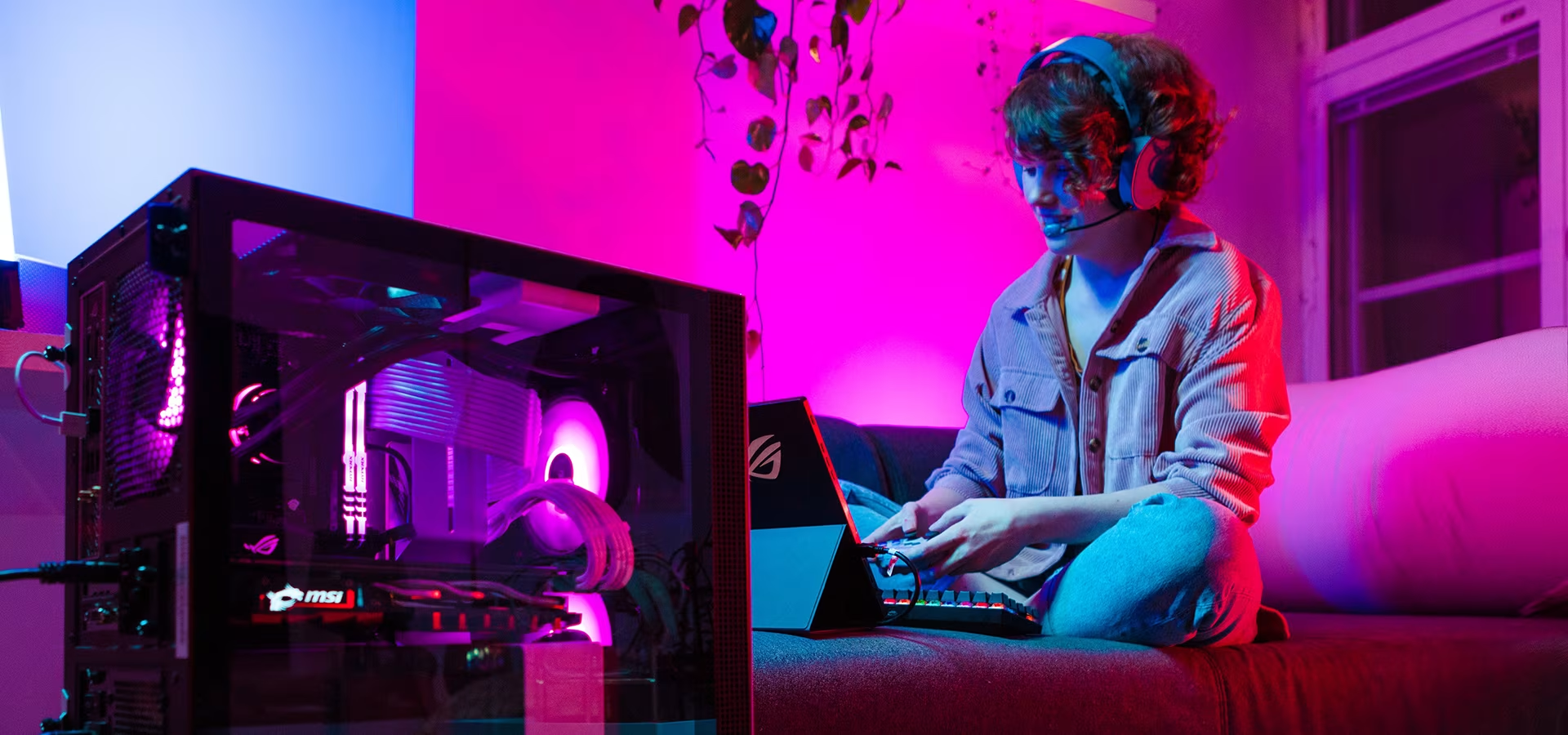
To stream games, you need at least a device for playing and streaming, games, and streaming software. Depending on your preference, your device can be a gaming console or a computer – or even both. Consoles come with built-in streaming software, but computers require a separate streaming application, with several options available.
Camera
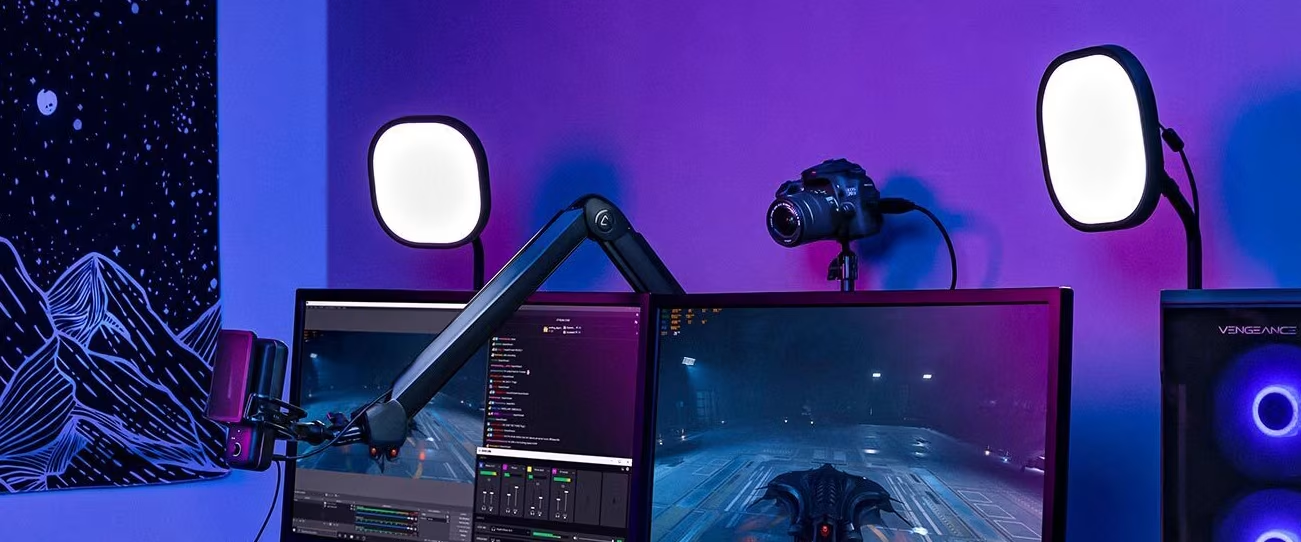
While you can stream with just a device, game, and software, you’ll also need a camera and a microphone so viewers can see and hear your reactions. Ensure your camera quality is high—the internet is crowded with streamers, and poor video won't help you stand out. We recommend at least Full HD resolution for live streaming, though some platforms support higher. Note that higher quality video demands more processing power from your computer.
A Full HD webcam is often sufficient for beginners. For more experienced streamers or professional YouTubers, we recommend a 4K webcam instead. Many professionals also use a system camera for streaming.
Headphones and microphones
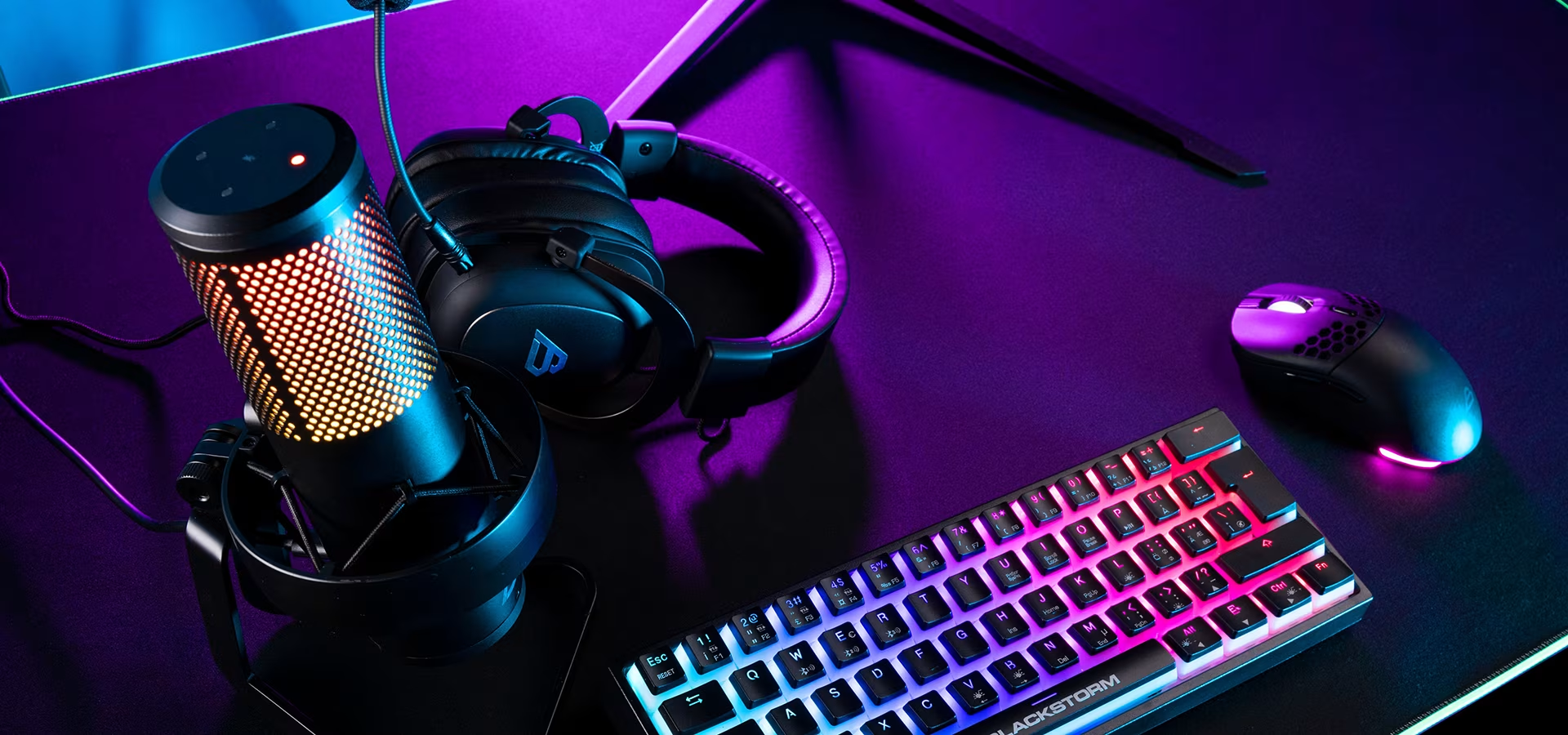
You can use either a standalone microphone or a headset with a built-in mic.
2-in-1: Headsets with a microphone
The easiest option is to get gaming headphones, which always include a microphone. For streamers, microphone quality is key, so it's worth paying attention to. Nowadays, headsets around the €100 mark usually offer good enough microphone quality.
Standalone microphones
Many streamers prefer a standalone streaming or podcast microphone despite the convenience of a headset, as a dedicated mic almost always outperforms a built-in one. USB microphones are a simple choice since they plug directly into your computer. For professional-grade quality, XLR microphones are the gold standard, though they require a separate audio interface to connect to your computer.
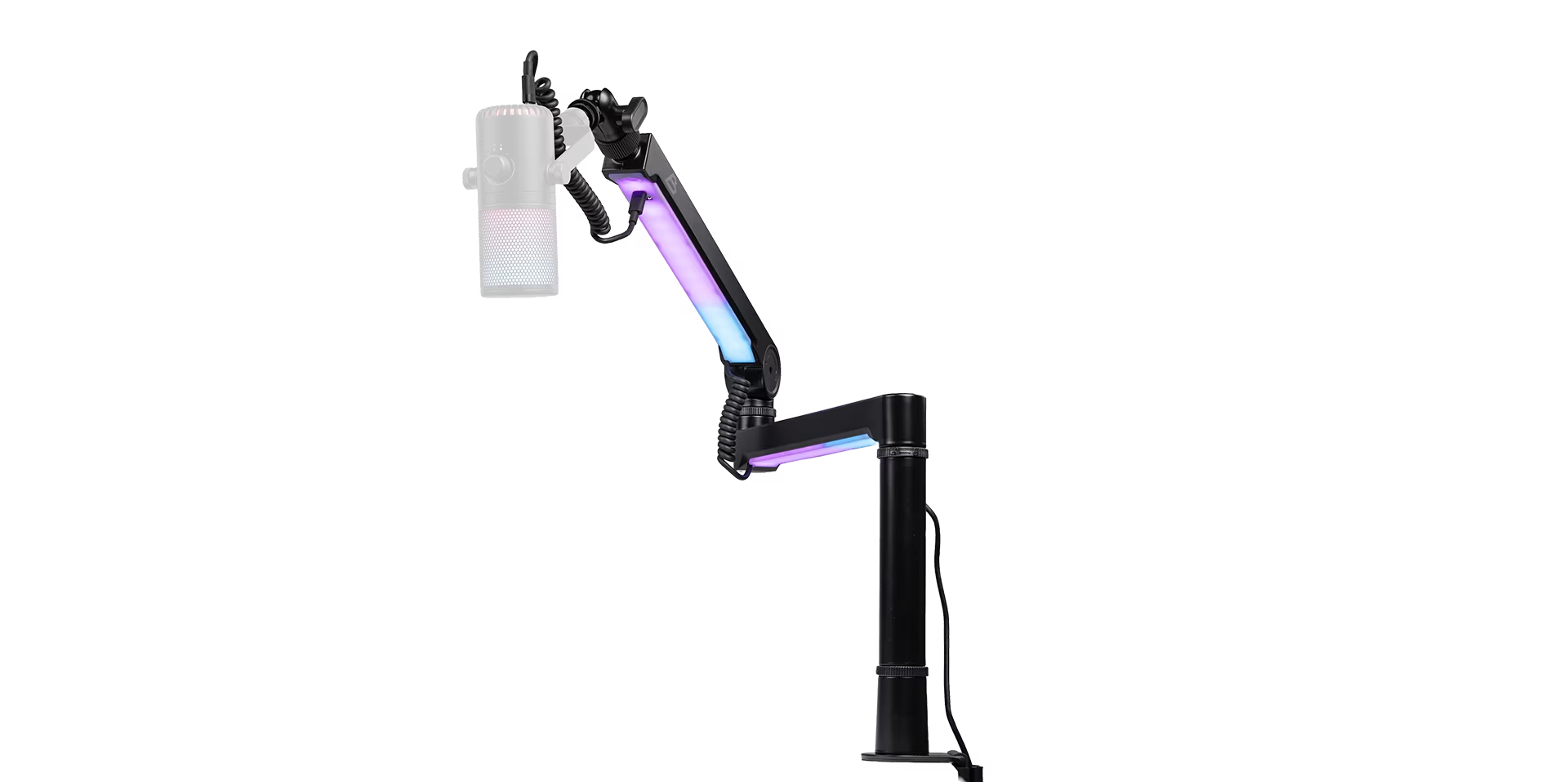
Microphone stands
A separate microphone should be attached to a desk stand – the stand makes it easy to move the mic when you change positions while gaming and prevents sensitive microphones from picking up distracting noises, such as keyboard clicks.
Standalone headphones
Even if you use a standalone microphone, you should still use headphones – this allows you to hear game audio without it bleeding into your stream's background. You can also use a gaming headset alongside a standalone mic, as long as you select the correct input source. If you're investing in a high-quality microphone, our selection also includes Hi-Fi and studio headphones for the best possible audio quality.
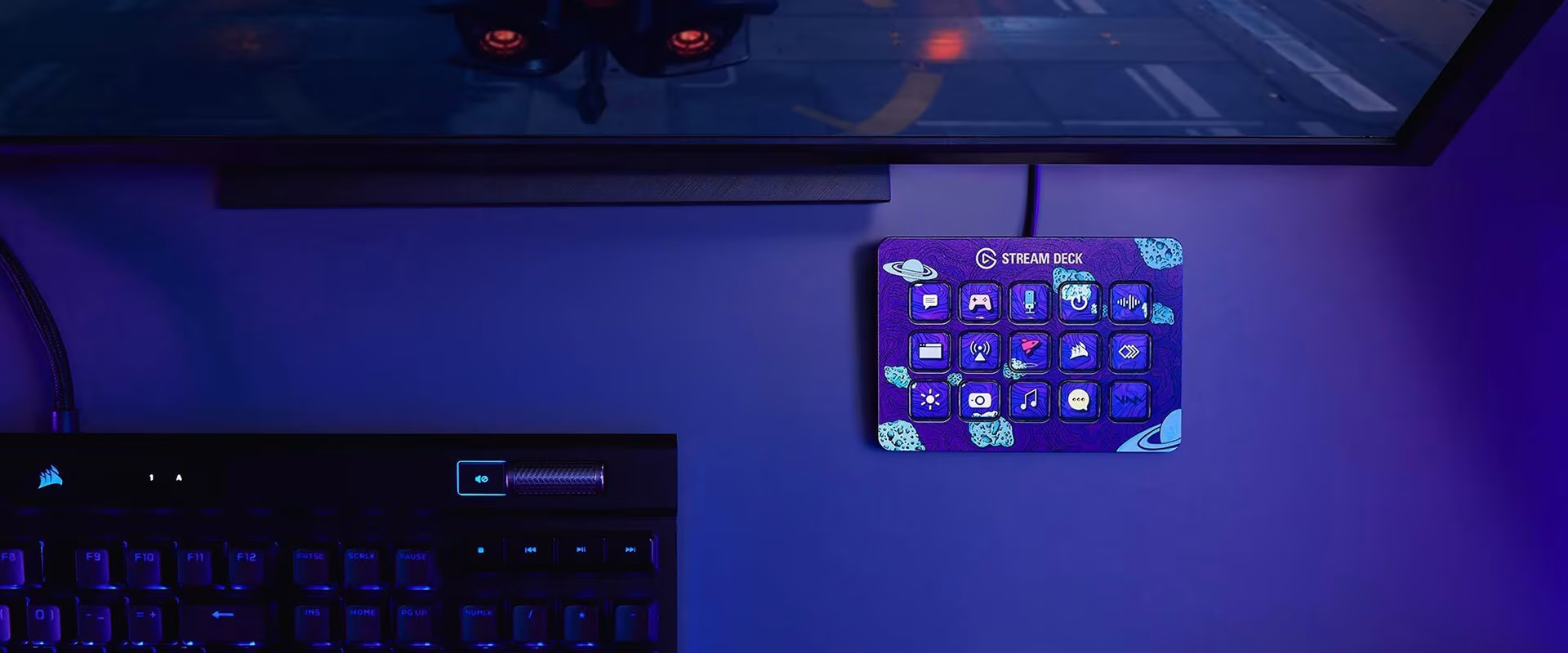
Stream Deck and other streaming accessories
There are other useful tools for streaming that aren't essential for beginners. One device that simplifies streaming is the Stream Deck controller. With a Stream Deck, you can program buttons to perform almost any action on your computer. You can switch scenes, mute your microphone, or trigger animations. While not necessary for beginners, it's a valuable addition to any setup.
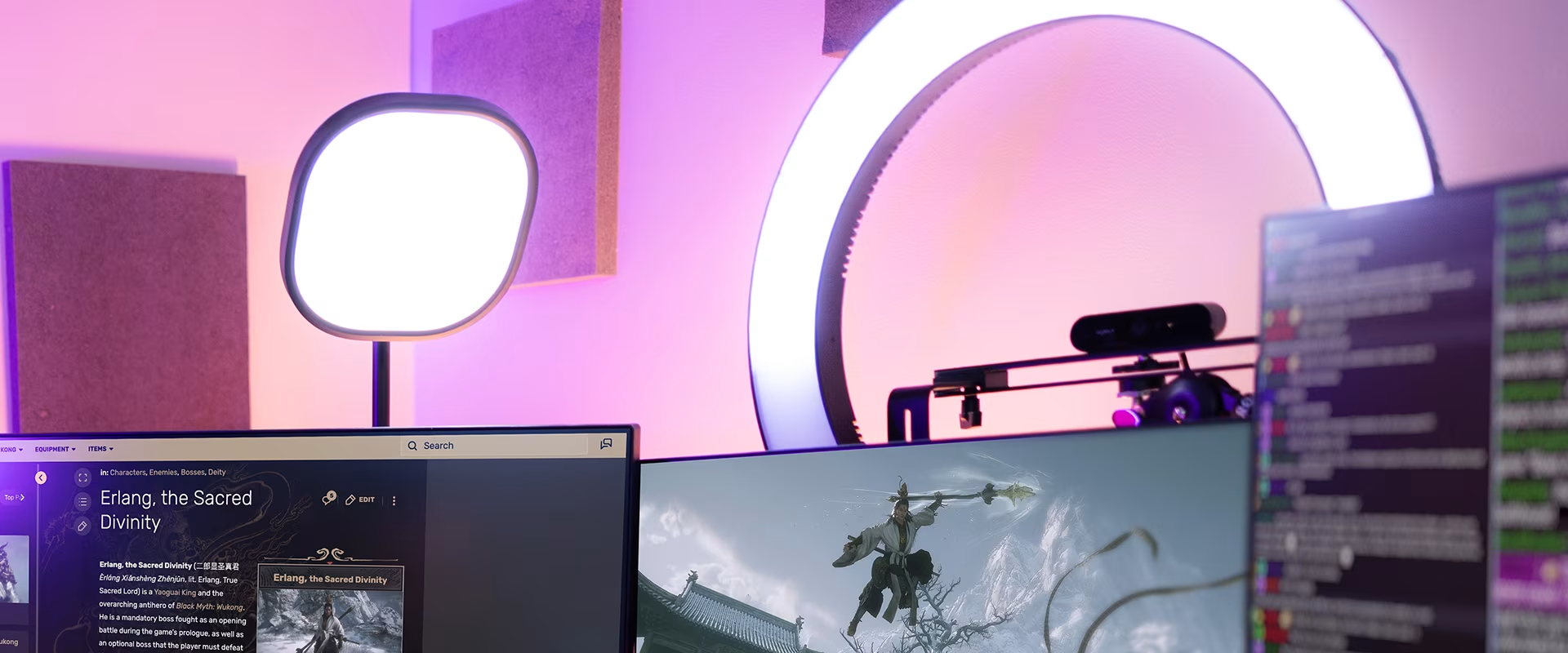
Lighting
If your streaming room has poor lighting, adding LED and ring lights is a smart move. Some webcams come with built-in lights, or you can opt for a separate ring light. Any LED light can help balance your stream's lighting, preventing you from appearing as a dark silhouette against an overexposed background. While beginners might not need extra lighting, it's a great upgrade for more experienced creators. Some high-end cameras even balance light automatically, potentially making extra lighting unnecessary.
Don't forget the backlighting
Want to make your stream background more personal and atmospheric? You can easily do this with LED light strips, decorative lighting, and smart bulbs. Customization is perfect for anyone looking to create a personalized backdrop.
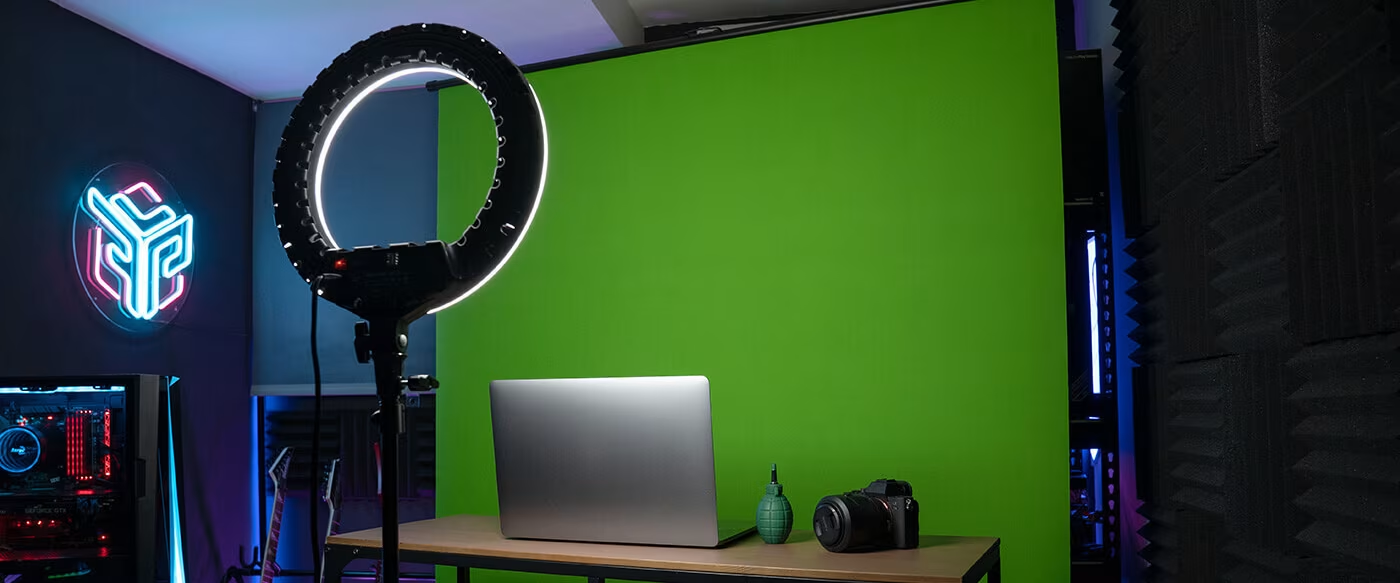
Green screen
If your video background is distracting, you can get a backdrop or green screen to easily hide it. A green screen is a great addition for anyone looking to give their streams a professional touch.
The best streaming gear for every level
You can start streaming on a modest budget and upgrade your setup as you gain experience or even start earning from your content. Below are our top gear recommendations for beginners, enthusiasts, and professional streamers.
Take your stream to the next level with Verkkokauppa.com's wide selection. Explore our products and order yours today!
Give us feedback – was this article helpful?
We’d love to hear from you! Rate this article on a scale of 1–5 and let us know how we could make it even better.
Give feedback (Ulkoinen palvelu) (Avautuu uuteen välilehteen)