
Save or splurge – What features do you get when you spend more on a computer?
Computer prices range from a few hundred to several thousand euros. What determines the price, and what features do you get by paying more? This price guide focuses on new, regular-priced computers, but by choosing a used computer you can get the same features for hundreds of euros less.
Computer Components 101: A Quick Guide to the Terminology
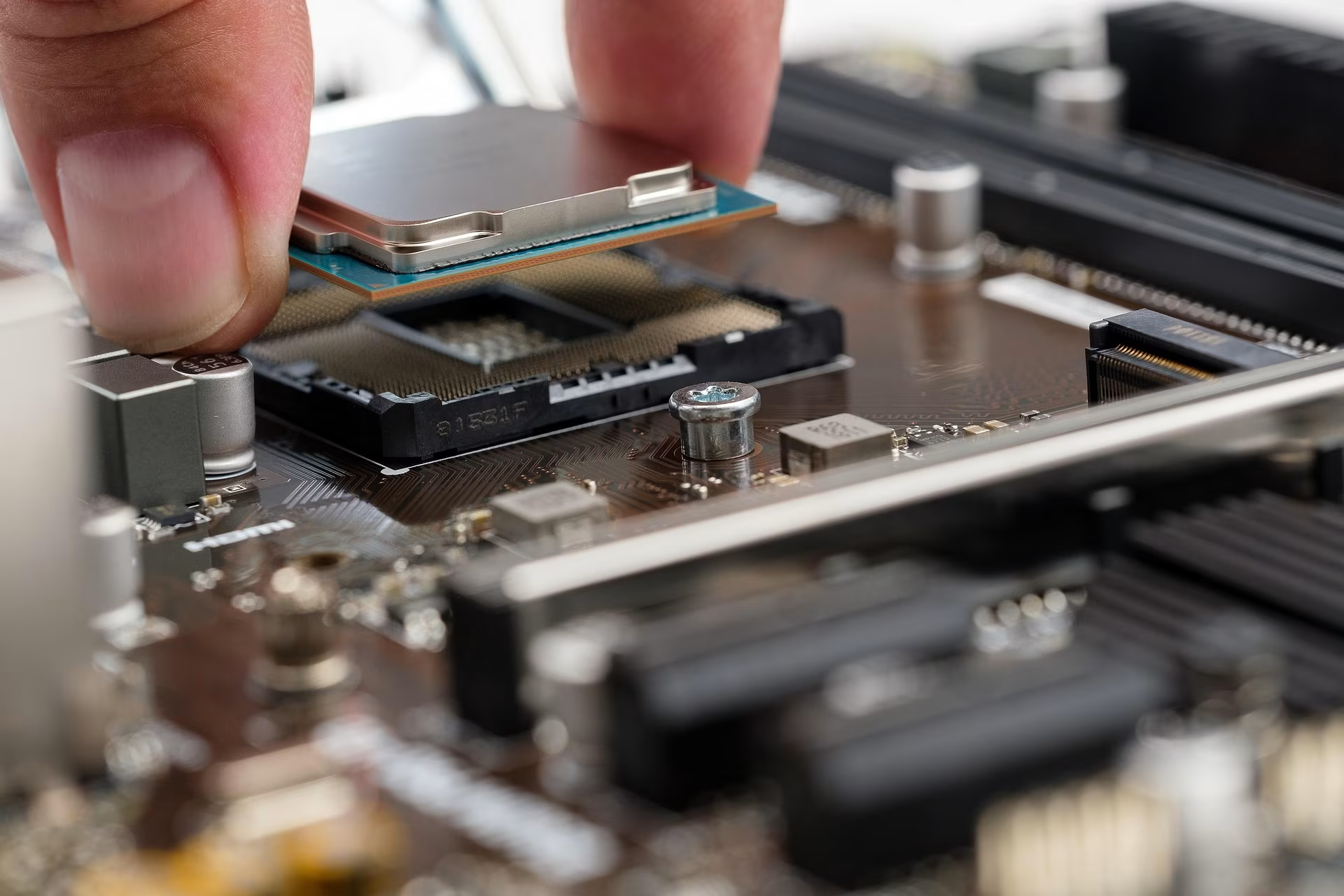
Processors (CPUs)
- Determines your computer's speed and overall performance.
- PCs use either Intel or AMD processors, while Apple uses its own proprietary chips.
- The model number indicates performance: a higher number generally means more cores and better processing power. Intel’s lineup includes the i3, i5, i7, and i9 series, while AMD offers Ryzen 3, 5, 7, and 9.
- The name also indicates the generation—for example, the i7-13700K is an older model than the i7-14700K.
- A more powerful processor will increase the overall price of the computer.
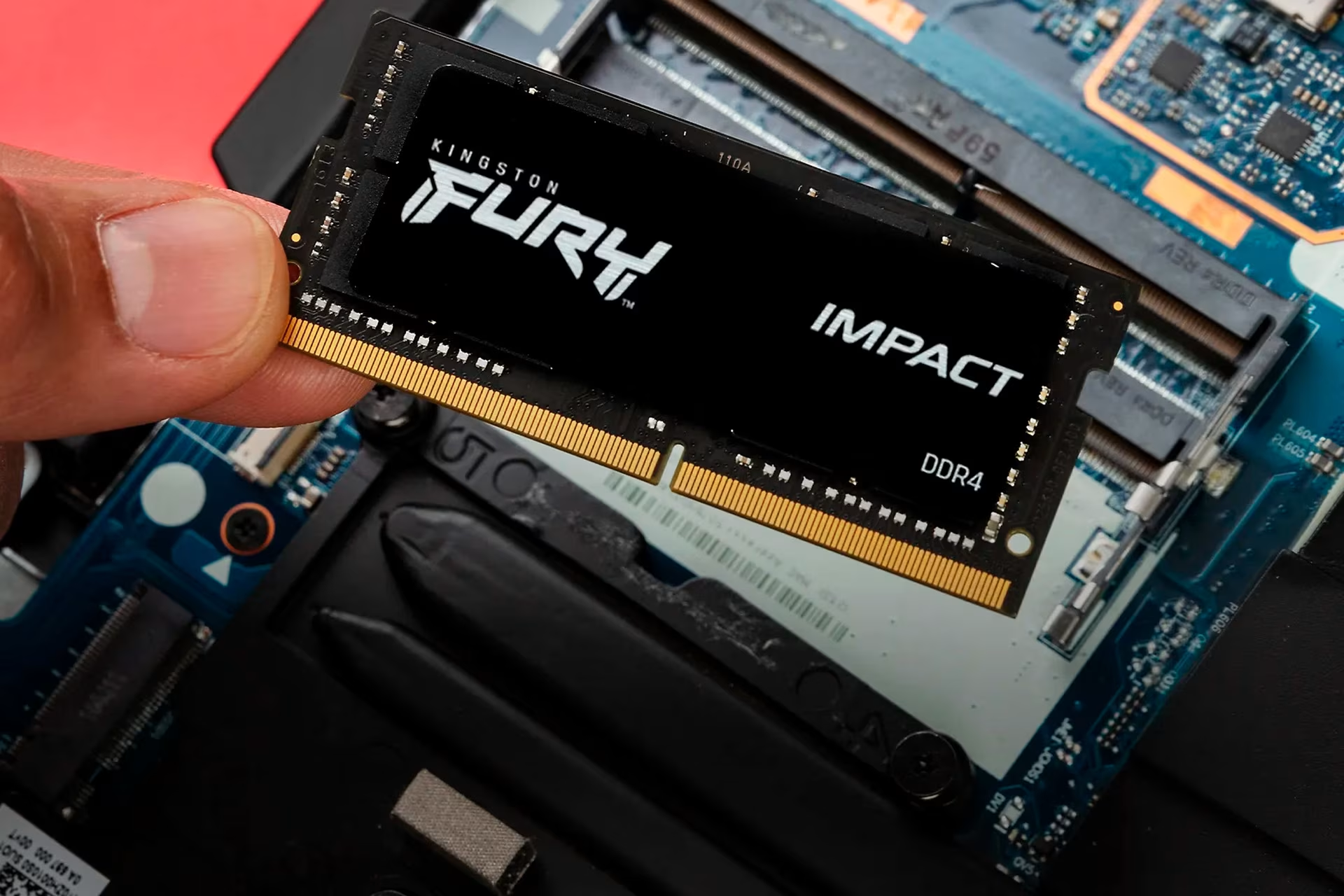
RAM (System Memory)
- RAM provides your computer with short-term memory, also known as random access memory.
- The amount of RAM determines how many applications or demanding tasks you can run simultaneously.
- If you run out of RAM, applications may freeze or crash.
- Computers typically come with 4, 8, 16, 32, or 64 GB of RAM.
- More RAM generally increases the price of the computer.
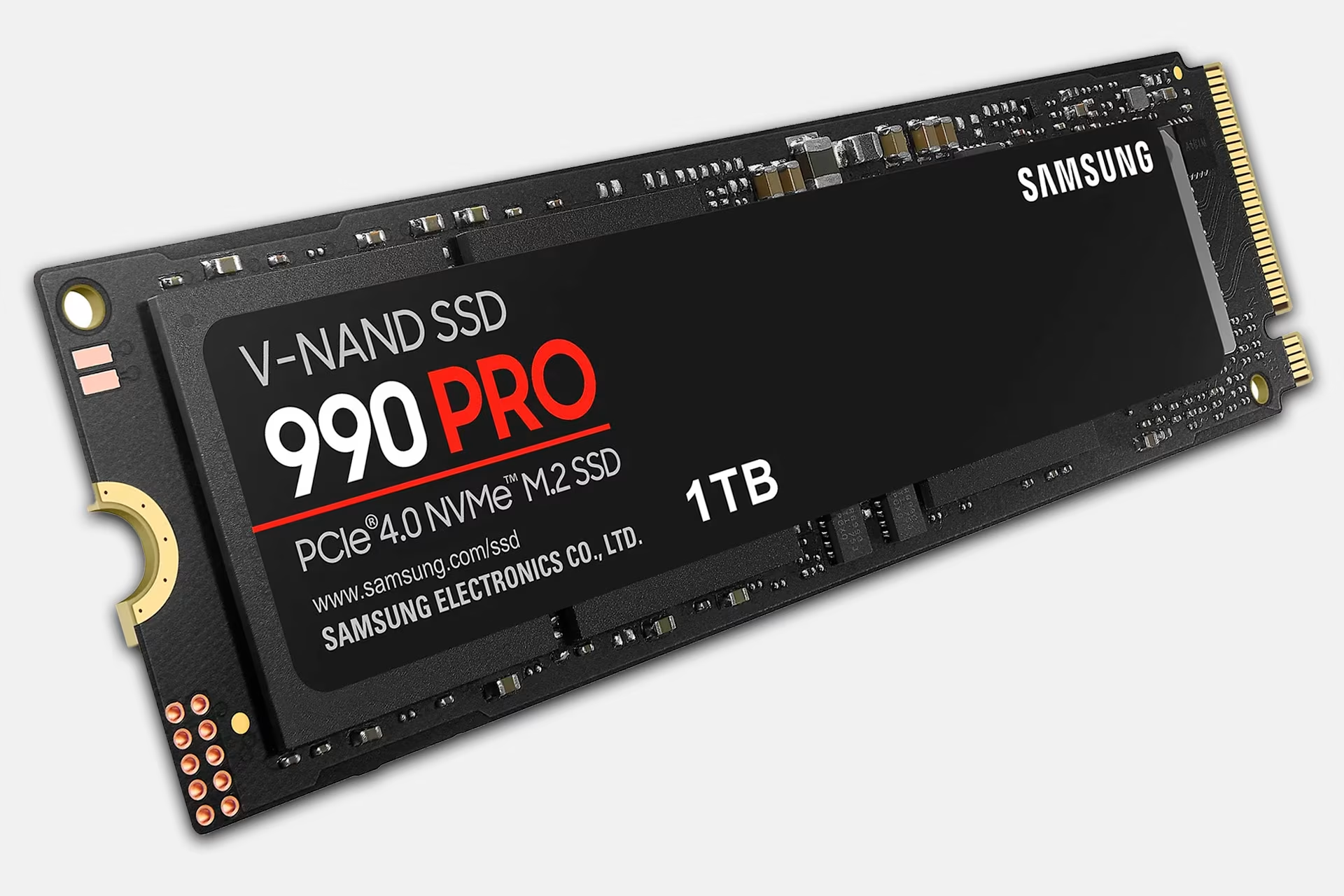
Hard drives and storage
- A computer's storage capacity determines how many files, programs, videos, and photos you can store.
- While you can expand storage with external drives, internal storage is typically faster.
- Common storage capacities include 128 GB, 256 GB, 512 GB, 1 TB, and 2 TB.
- More storage generally increases the price of the computer.
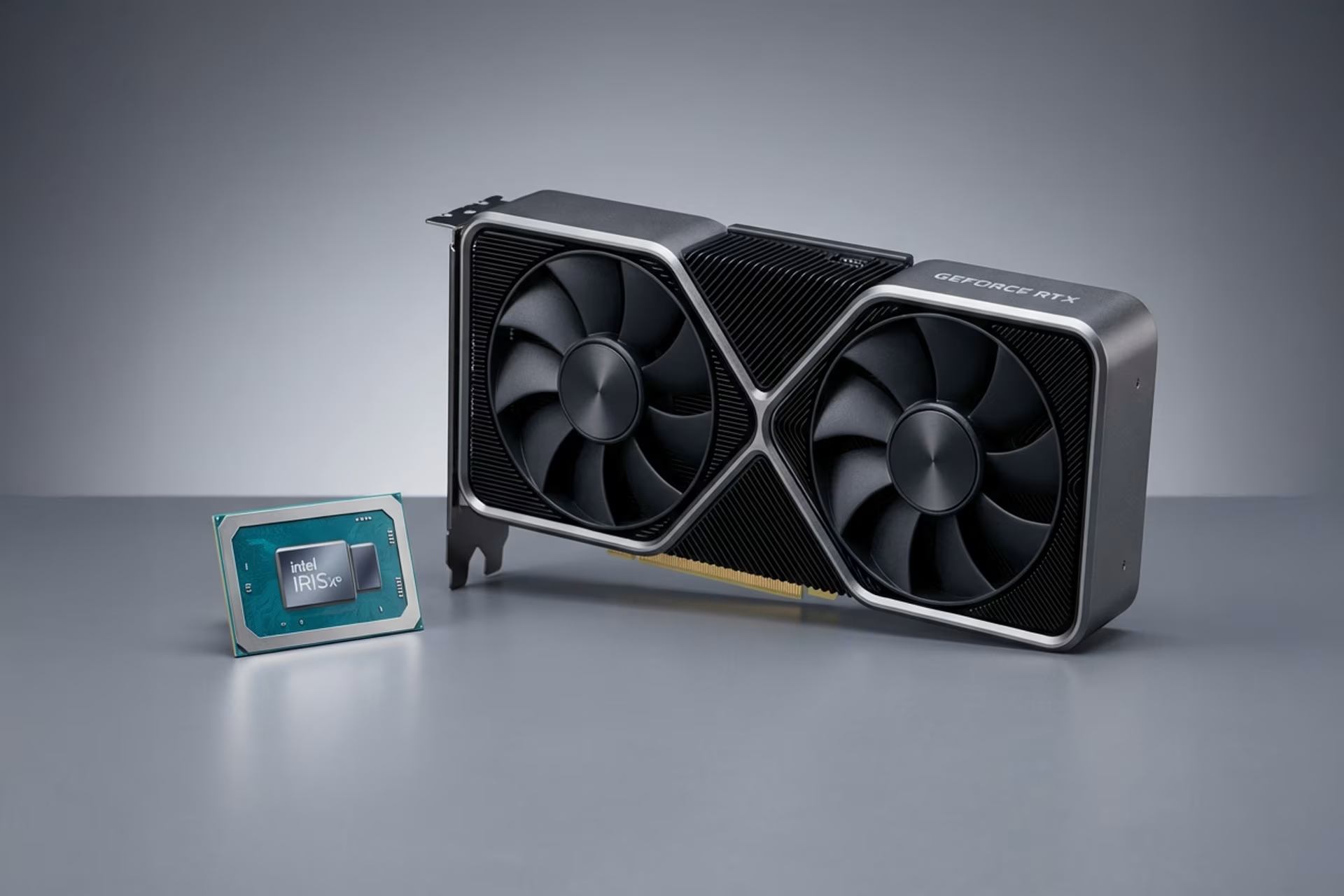
GPUs & Graphics Cards
- The graphics card is responsible for rendering images on the screen.
- Computers designed for basic use feature an integrated graphics card.
- A dedicated graphics card provides more power for gaming, graphic design, and video editing.
- A more powerful dedicated graphics card increases the price of the computer.
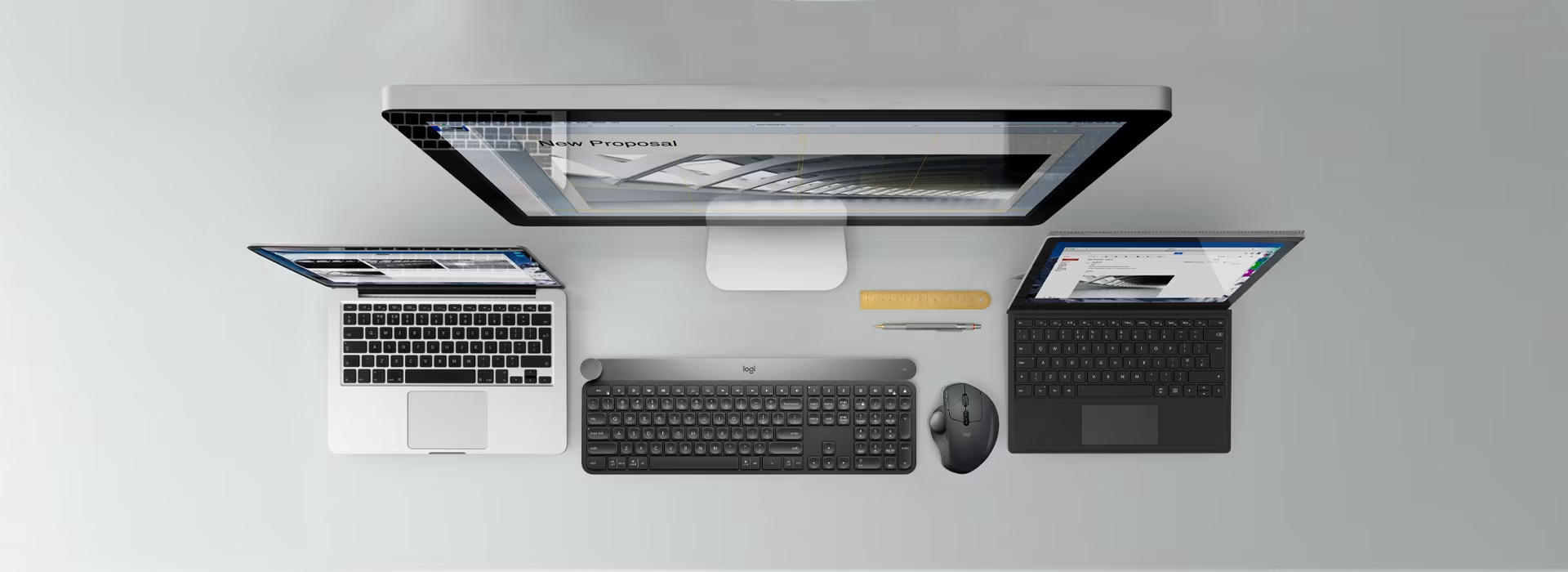
Budget category – computers under €500
Entry-level computers have a lighter build and are more susceptible to wear. They feature basic components sufficient for everyday tasks like web browsing. These budget models may not have a long lifespan, as their processors can struggle with increasingly demanding software updates over time.
Typical features
- Entry-level processor, e.g., Intel i3 and i5 or AMD Ryzen 5
- Memory (RAM): 4 or 8 GB
- Storage: 128, 256, or 512 GB
- Plastic chassis (laptops)
- Laptop screen resolution: Full HD
Mid-range computers – €500–700
Computers in the €500–600 price range offer more durable builds and better connectivity than budget models. These machines provide ample performance for everyday use, such as web browsing, schoolwork, and streaming. Laptops in the €600–700 range often feature improved display panels with better color reproduction, higher brightness, and wider viewing angles, maintaining consistent colors and contrast from almost any angle.
Typical features
- Processor: Intel i5 or i7, or AMD Ryzen 5 or 7
- Memory (RAM): 8 GB
- Storage: 256 or 512 GB
- More durable chassis than entry-level laptops
- Laptop display resolution: Full HD
- Better connectivity than entry-level models
Invest – €700–1000 computers
In the €700+ price range, laptop build quality improves significantly compared to mid-range models. Along with better connectivity, features like touchscreens become available. For students, a touchscreen is ideal for taking notes, creating mind maps, or designing presentations. You can also find laptops with higher resolutions, upgrading from Full HD to 2K. 16 GB of RAM allows you to run more demanding software smoothly.
Typical features
- Processor: Intel i5 or i7, or AMD Ryzen 5 or 7
- RAM: 8 or 16 GB
- Storage: 256 GB, 512 GB, or 1 TB
- Durable laptop chassis
- Laptop resolution: Full HD or 2K
- Touchscreen options available
- Backlit keyboard
- Enhanced connectivity
Invest in quality – computers over €1,000
The €1,000+ price range features the first gaming laptops with dedicated graphics cards, business-grade machines, and Apple Macs. These computers offer significantly more durable chassis and displays compared to entry-level models.
Key features
- Processor: Intel i7 or i9, Ultra 7 or 9, or AMD Ryzen 7–9
- RAM: 16, 32, or 64 GB
- Storage: 512 GB, 1 TB, or 2 TB
- Durable laptop chassis
- Superior typing feel on laptop keyboards
- Higher quality, more durable laptop displays – featuring eye-strain reduction technology
- Dedicated graphics cards in gaming laptops
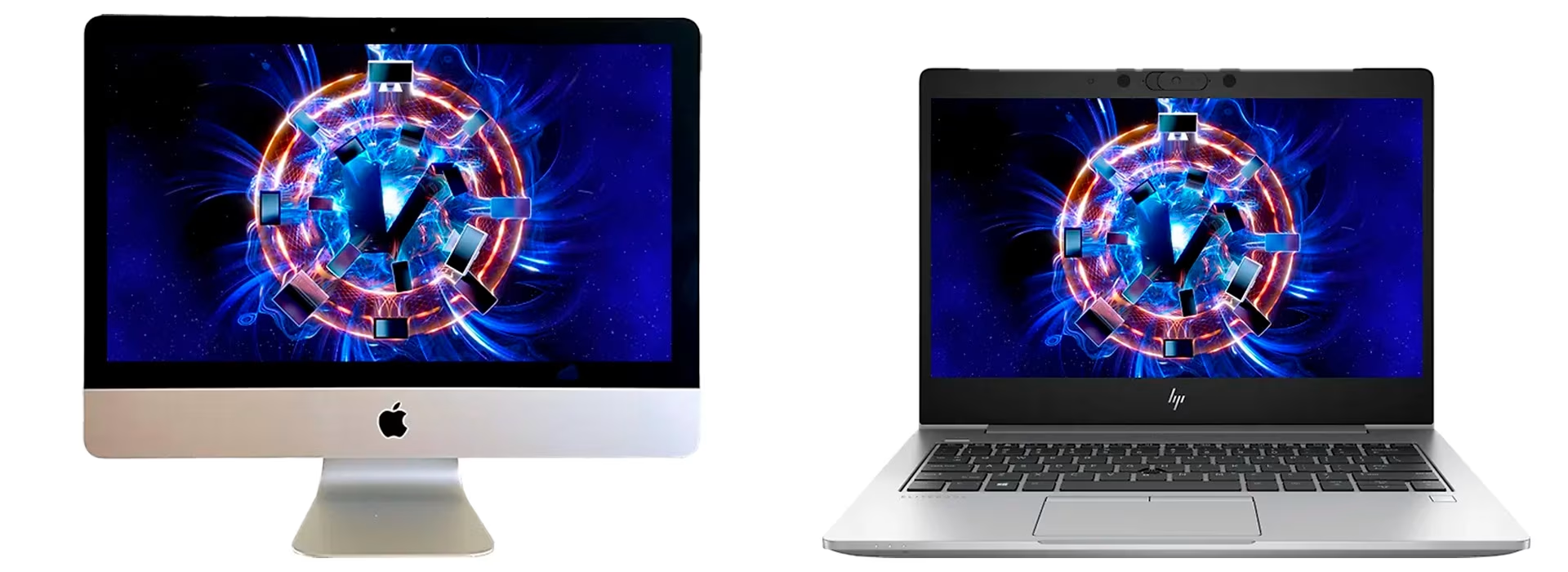
Get premium features for less with a used computer
You can find a powerful computer at a low price, but costs typically rise with more durable builds and better displays. A robust chassis and high-quality components ensure a longer lifespan. That’s why our used computers are a smart choice. These high-quality, former business laptops are built to last through their next life in personal use. Best of all, you get premium features at a budget price. A true life hack, if you ask us!
Give us feedback – was this article helpful?
We’d love to hear from you! Rate this article on a scale of 1–5 and let us know how we could make it even better.
Give feedback (Ulkoinen palvelu) (Avautuu uuteen välilehteen)