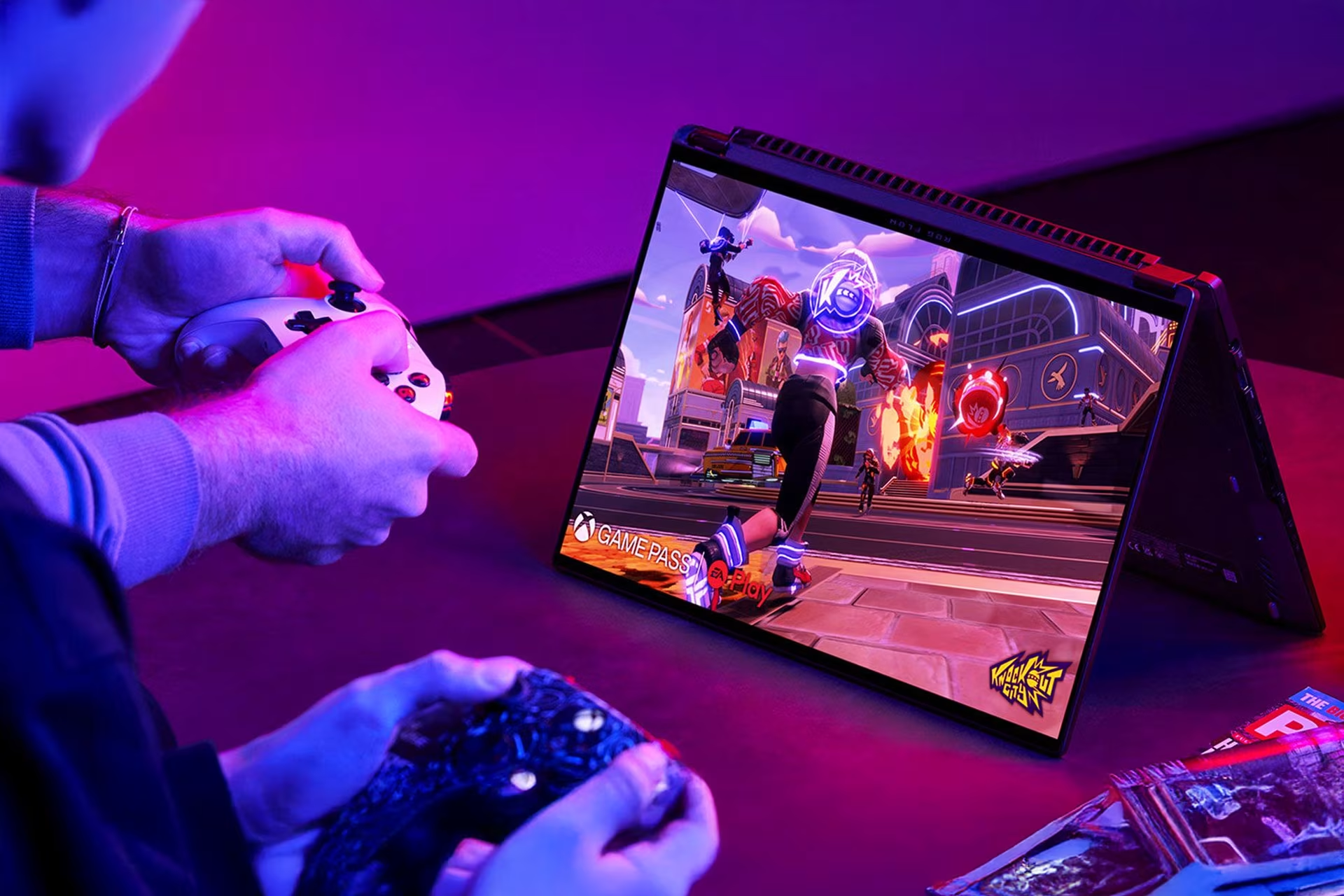
Gaming your way – are you a console or PC gamer?
Article updated on 26 January 2026.
Console or PC? Some swear by PC gaming, others by consoles, and then there are those who play everything. In this article, we’ll explore different gaming options and explain the differences between PC and console gaming. By the end, you’ll know if you’re Team PC, Team Console, or Team anything-goes-as-long-as-I-can-play!
Setting board games aside for a moment, modern gaming is divided into mobile, console, and PC gaming. Since everyone has a smartphone in their pocket, mobile games are accessible to all. Console and PC gaming, however, require more consideration as neither option is free. So, what makes a good gaming machine? The simple answer: one that brings you joy. Even an affordable gaming setup can be great if the player enjoys using it.
We’ll cover various consoles and gaming PCs, and if you’re wondering whether to choose a console or a PC, you’ll find the answer at the end of this article.
Gaming consoles – home console or handheld?
The Finnish console market is currently dominated by Sony’s PlayStation 5 and Nintendo’s Switch consoles. The PlayStation 5 is a pure home console, while the Switch works both connected to a TV at home and as a handheld on the go. Microsoft hasn't released a new Xbox console in years, unlike its competitors. Furthermore, from July 1, 2025, the older Series consoles will only be sold in four European countries, excluding Finland. Xbox fans might find comfort in the fact that former Xbox exclusives have recently started appearing on PlayStation. Alongside the established giants, handheld consoles from well-known PC manufacturers have also recently entered the market.
Ultimately, it’s not just about choosing between a home or handheld console; the games themselves are the biggest factor. Both Nintendo and PlayStation have their own exclusives, though many titles are available on both. Being completely unbiased, we naturally recommend both—because you can never have too much gaming gear.
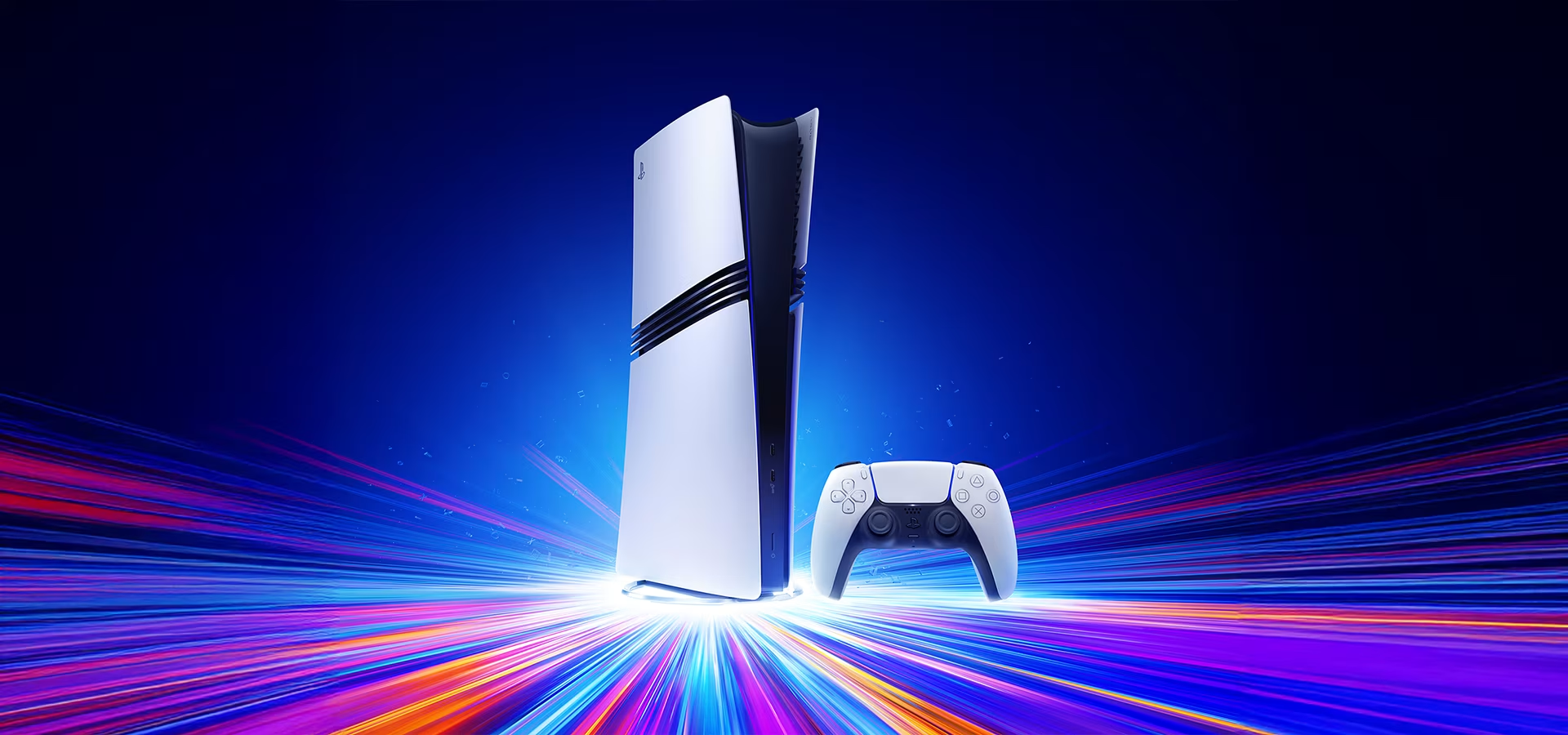
PlayStation – a Finnish favorite
The PlayStation 5 is currently the only pure home console sold at Verkkokauppa.com, excluding retro consoles. "Finland has always had a very strong PlayStation user base, and that trend continues with the new generation," says our gaming expert Sami Teelahti. Since almost all PlayStation 4 games work on the PlayStation 5, upgrading to the new generation feels like a natural step.
The PS5 is currently available as a standard "Slim" version or a Pro version. The PS5 Pro offers more storage, better Wi-Fi, superior image quality, and more power. However, the "Slim" model already provides a significant performance boost over the PS4, making it more than enough for players whose TVs can't fully utilize the Pro's features or who aren't as concerned with every graphical detail. It's worth noting that not all new games support PS5 Pro features yet, so the benefits of the Pro console depend entirely on the game.
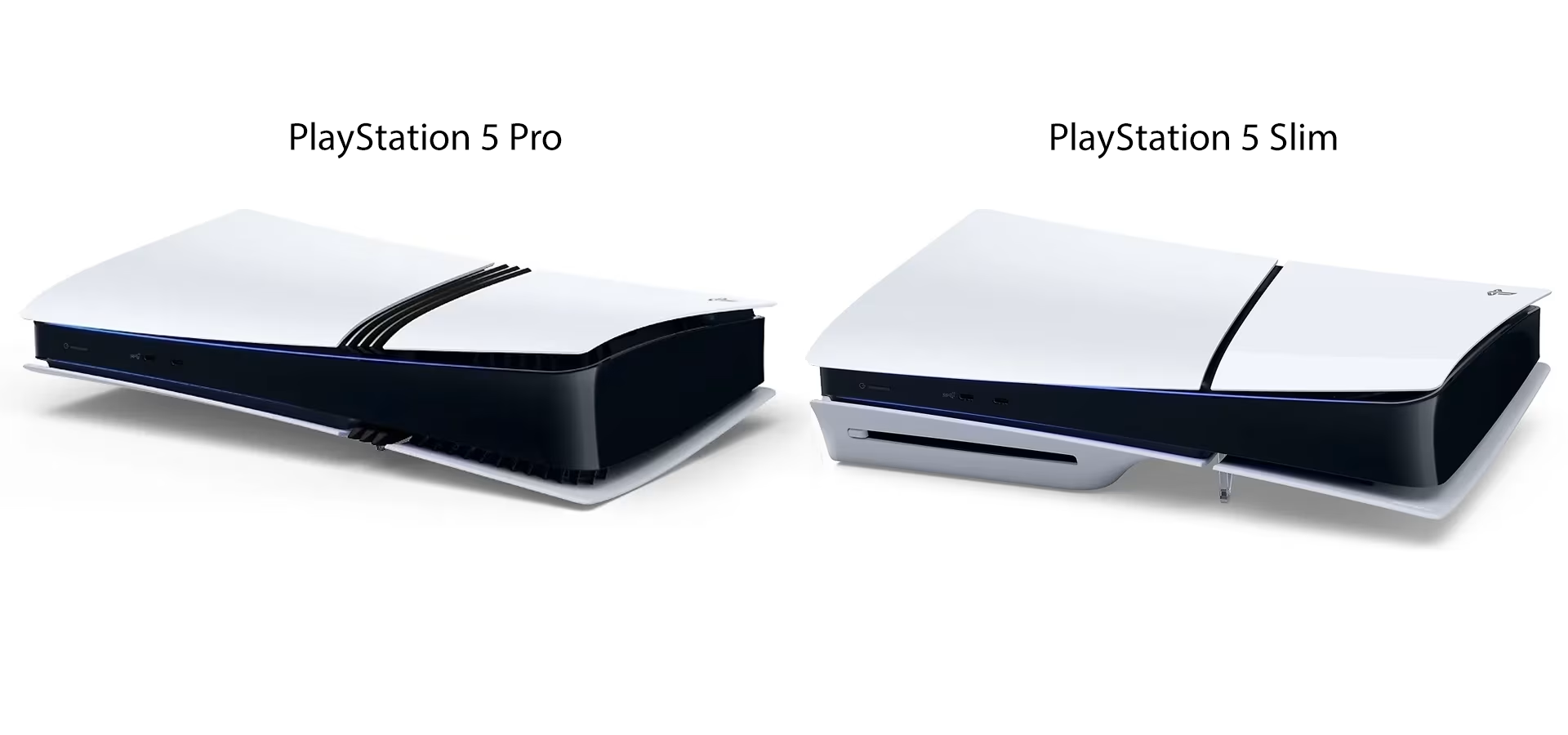
The standard PS5 comes in both disc and digital versions, while the PS5 Pro is digital-only. The disc version serves those who prefer physical games or want to use their old physical PS4 games on the new console. For the digital version, games are purchased from the PlayStation Store. If you change your mind later and want to play physical games, you can buy a separate disc drive for both the PS5 and PS5 Pro. The same disc drive works for both consoles.
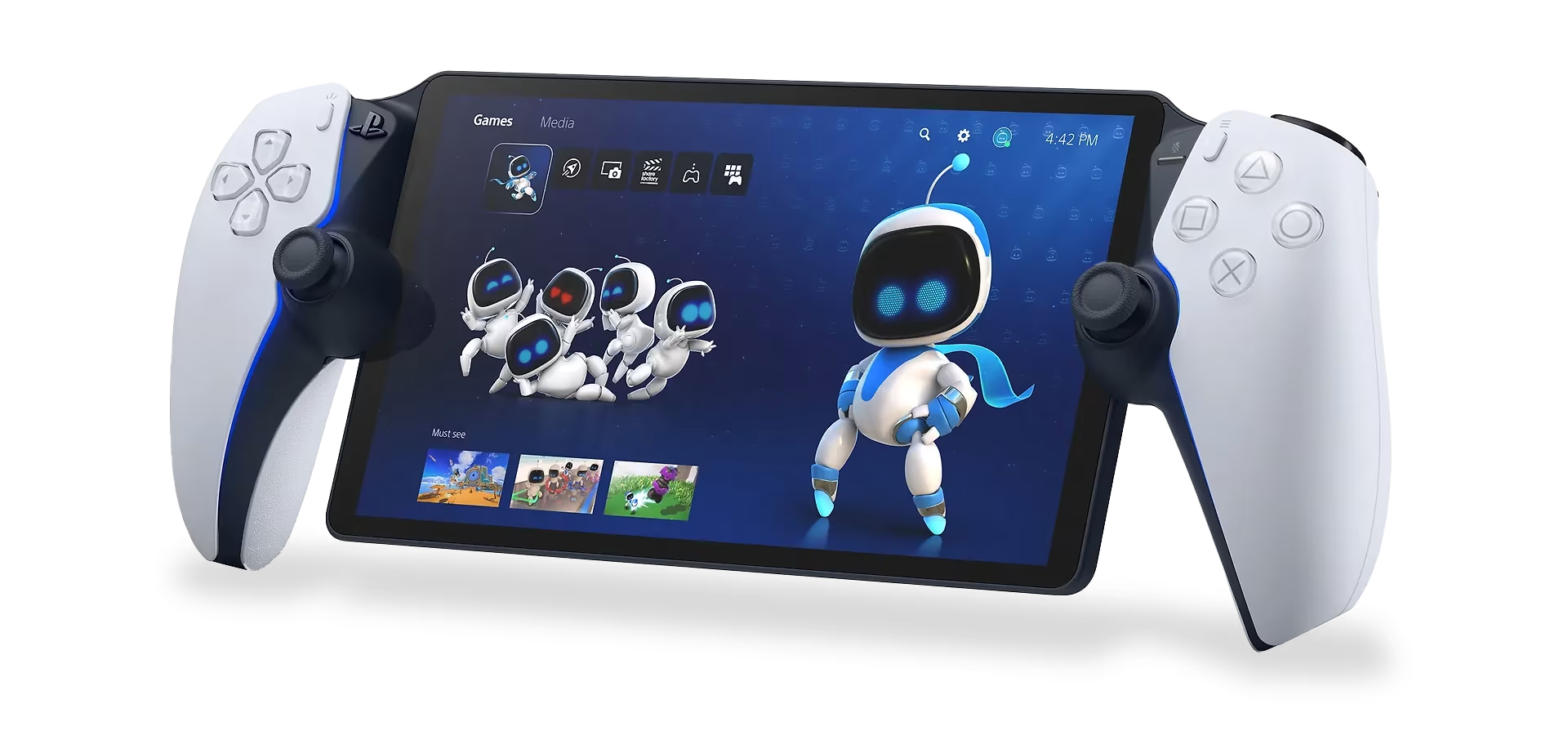
PlayStation has its own handheld console – PS Portal
With the growing popularity of handheld consoles, Sony has also launched its own handheld, the PlayStation Portal. However, its operating logic differs significantly from the Nintendo Switch, as it requires a home console to function. The Portal connects to a PlayStation 5 console, which must be in rest mode or powered on and connected to a Wi-Fi network for you to play on the Portal.
Nintendo Switch – the most versatile console
The versatile Nintendo Switch is hard to beat – it works as a handheld console for travel, at the cottage, or anywhere else, and as a traditional home console when docked to a TV. Plus, the Switch gives you access to Nintendo's legendary exclusive game series like Super Mario, The Legend of Zelda, Donkey Kong, and Pokémon.
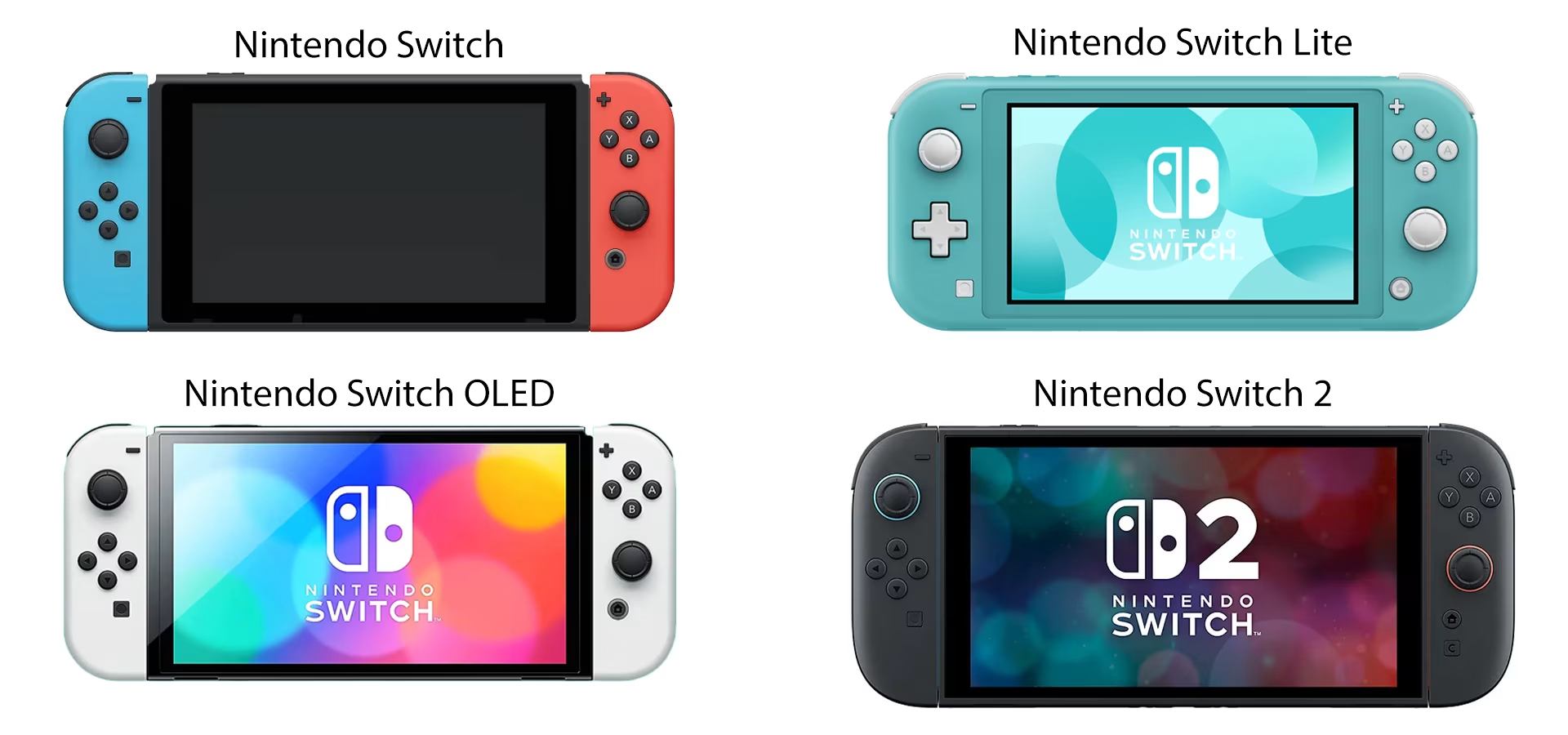
The Switch family currently includes the original Switch console, Switch Lite, Switch OLED, and Switch 2. The Switch Lite is a purely portable gaming machine, meaning it cannot be connected to a TV, making it more affordable than other models. The Switch OLED is an upgraded version of the classic Switch – featuring an OLED screen instead of LCD, a larger display and console, and more storage space.
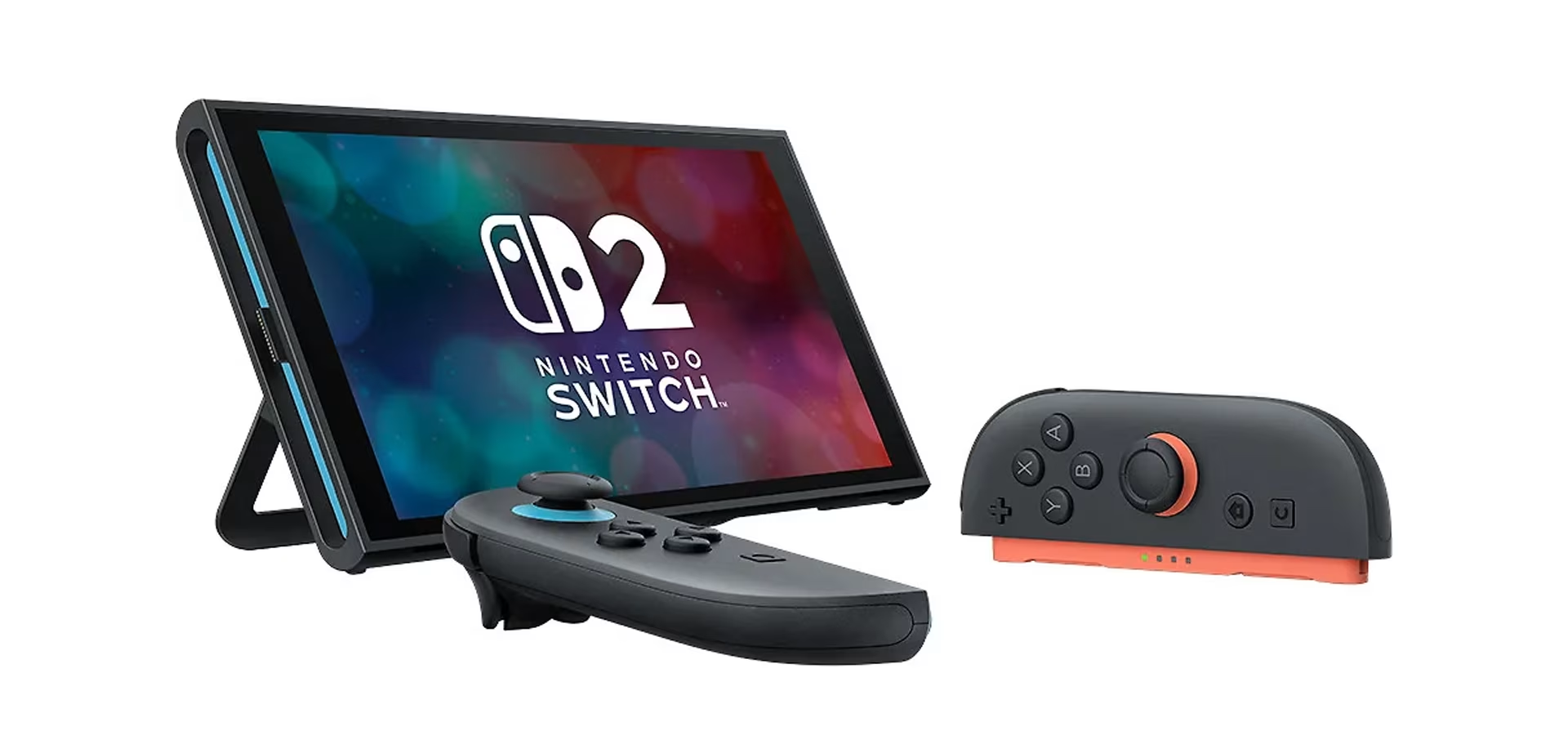
The latest addition, Switch 2, offers better performance than its predecessors, featuring a larger LCD HDR screen and improved usability with magnetically attached Joy-Con 2 controllers. If you already own an older Switch and are considering upgrading to the Switch 2, most games and accessories from the previous console are compatible with the new one.
New handheld gaming PCs
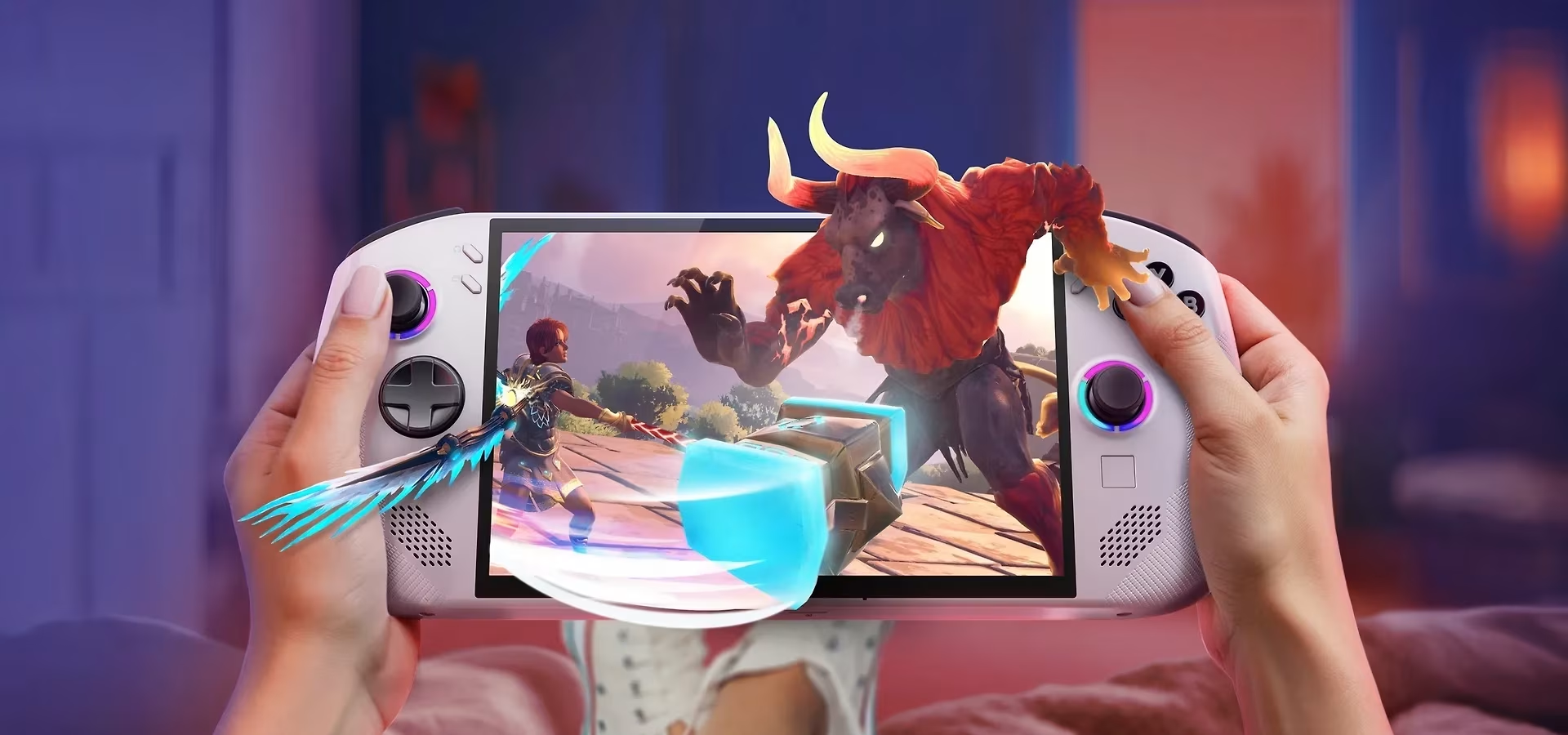
In recent years, traditional PC manufacturers like ASUS and Lenovo have introduced handheld consoles alongside the Nintendo Switch. Like the Switch, these function as standalone devices but can also be connected to a monitor.
Lenovo Legion Go S
The Lenovo Legion Go S handheld console is available with either SteamOS or Windows 11, with models also varying in memory and storage capacity. The Windows version supports Xbox Game Pass, allowing you to play your Xbox library on the go, while the SteamOS model lets you access your Steam library.
ROG Xbox Ally
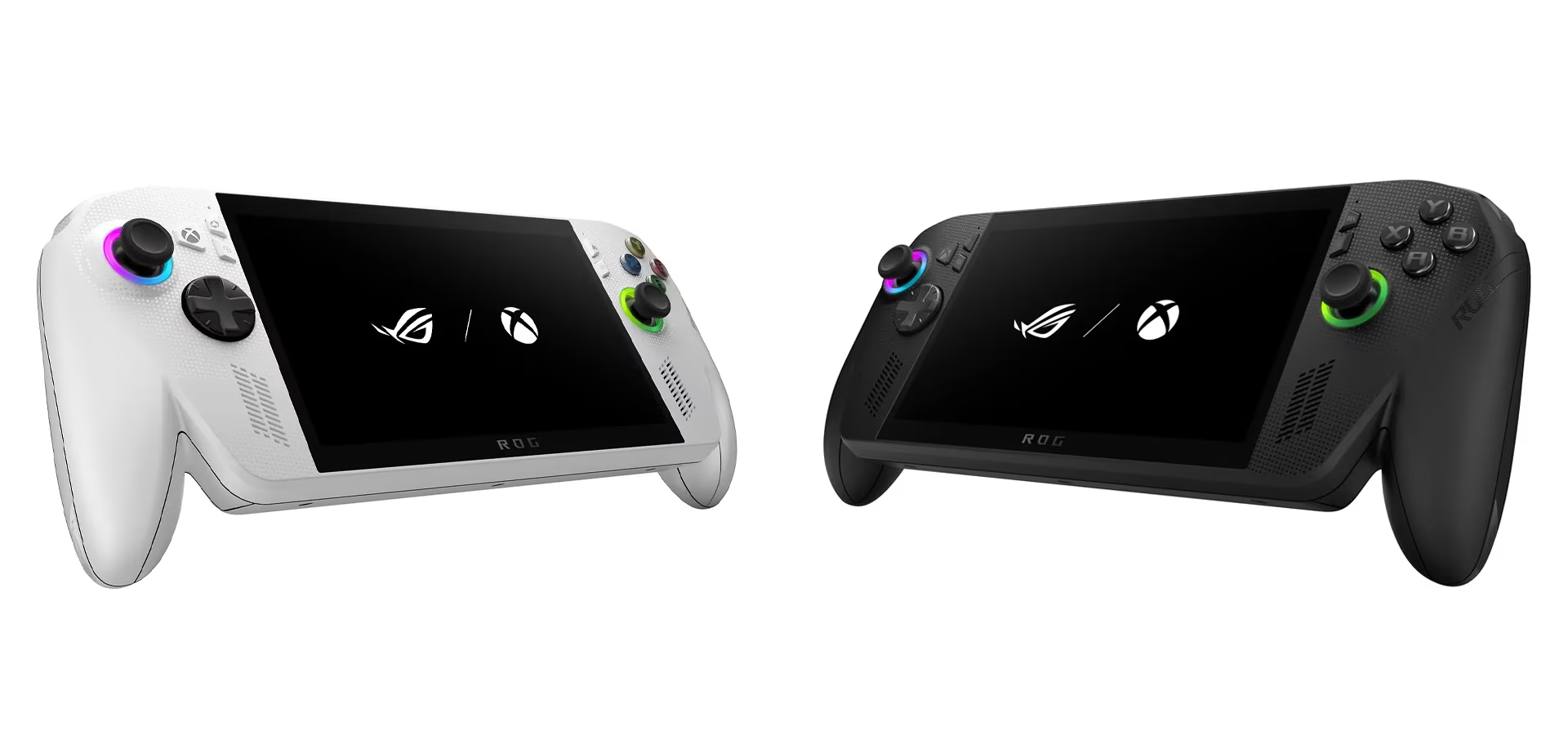
Released in 2025, the ASUS ROG Xbox Ally handheld consoles combine the power of an Xbox and a PC in a portable format. The lineup features two models—the ROG Xbox Ally and the ROG Xbox Ally X—which differ in memory, storage, and connectivity. Powered by Windows 11, these handhelds allow you to play your Xbox and PC game libraries wherever you go.
Gaming PCs
When buying a gaming PC, it's worth considering its other uses. For example, if you need a laptop for school anyway, a gaming laptop can easily handle both studies and gaming. If you work in or enjoy graphic design, video editing, or other demanding tasks, a gaming PC is an excellent choice as it has the power for heavy workloads. What about the price—can you get a gaming PC on a budget? Prices for gaming PCs start at around €700, and generally, a higher price gets you more power, memory, and storage.
What is the difference between a standard PC and a gaming PC?
A standard PC is designed for light tasks like web browsing and office work, typically featuring mid-range components. In contrast, a gaming PC includes a powerful graphics card, a fast processor, and more memory to run demanding games smoothly at high settings.
- Processor: A standard PC is meant for light use, such as web browsing, office applications, and streaming, where a mid-range processor like an Intel i3 or i5, or an AMD Ryzen 3 or 5, is perfectly sufficient. A gaming PC requires a more powerful processor capable of handling games and multitasking (e.g., Intel i7 or i9, or AMD Ryzen 7 or 9).
- Graphics Card (GPU): Standard PCs often feature integrated graphics, which are fine for basic use but not for demanding games. A dedicated, powerful graphics card enables high graphics settings and smooth gameplay.
- Memory (RAM): 8–16 GB of RAM is plenty for light use and office work on a standard machine, but a gaming PC should ideally have 16–32 GB to ensure games and background processes run smoothly.
- Storage: Both use fast SSDs, but gaming PCs often require larger capacities as games take up significantly more space than basic applications. Some gaming PCs may also include an HDD in addition to the SSD.
- Cooling and Case: Standard cooling is sufficient for a basic PC, whereas a gaming PC requires more efficient cooling and a spacious case because the components generate more heat.
- Price: Naturally, a gaming PC costs more than a standard one, as it features higher-quality components designed for high-performance use.
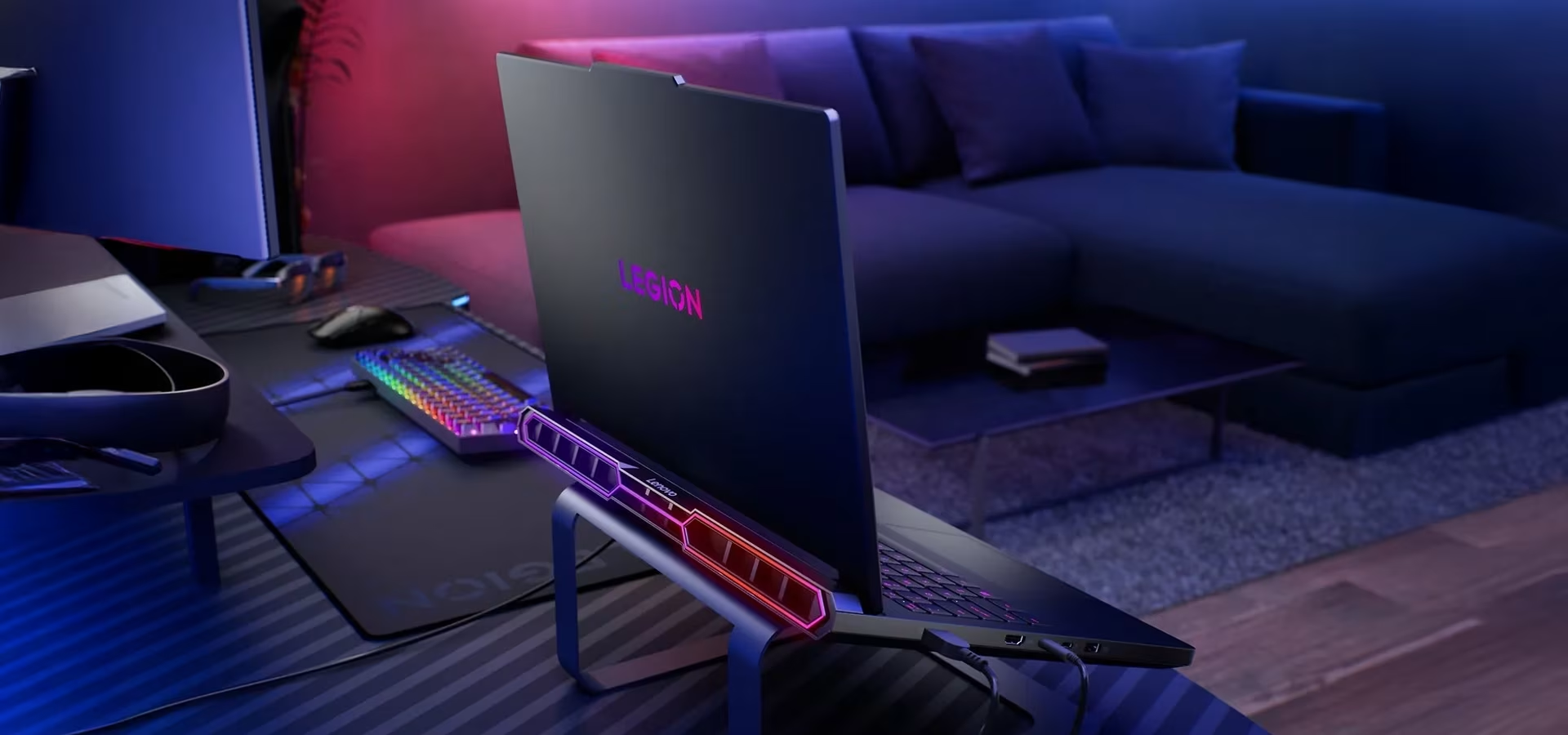
Why choose a gaming laptop?
A gaming laptop is the ultimate choice for gamers or graphic designers on the go. If you enjoy attending LAN parties or want to game at the summer cottage or while traveling, a gaming laptop is for you. It’s also a great option if you use the same device for school, eliminating the need for two separate computers. Modern gaming laptops handle even demanding games with ease, so you won't have to compromise when choosing a laptop over a desktop.
Choose a gaming laptop if:
- the urge to game can strike anywhere and you need to be ready
- you enjoy attending LAN parties
- you also use your laptop for school and don't want two separate devices
- you work in or enjoy graphic design and inspiration can strike anywhere
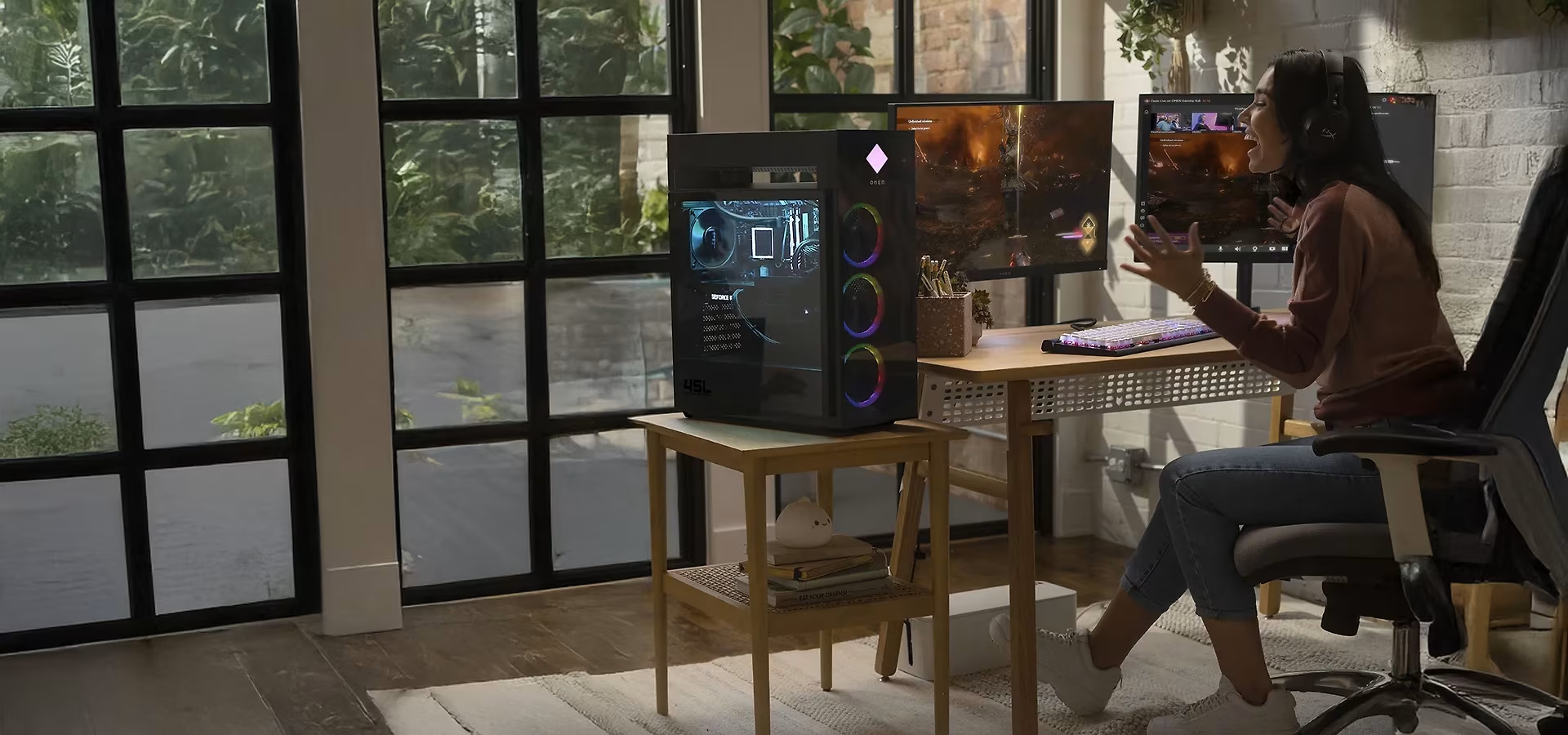
Why choose a gaming desktop?
The desktop is the original gaming machine. While modern gaming laptops are powerful, they still can't match the performance of a desktop. A major advantage of a desktop is the ability to upgrade or replace components as you wish (within your budget), ensuring your rig stays up-to-date and meets the demands of the latest games. True enthusiasts often build their PCs from scratch for a 100% customized experience. Naturally, a desktop also requires a monitor, keyboard, and mouse, which you can also choose to suit your preferences.
Choose a gaming desktop if:
- you're a traditionalist
- you want to maintain performance by upgrading components
- you want to build your own PC
- you want the best possible performance
Gaming PC or console?
And now for the most important question: gaming PC or console? Choosing the right gaming setup depends on your budget and the types of games you enjoy. Your friends' choices also matter if you're interested in online multiplayer. While cross-platform play between consoles and PC is possible in some titles, the selection is still limited.
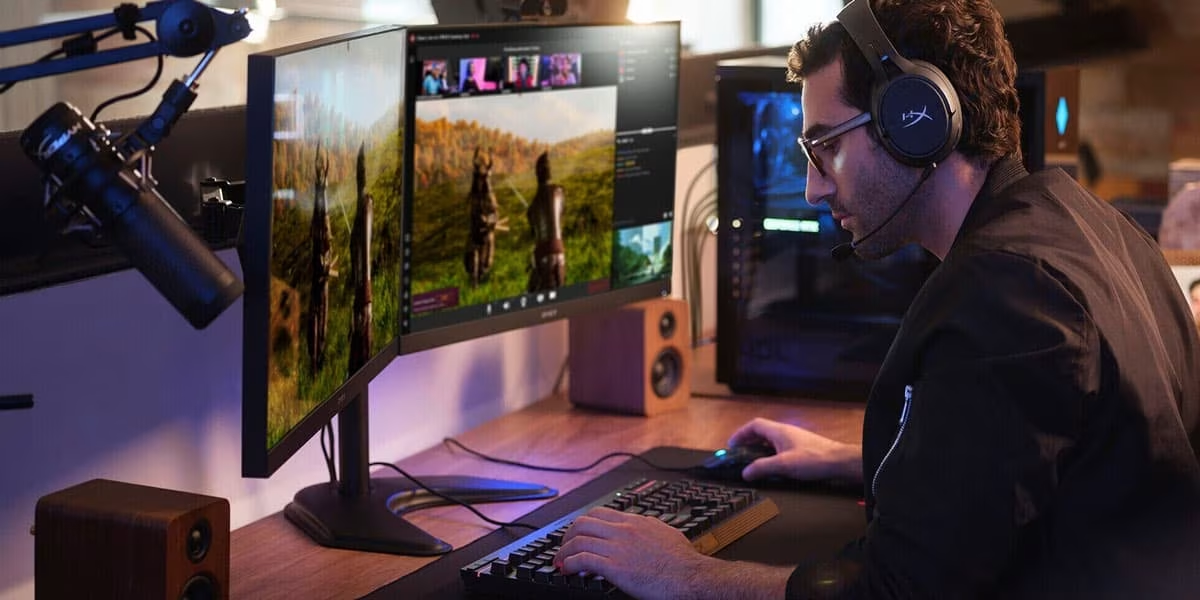
The benefits of a gaming PC
- Performance – a high-end gaming PC offers more power than any console, ensuring games look better and run smoother.
- Extensive game library – especially when it comes to indie and simulator titles, which are often developed exclusively for PC.
- Wide range of accessories – almost all peripherals on the market are compatible with PC, whereas console support is often limited.
- Versatility – while any computer works for browsing, a gaming PC has the power for demanding tasks like photo and video editing or graphic design.
- Easy to upgrade – you can easily upgrade components to keep up with the latest games or replace aging hardware as needed.
Verkkokauppa.com tip: Upgrading PC components can be an investment – with Tili, you can get the parts you need now and pay in flexible installments later. Learn more about Tili »
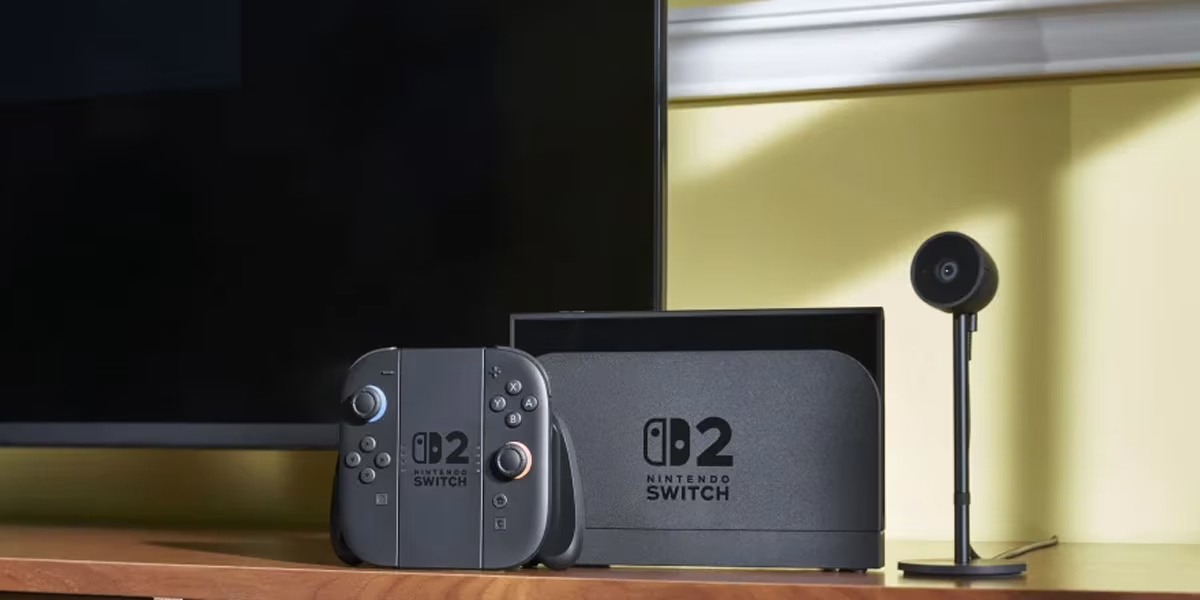
Top benefits of gaming consoles
- Affordability – even high-end consoles are more budget-friendly than gaming PCs with comparable performance.
- Game selection – Sony and Nintendo offer many exclusive titles not available on other platforms or, in Nintendo's case, even on PC. Consoles also provide the best range of sports games and kid-friendly content.
- Physical games – physical copies allow for lending, reselling, and collecting. While still common for consoles, they have almost disappeared from the PC market.
- Ease of use – installing, updating, streaming, and playing online is so streamlined on consoles that even a child can do it.
- Versatility – beyond gaming, consoles serve as entertainment hubs for streaming services and more.
- Local multiplayer – while you can play online with friends just like on a PC, consoles also excel at couch co-op and playing together in person.
- Longevity – gaming PCs tend to become obsolete faster than consoles. A five-year-old PC may struggle with performance compared to a similarly priced console.