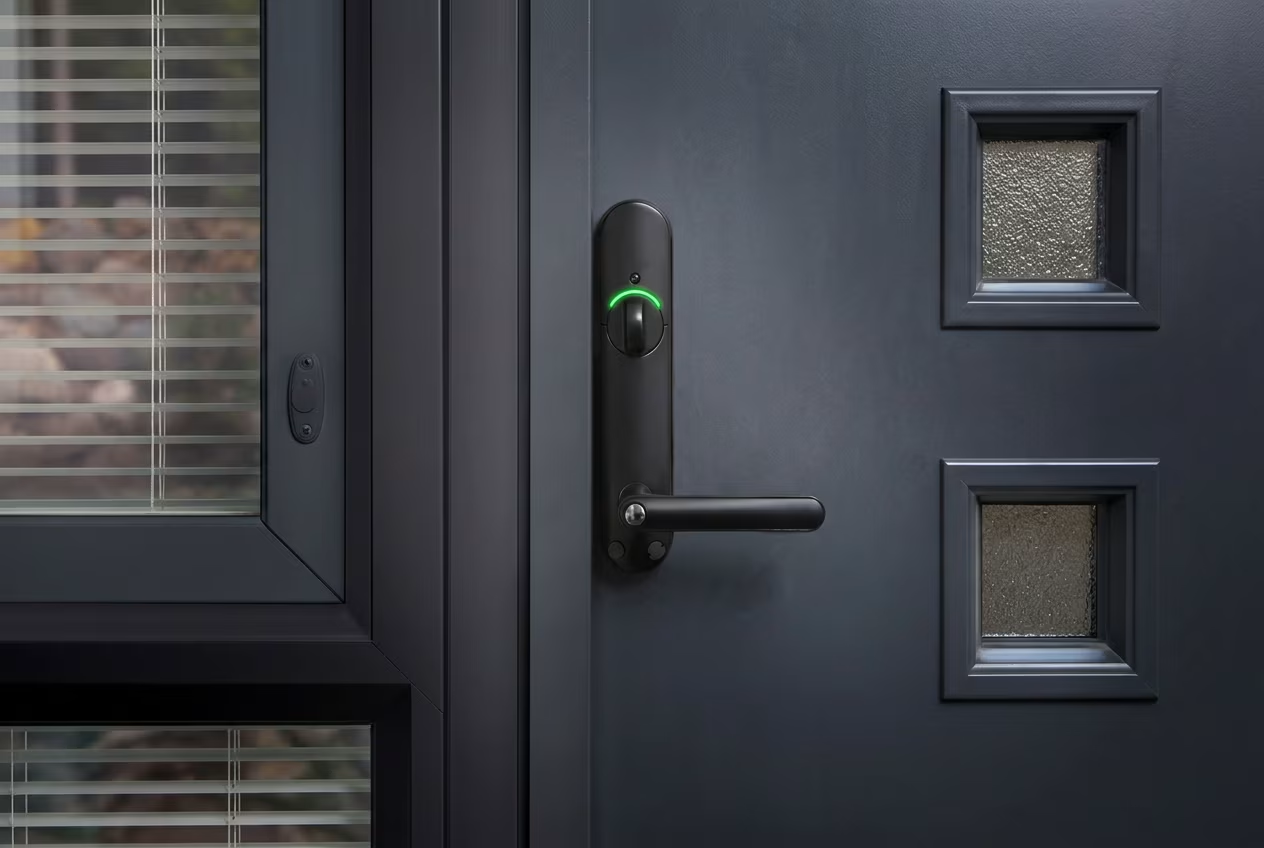
Secure Your Smart Home – 9 Ways to Strengthen Your Home's Security
Devices connected to the internet always carry security risks, which is why it's worth investing in information security. In this article, we share practical tips to improve your home's security.
1. Take your time setting up smart home products
Setting up home automation products and smart devices requires focus and care. This ensures you get the most out of the product while minimizing security risks.
2. Think about how you use smart home products
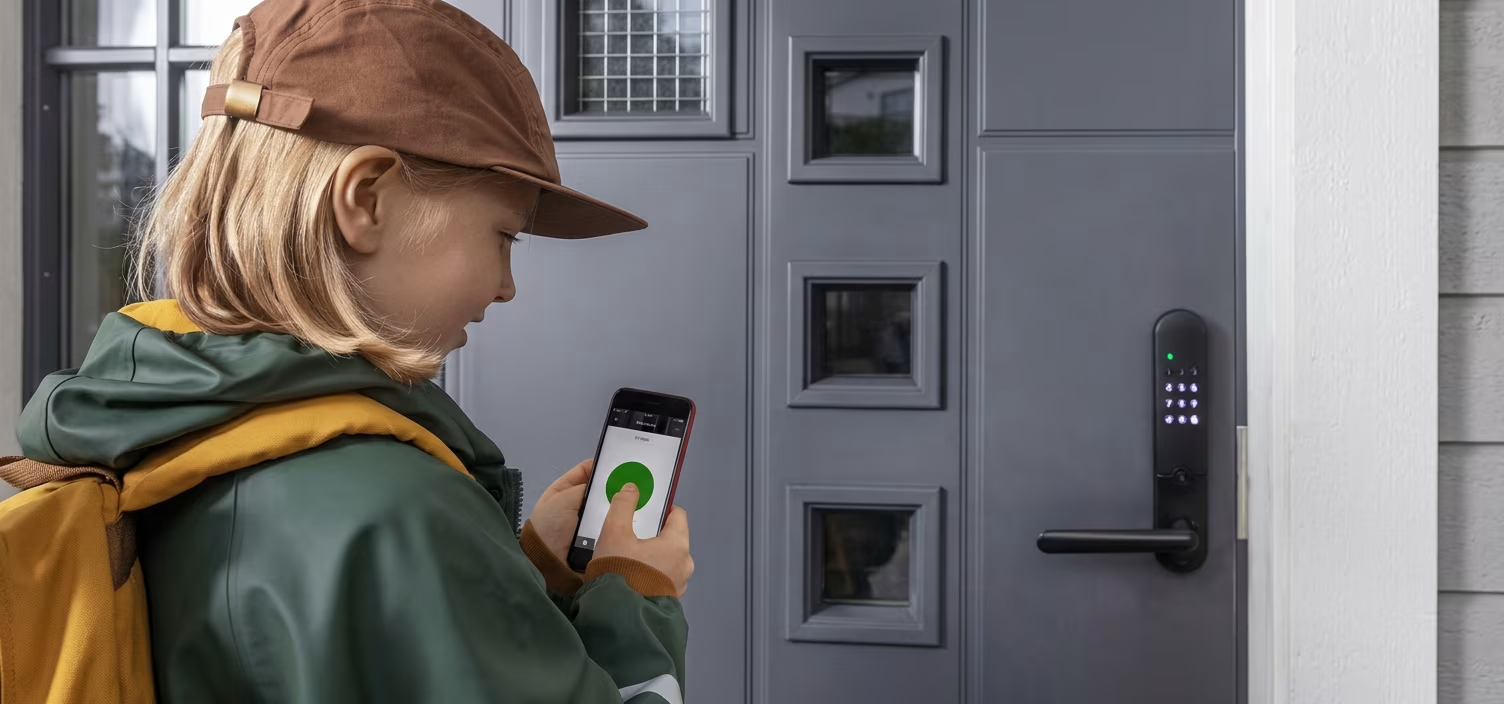
Your own actions can improve the security of smart home products and reduce potential damage if security is unexpectedly compromised. For example, with a surveillance camera, consider where you place it and when it records. Don't position a surveillance camera anywhere you absolutely wouldn't want an outsider to see. This way, no one can access anything critical if security fails. With a smartphone-controlled smart lock, you can usually choose whether the lock can be controlled remotely or only when you're nearby. Remote control adds convenience to your daily life—you can unlock your front door from work for a child who forgot their key, for example. From a security standpoint, the safest option is to allow the lock to be used only locally, within close range.
3. Set a strong password during setup
When setting up a smart device, it's crucial to replace the default password with a new, strong password, as default passwords are easier to crack. Don't reuse passwords across different devices and services—each password should be unique. Some smart locks support unlocking with a separate PIN code. Remember to change active PIN codes regularly. It's also a good idea to keep the smart lock's control panel clean so fingerprint smudges don't reveal clues about the code.
4. Always update your device's operating system, apps, and browsers
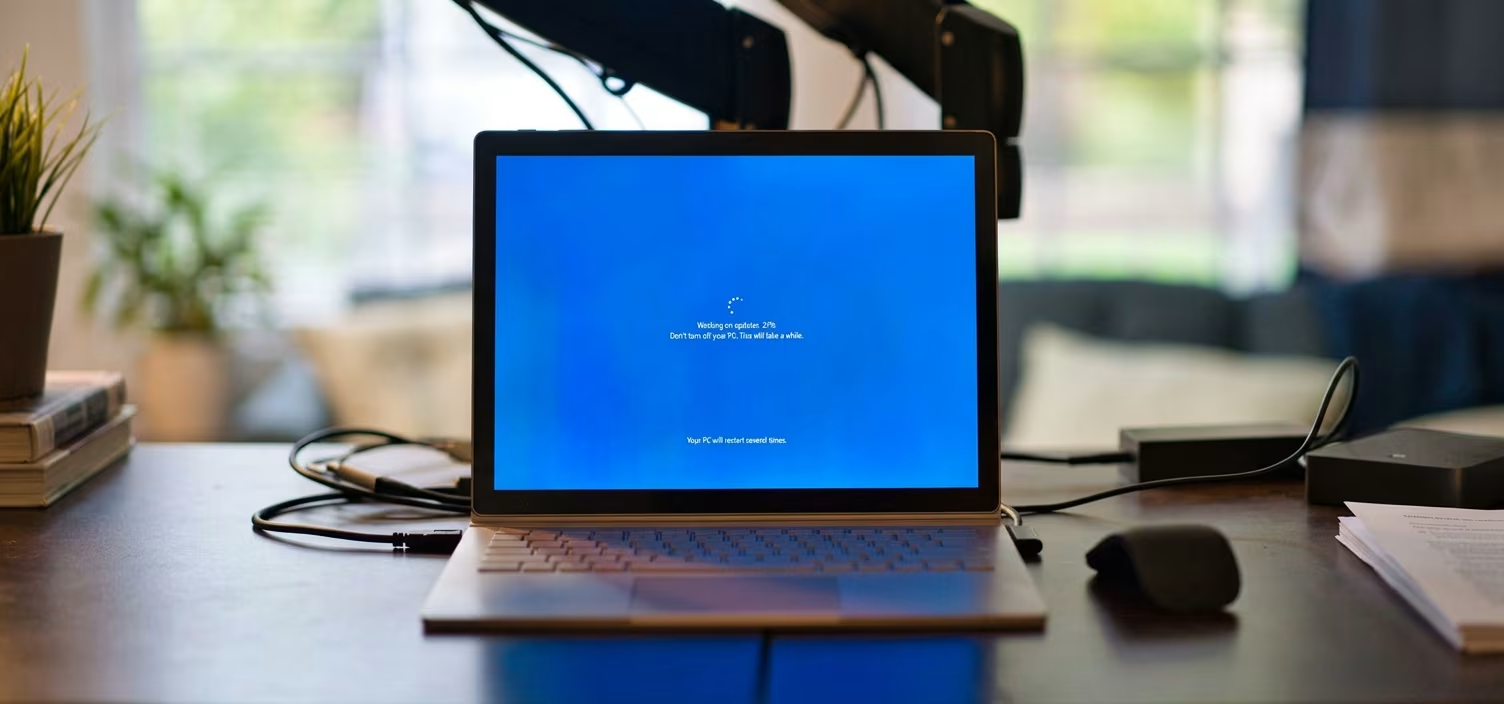
One of the most important security measures for smartphones, computers, and smart home devices is keeping updates current. Operating systems, apps, and browsers all require regular updates. Unfortunately, many people skip updates due to a common misconception: they expect updates to bring groundbreaking new features, and if they don't, they can't be bothered to install them. In reality, updates rarely introduce new features—their purpose is to fix vulnerabilities and improve security.
5. Separate your smart home devices from your main network using a guest network
The biggest security risk with smart devices is that an outsider could access your main network through a smart device and reach files on your computer, for example. To prevent this, you should separate smart devices from your main network by creating a dedicated guest network. Most routers have a guest network feature that can be used for this purpose. Connect smart devices that don't browse the internet to the guest network.
6. Install security software on your computer and smartphone
Security software protects against viruses and malware, which is why it's essential to have it installed on your computer. Beyond computers, security software also provides protection for smartphones, so it's worth installing at least on your child's phone.
7. Use a standard user account on your computer
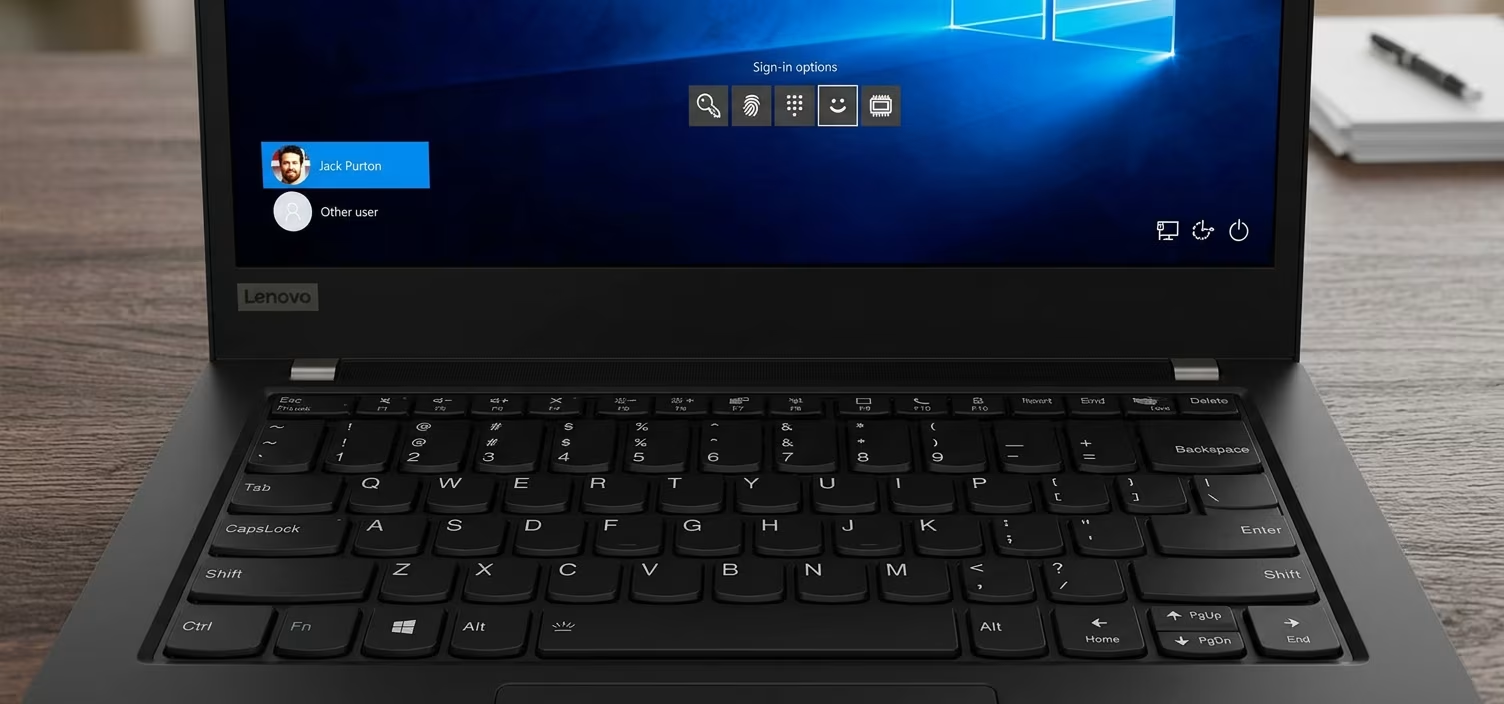
When you set up a computer, at least one user account is created. The first account is automatically an admin account, which has extensive permissions on the computer. However, in addition to the admin account, you should create a standard user account for everyday use. Thanks to its limited permissions, it's a safer option for daily activities because malware and unauthorized users can't cause as much damage as they could with an admin account. Permissions are also important to consider when creating accounts for family members. For children, be especially careful with permissions—you should definitely create a standard user account for them.
8. Don't click links in suspicious text messages or emails
Never click a link in a suspicious email or text message, as these can be used to phish for personal information like banking credentials. Even security software may not be able to protect your data if you follow a link from an email or text message.
9. Protect your files with security measures
Some people share files on their home network. If you do this, think carefully about which files you share on your network without password protection. For example, photos and other important files should be password-protected.
Verkkokauppa.com Recommends
A secure network connection is absolutely essential. The most important security measures for mobile broadband devices, routers, and mesh systems are creating a strong password and keeping the system updated. Today, almost every router requires you to set a password during setup. Additionally, many modern routers allow you to automate updates or manage them conveniently through a mobile app.
Network devices typically have built-in security features, and modern devices offer solid protection. However, if you have a 10-year-old network device, it may no longer receive updates. That's why upgrading an old network device to a new one can be a smart move.
While smart devices come with their own security risks, there's no need to worry—by following these tips and using common sense when it comes to security, you'll be well protected.
Give Us Feedback – Was this article helpful?
We want your feedback! Rate this article on a scale of 1–5 and let us know how we could improve.
Give feedback → (Ulkoinen palvelu) (Avautuu uuteen välilehteen)