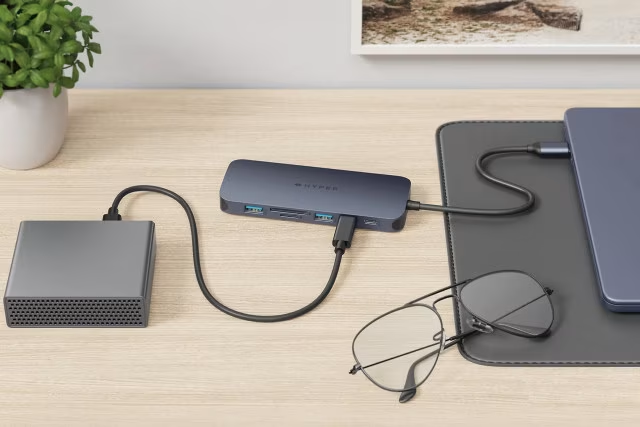
Adapter, USB hub, or docking station? That is the question.
When your computer runs out of USB ports, you need different ports than what your computer has, or you want to connect your computer to multiple displays, it's time to shop for adapters, USB hubs, or docking stations. But which one do you actually need, and what should you know about compatibility? Read this article and you'll likely find answers to these and perhaps other questions you've been wondering about.
Psst, if USB-C and USB-A are unfamiliar concepts, read our USB guide first!
Adapter, USB hub, and docking station – how do they differ?
Adapters and USB hubs share many of the same use cases, as do USB hubs and docking stations. Different manufacturers may even refer to their devices interchangeably as USB hubs and docks if they have very similar features, sometimes calling them mini docks. Then there are larger docking stations with significantly more technology inside, offering more capabilities than USB hubs. Adapters and docking stations, however, serve quite different purposes.
- Adapter: The most affordable option that converts your computer's USB port into a different type. Works well for a specific, well-defined need.
- USB hub: Expands one USB port into multiple ports of the same type or offers several different port types.
- Docking station: Powerful enough to connect your computer to multiple displays and other peripherals.

Adapters
An adapter is the most affordable option for connecting a specific peripheral that isn't directly compatible with your computer's USB ports, provided you have enough ports available. Newer computers may only feature USB-C ports, while many peripherals still use USB-A, requiring a USB-C to USB-A adapter.
USB hubs don't always offer the specific ports required for every situation, whereas the selection of standalone adapters is much broader.