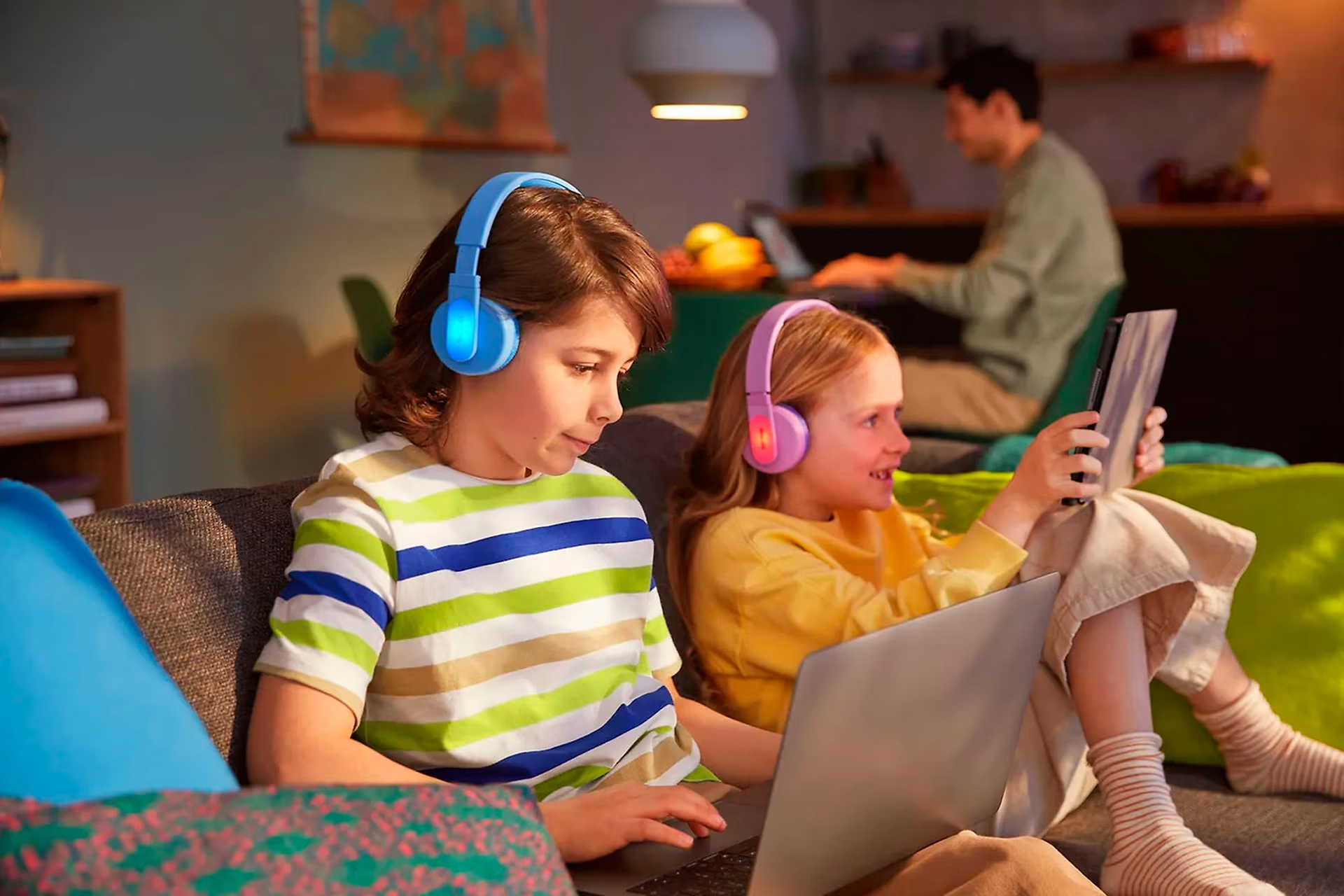
3 tips for choosing computer accessories for kids
There are countless computer accessories out there, but which three do our experts consider essential for children? Read our guide and find the best accessories to improve your child's computing experience.

1. Prioritize antivirus protection for your child's computer
“The best antivirus is your own finger,” our expert says, but quickly adds that this doesn't apply to children: “Colorful links and banners can be tempting to click, making antivirus protection essential.”
While the built-in Windows Defender might suffice for tech-savvy adults, a dedicated antivirus program offers valuable extra features and peace of mind. Our experts strongly recommend separate antivirus software for children's computers, as it provides more precise parental controls. Although Windows already includes various safety and usage features through Microsoft Family, a dedicated solution offers more comprehensive protection.

2. Get headphones for your child – for your own peace of mind
Our customer service experts have met many parents who swear by kids' headphones. When a child is playing educational games, for example, the repetitive sounds can eventually become a bit much for parents. Headphones also help children concentrate better if there's a lot of background noise at home. So, keep the peace and get some headphones!
Children have sensitive ears, but fortunately, modern technology ensures a safe listening experience. For instance, Windows allows you to set volume limits, and many headphones come with built-in volume restrictions. Both earbuds and over-ear headphones are available for kids. Letting your child choose their favorite style makes them much more likely to actually use them.

3. Get your child a mouse
While a child might enjoy a pet mouse, we’re recommending a computer mouse here. Then again, why not both? Even for a laptop, it’s worth getting a separate mouse, as it’s much easier to use than a touchpad. It’s also good to get used to using a mouse, as they’ll need those skills in school and later in their career.
Our experts don’t have a single right answer for choosing a mouse, as it’s mostly a matter of personal preference. You can visit our store with your child to test which models feel best in their hand. Lightweight mice have become popular recently, but they aren't for everyone. Wireless mice are significantly more expensive than wired ones, but on the other hand, a wired mouse never needs charging or battery replacements.
Give us feedback – was this article helpful?
We’d love to hear from you! Rate this article on a scale of 1–5 and let us know how we could make it even better.
Give feedback (Ulkoinen palvelu) (Avautuu uuteen välilehteen)