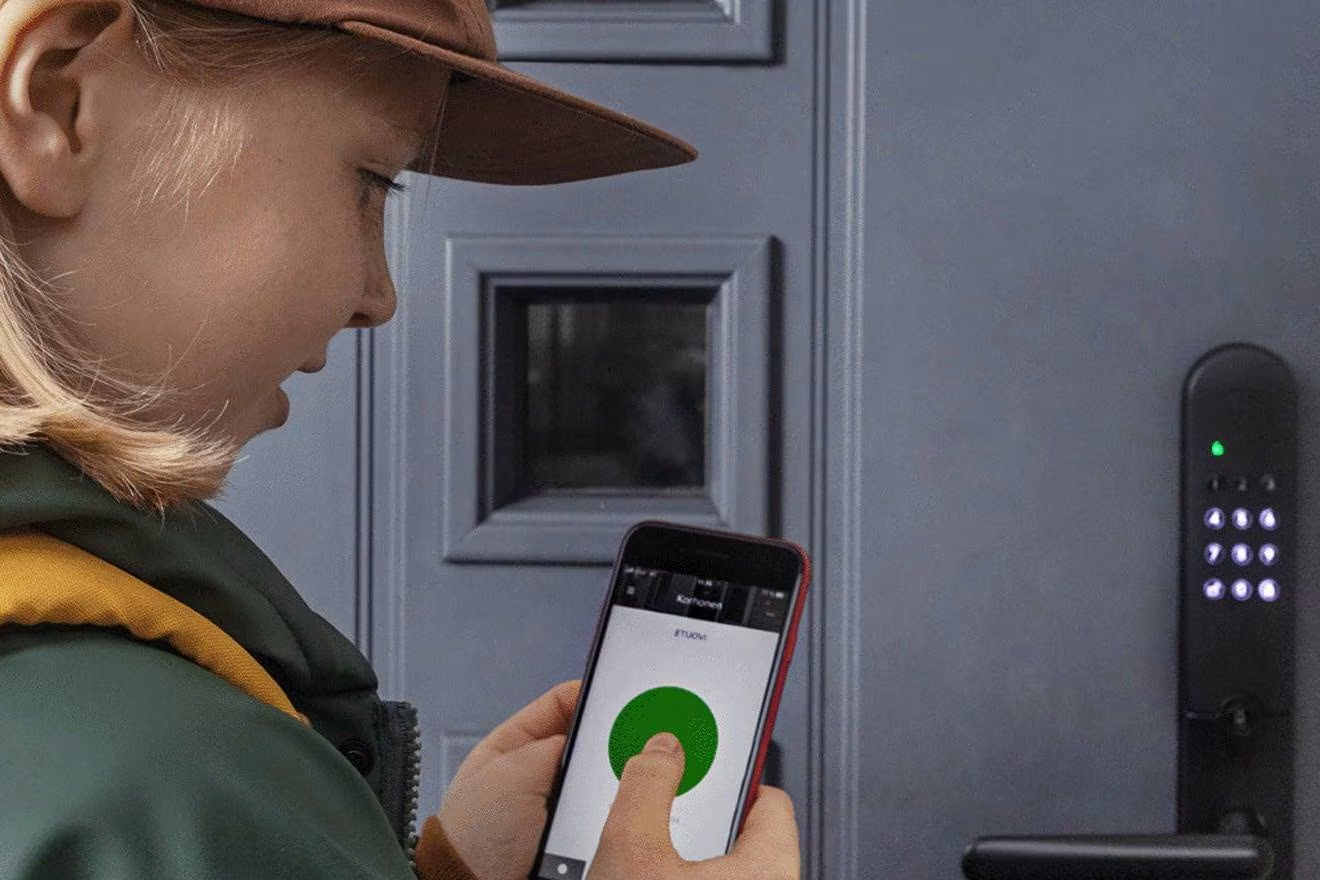
Smart locks and intelligent locking systems
Published June 22, 2020
A smart lock lets you ditch the traditional key without compromising security. Depending on the model you choose, you can create and delete access codes, unlock via app, or use a key fob. Smart locks also make access control easy. A smart lock can be an add-on to your existing lock or a complete replacement that includes the lock body.
What kind of smart lock is right for me?
There are many types of smart locks on the market. Your choice depends primarily on your housing type, current locking system, and the features you want from a smart lock.
Products can work independently or be part of a broader home automation system, connected through a virtual assistant or home automation hub like a smart speaker. There are plenty of possibilities and options.
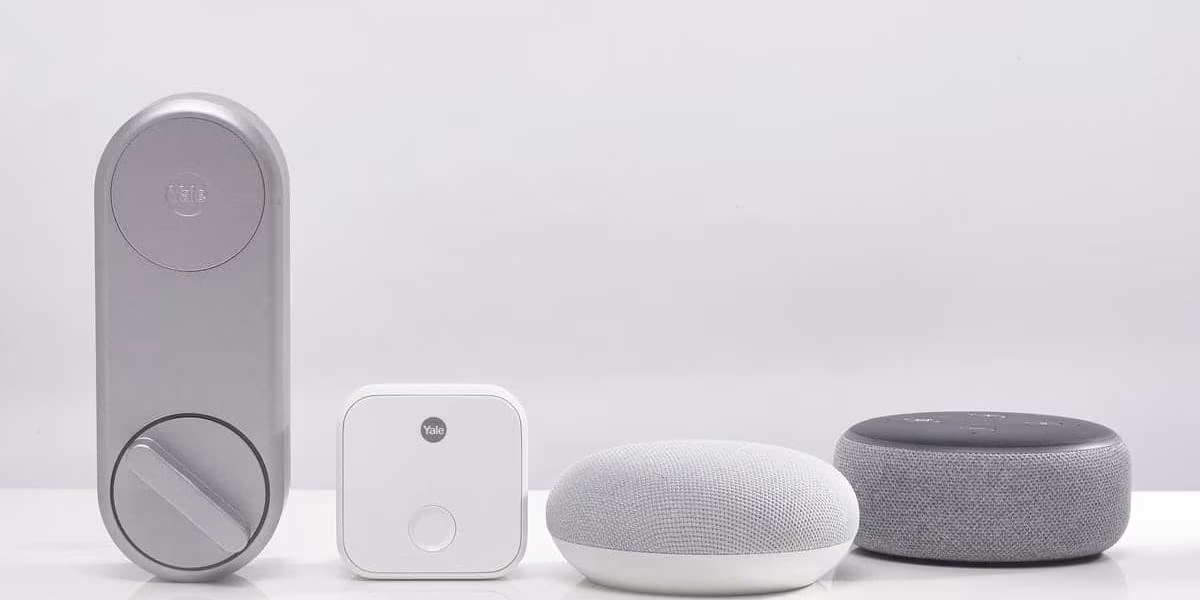
A completely new locking system or an add-on for your current lock?
Smart locks come in two installation types:
- An add-on for your existing lock – make sure it's compatible with your current lock body.
- A replacement for your existing lock – the lock body is also replaced.
In both cases, installation is easy and you can do it yourself.
Smart lock as an add-on for your existing lock
In apartment buildings and townhouses, a mechanical key must work for maintenance companies, for example. If you want a smart lock, you can convert your apartment's current mechanical lock into a smart one by purchasing a smart lock as an add-on to the original lock.
You can add smart features to your door while the mechanical key still works normally.
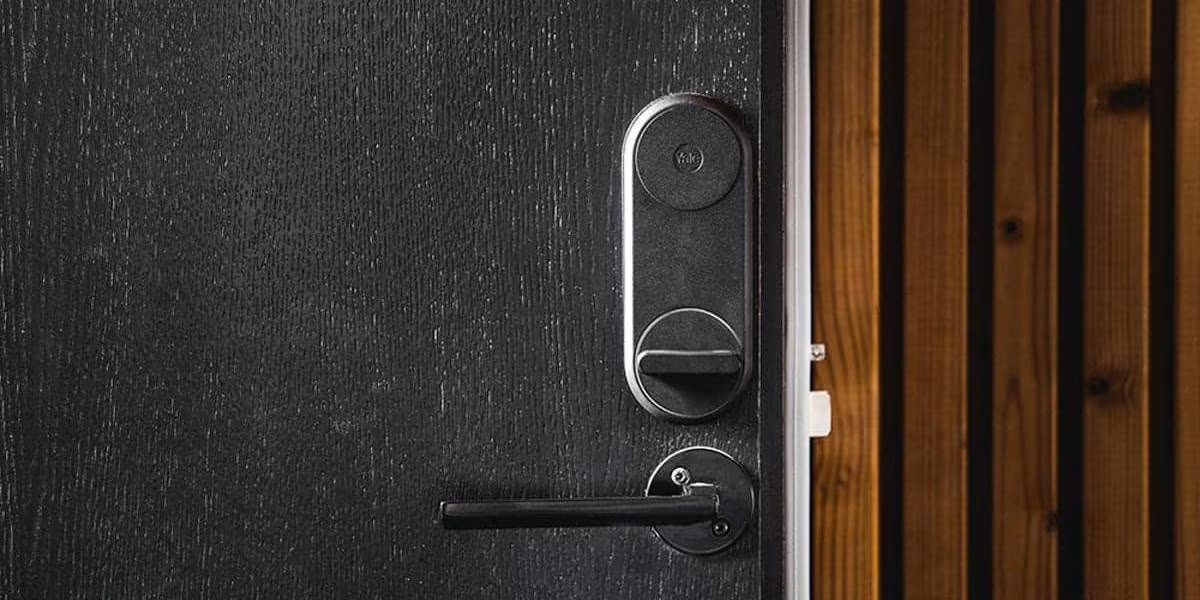
Smart lock as a replacement for your existing lock
In detached houses, semi-detached houses, or summer cottages, you can replace your current locking system and eliminate the traditional mechanical key entirely. The door's existing locking system is removed and replaced with a smart lock with a completely new lock body.
The result is a lock that works with smart features, and you no longer need a mechanical key for anything.
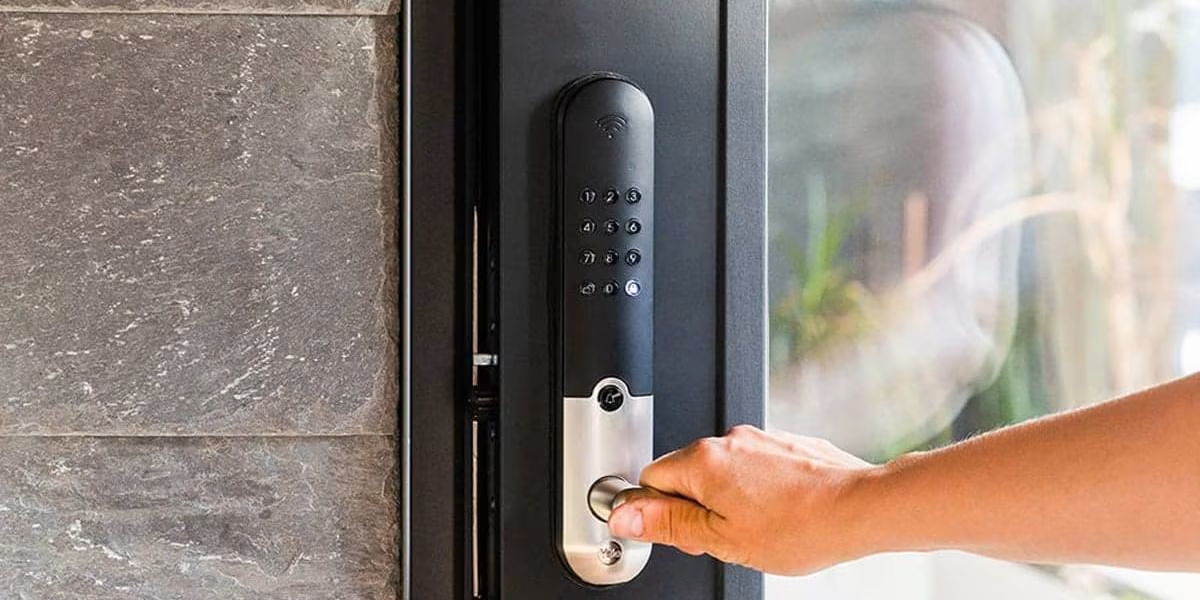
Smart Lock Features – Access Control and Door Opening Mechanisms
Smart locks come with a variety of features, so the key is finding one that best fits your household's needs. Are you getting a smart lock primarily for security? Do you live with forgetful people who can never seem to keep track of their keys?
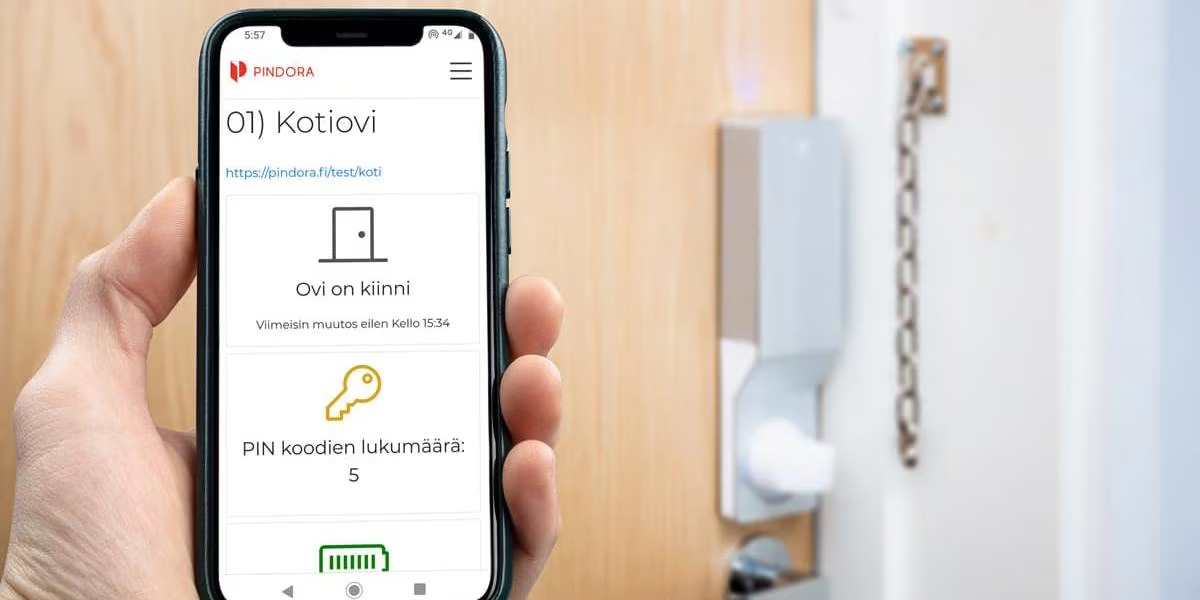
Phone App
Unlock your door for someone else from work or for yourself when you're nearby – no physical key needed.
PIN Code
A PIN code gets you in every time, whether your phone has battery or not. You can easily change codes yourself if you suspect it may have fallen into the wrong hands. You can also set temporary codes.
Key Fob
A physical tag that unlocks the door when shown to the reader. Like a mechanical key, a fob can get lost, but you can easily deactivate it through the app, making it safer for forgetful users than a traditional key.
Auto-Unlock
The lock opens automatically when you approach the door. The lock must recognize you and your phone nearby.
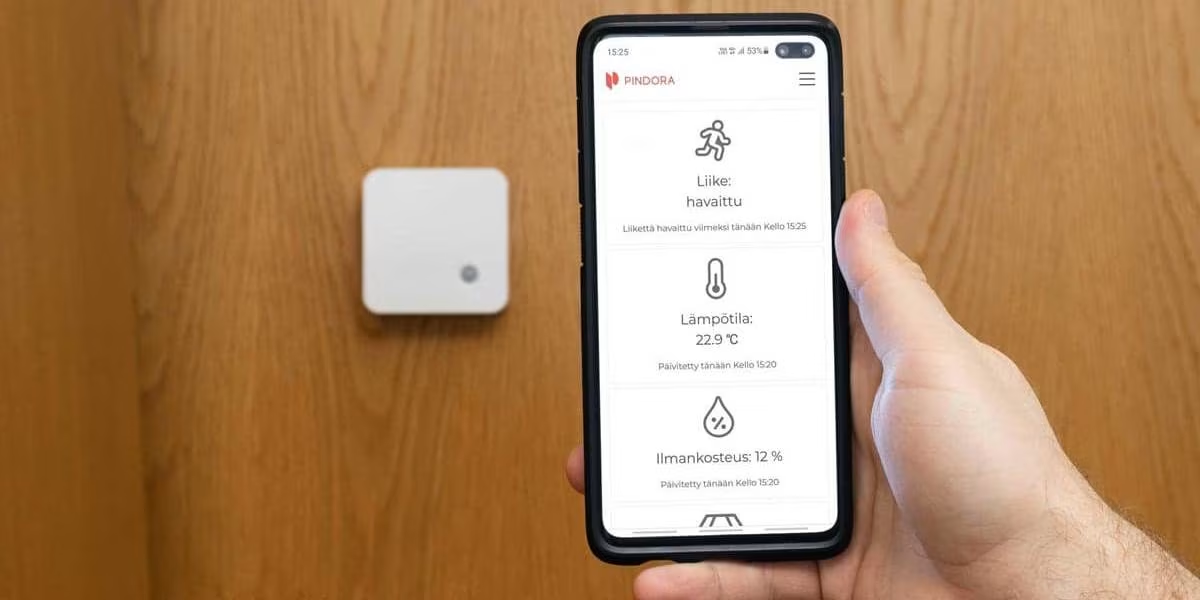
Access Control
Access control lets you track who uses the lock and when, and you can easily grant or revoke access permissions.
Other Smart Lock Features
- Doorbell
- Break-in alarm
- Auto-lock with customizable delay
- Security mode – alert when lock is opened
Smart Locks and Hubs (Bridges) and Home Automation Systems
Some smart locks require a hub in addition to the lock itself to connect to your phone, while others connect directly. You can also integrate a smart lock into your home automation system, such as Apple HomeKit, Google Home, or Alexa. Make sure you get a smart lock that's compatible with your ecosystem.
Give us feedback – was this article helpful?
We’d love to hear from you! Rate this article on a scale of 1–5 and let us know how we could make it even better.
Give feedback (Ulkoinen palvelu) (Avautuu uuteen välilehteen)